

RTX 5060 Ti vs RX 9070: Gaming Performance Compared in South Africa 2026
Head-to-head comparison of RTX 5060 Ti vs RX 9070: Gaming Performance for SA gamers. Performance benchmarks, Rand pricing & which delivers better value.
Read moreDive into WoW Ray Tracing FPS performance! 🎮 Discover if the stunning ray-traced shadows in World of Warcraft are worth the frame rate dip. Get insights on optimizing your settings for the best visual experience without sacrificing too much performance. ✨
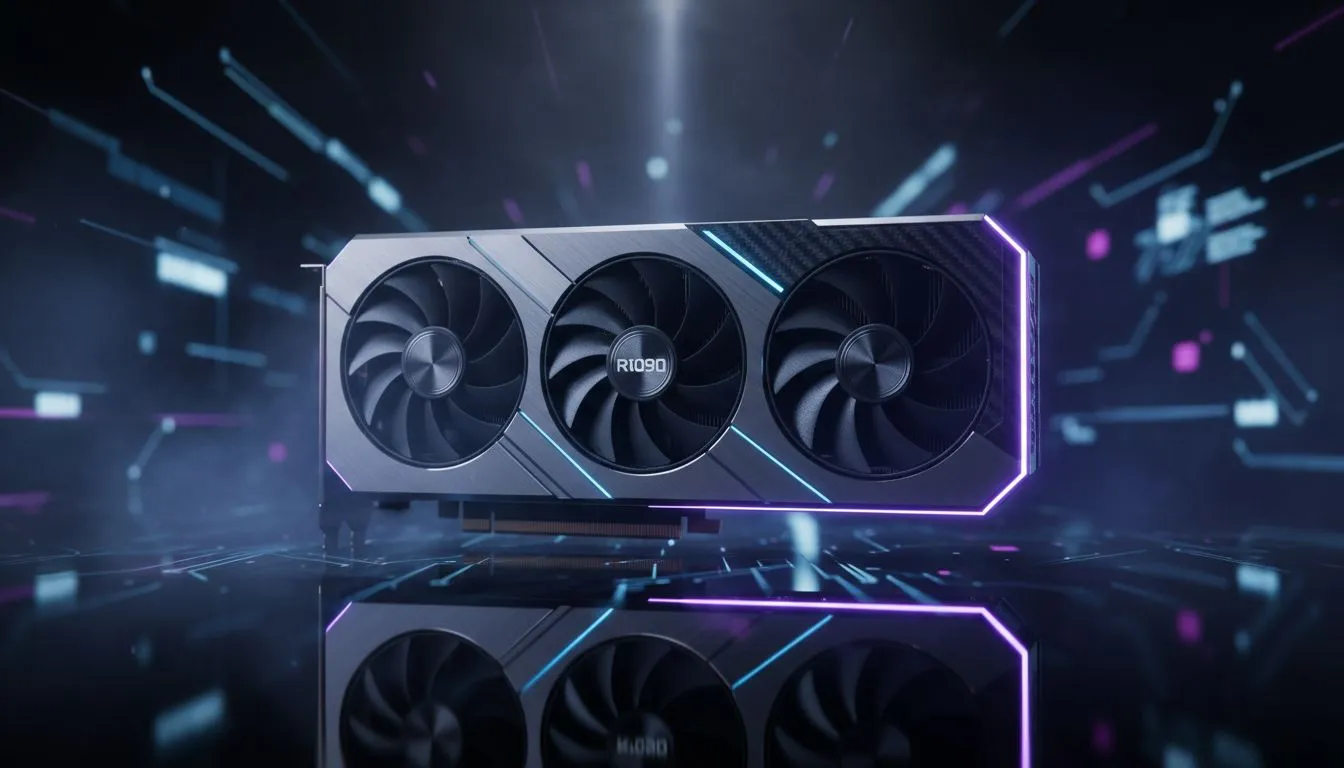
World of Warcraft isn’t exactly Cyberpunk 2077. But when you’re flying over Valdrakken or raiding Amirdrassil, lighting matters. Is WoW Ray Tracing FPS actually worth the performance hit on your South African rig? Many local players wonder if realistic shadows are worth losing those precious frames during a chaotic 20-man raid. Let’s dive into whether your Azerothian adventures need that extra ray-traced shine.
In WoW, ray tracing specifically targets shadows. It does not add the flashy reflections seen in modern shooters. Instead, it creates softer... more realistic shadows that react to multiple light sources. While this adds depth to the forest floors of Teldrassil, it requires a modern GPU. If you are looking to upgrade, checking out the latest NVIDIA or AMD graphics cards is the first step toward better lighting. 🔧
The impact on your WoW Ray Tracing FPS can be quite heavy. Even on high-end systems, enabling this feature can tank your frames by 30% or more. In a busy capital city, this might be the difference between a smooth 100 FPS and a stuttering 60 FPS. If you prefer the reliability of MSI graphics cards, you might have enough overhead to keep the setting on. However... for most competitive raiders, raw performance usually wins over visual flair. ⚡
If you want the best of both worlds, set Ray Traced Shadows to 'Fair'. This provides a noticeable improvement over standard shadows without the massive performance penalty of the 'High' or 'Ultra' settings. It is the sweet spot for maintaining a stable WoW Ray Tracing FPS during intense combat.
Not all hardware handles these calculations the same way. Newer entries like Intel Arc graphics cards have dedicated hardware for ray tracing. They offer a unique value proposition for South African gamers on a budget. On the other hand, many veterans prefer to buy AMD Radeon graphics cards for their excellent rasterization performance in massive online worlds. 🚀
Some users might even consider using workstation graphics cards for their dual-purpose builds. While these are great for rendering, gaming-specific cards usually offer better driver support for WoW's engine. Spending R15,000 on a GPU should result in a clear upgrade. Always check if your specific resolution... like 1440p or 4K... can actually handle the extra load before toggling that switch. ✨
Ultimately, the shadow detail is a luxury. If your frames stay above 100 in the heat of battle, leave it on. If you notice a dip when the boss mechanics start flying, it is time to optimise.
Ready to Find Your Perfect Match? The debate over ray tracing is complex, but for maximum power and value in South Africa, your hardware choice is key. Explore our massive range of graphics card specials and find the perfect machine to conquer Azeroth with legendary performance.
The FPS drop with WoW ray tracing can vary significantly, often ranging from 10-30% depending on your GPU, CPU, and specific in-game settings. High-density areas see larger impacts.
For many, the visual upgrade from ray-traced shadows in WoW, offering more realistic and dynamic lighting, is a noticeable enhancement, especially in detailed environments.
To optimize, try lowering the "Ray Traced Shadows" quality setting (Medium vs. High), reducing other shadow settings, or adjusting overall graphics presets to balance performance.
For a smooth experience with WoW ray tracing, an NVIDIA RTX 30-series or AMD RX 6000-series GPU or newer is generally recommended, especially at higher resolutions.
WoW's ray tracing primarily enhances static and dynamic shadows cast by environmental objects and characters, adding depth and realism compared to traditional shadow maps.
You can enable ray-traced shadows in WoW by navigating to the System menu, then Graphics settings, and locating the "Ray Traced Shadows" option under the Shadow Quality section.
High ray tracing generally offers more refined, softer, and accurate shadow edges with greater detail, while medium still provides a significant upgrade over traditional shadows but with less precision.
Performance can vary slightly across expansions due to different zone complexity and asset density. Dragonflight's newer zones often showcase ray tracing more prominently, potentially impacting FPS more.
Head-to-head comparison of RTX 5060 Ti vs RX 9070: Gaming Performance for SA gamers. Performance benchmarks, Rand pricing & which delivers better value.
Read more
RTX 5090 Star Wars Outlaws at 1440p: FPS. Real-world benchmark data, FPS numbers & performance analysis. What SA gamers can actually expect.
Read more
RTX 5060 Star Wars Outlaws at 4K: FPS Benchmark. Real-world benchmark data, FPS numbers & performance analysis. What SA gamers can actually expect.
Read more
Head-to-head comparison of RTX 5060 vs RX 7700 XT: Price-to-Performance for SA gamers. Performance benchmarks, Rand pricing & which delivers better value.
Read more
RTX 3060 Red Dead Redemption 2 FPS: Performance. Real-world benchmark data, FPS numbers & performance analysis. What SA gamers can actually expect.
Read more
Head-to-head comparison of RTX 5060 Benchmarks vs Real Gaming Performance for SA gamers. Performance benchmarks, Rand pricing & which delivers better value.
Read more
When Will the RTX 6090 Launch in South Africa Detailed answer with SA data, expert analysis & practical recommendations for local buyers.

Top Valorant Settings for RTX 5070: FPS Optimisation picks evaluated on performance, value & SA availability with current Rand pricing from Evetech.

RDNA 3.5 Graphics in Ryzen AI 400? Can You Game. Plain-English explanation of what it means, why it matters & how it affects your buying decisions in SA.

GPU Price Index : December Report. Current stock data & price tracking for SA buyers. See what is available and where prices are heading.

Core i5-14600K + B760 + RTX 5060 Build Under. Full parts list, Rand pricing & expected performance. Build confidently with SA-available components.

RX 7600 Apex Legends at 4K: FPS Benchmark. Real-world benchmark data, FPS numbers & performance analysis. What SA gamers can actually expect.

RX 7900 XTX GTA 6 at 4K: FPS Benchmark & Optimal. Real-world benchmark data, FPS numbers & performance analysis. What SA gamers can actually expect.

Head-to-head comparison of RTX 5070 vs RX 9070 XT: Gaming Performance for SA gamers. Performance benchmarks, Rand pricing & which delivers better value.

Starfield Max Settings on RTX 5070. Tested & verified settings for best FPS and visual quality on SA hardware budgets.

Top RX 7800 XT Model Under R8,000 picks evaluated on performance, value & SA availability with current Rand pricing from Evetech.

RTX 5070 Valorant Optimised Settings: Graphics. Real-world benchmark data, FPS numbers & performance analysis. What SA gamers can actually expect.

Top Laptop with Core i7 + RX 7700S: Picks picks evaluated on performance, value & SA availability with current Rand pricing from Evetech.