

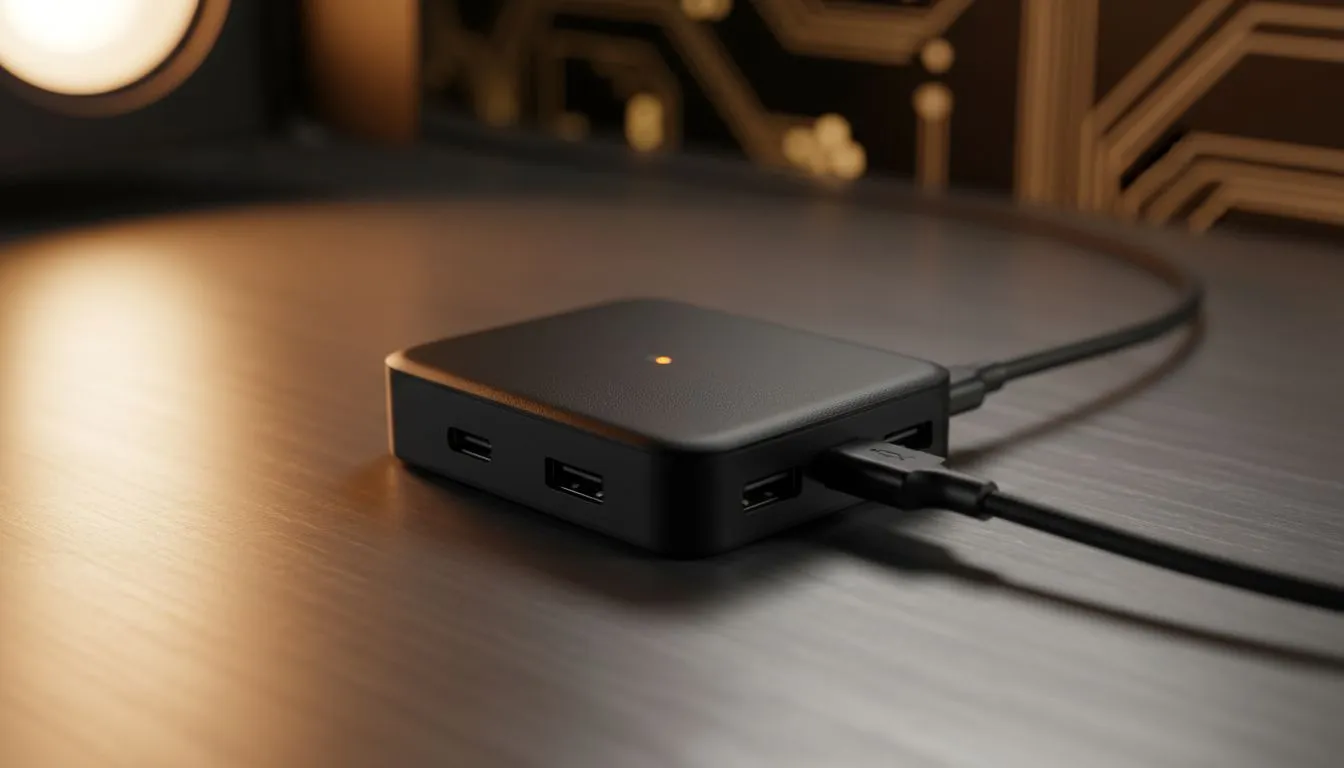
Unlocking the XREAL Hub 120Hz While Charging: Best Settings
You are mid-boss fight on your Steam Deck, and the low battery warning flashes. It is a moment every South African gamer dreads... especially when you are immersed in a virtual big screen. Usually, you would have to choose between high performance or staying powered up. The XREAL Hub changes that dynamic entirely. Achieving the XREAL Hub 120Hz While Charging: Best Settings is the key to uninterrupted, silky-smooth gameplay.
Getting Started with the XREAL Hub
The XREAL Hub is a compact powerhouse designed to split your signal. It allows for simultaneous power delivery and high-fidelity video output. If you have been browsing our AR glasses category, you know that keeping these devices powered during long sessions is the biggest hurdle.
To hit that coveted 120Hz mark while drawing power, you need a high-wattage charger. We recommend a PD (Power Delivery) charger of at least 45W... though 65W is the sweet spot for devices like the ROG Ally. This ensures the hub has enough overhead to power both the handheld and the optics without dropping the refresh rate to 60Hz.
Optimising Your Device Settings
Once the hardware is connected, your software settings must align. On the Steam Deck or ROG Ally, navigate to your display settings while the hub is connected. You should see an option for 120Hz. If it is greyed out, check your cable. Not all USB-C cables are created equal... ensure you are using the one provided with your premium AR glasses to maintain data integrity.
For Windows-based handhelds, ensure your "Project" mode is set to "Second Screen Only". This reduces the load on the GPU. It allows the system to focus entirely on pushing frames to your glasses. This is a vital step for maintaining a stable 120Hz refresh rate during intense action sequences.
Smooth Motion Tip ⚡
When using the XREAL Hub with a PC or handheld, always disable 'Variable Refresh Rate' (VRR) if you notice flickering. Most current AR glasses prefer a fixed 120Hz signal. This keeps the image stable and prevents the eye strain often associated with fluctuating frame timings in virtual environments.
Why Performance Matters in South Africa
With the rising popularity of mobile gaming in South Africa, we need gear that keeps up. Whether you are commuting or lounging at home, the ability to charge while playing is transformative. We offer a vast selection of AR hardware to help you find the right fit for your lifestyle.
Using the correct settings ensures your gear lasts longer. High refresh rates demand more from your battery... but with the Hub, that stress is gone. You get the best of both worlds: the immersion of a 130-inch screen and the reliability of a wall outlet.
Ready to Upgrade Your Vision? Experience the future of gaming with the latest AR technology available at Evetech. Whether you need the XREAL Hub or the glasses themselves, we provide the best tech at the best prices in South Africa. Explore our AR glasses collection and take your setup to the next level today.











