

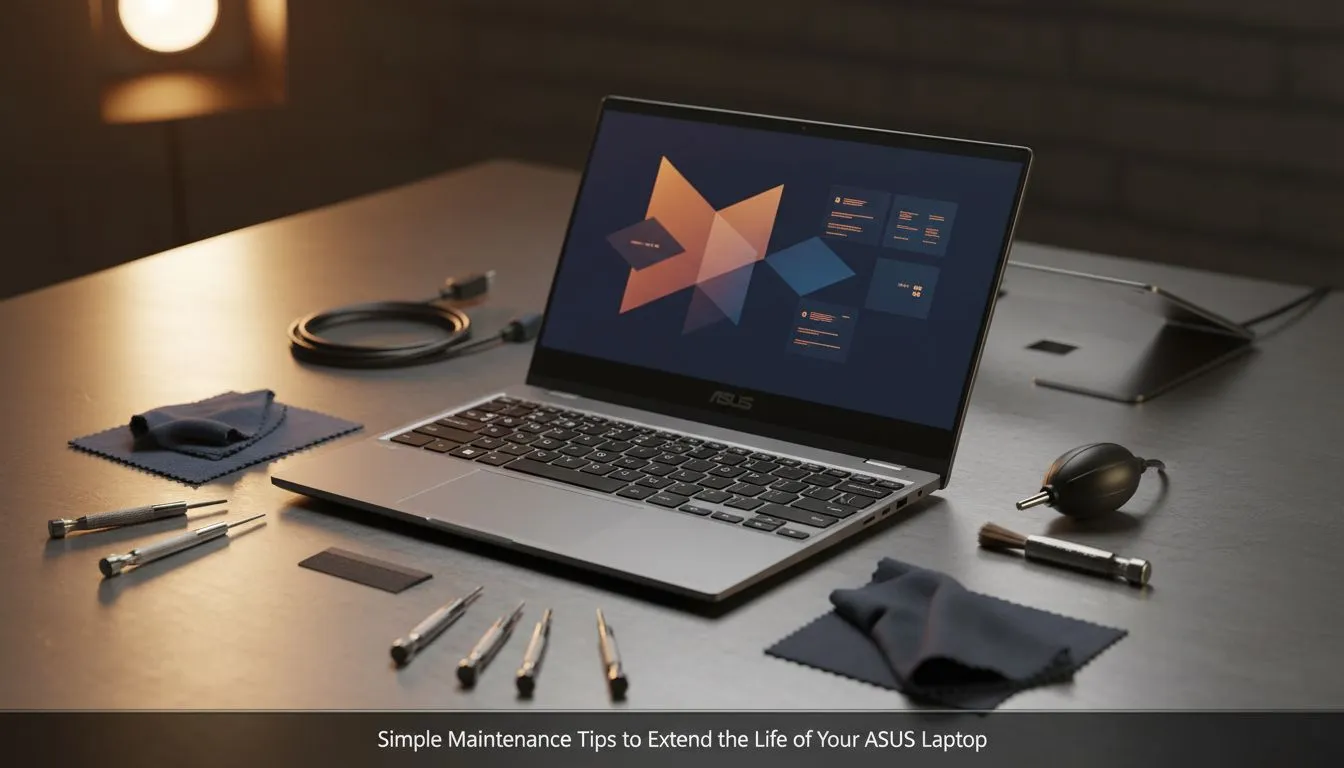
You just unboxed your shiny new ASUS laptop. The smell of fresh electronics, the lightning-fast boot time… it’s a beautiful thing. But how do you keep it feeling that way a year or two down the line? Proper ASUS laptop maintenance isn't just for tech wizards; it's the key to protecting your investment and ensuring your machine runs smoothly for years. A few simple habits can make all the difference between a high-performance beast and an expensive paperweight.
Keep Your ASUS Laptop Cool and Clean 🌬️
Heat is the number one enemy of performance and longevity. Over time, dust and lint clog up the internal fans and heatsinks, trapping heat and forcing your components to throttle (slow down). The first step in any good ASUS laptop maintenance routine is physical care.
- Clear the Vents: Once a month, use a can of compressed air to blow dust out of the intake and exhaust vents. Make sure the laptop is off and unplugged. Short, controlled bursts are key.
- Wipe it Down: Use a microfibre cloth for the screen and chassis. For stubborn grime, slightly dampen the cloth with water or a 50/50 mix of isopropyl alcohol and water. Never spray liquid directly onto the laptop.
- Promote Airflow: Avoid using your laptop on soft surfaces like a bed or couch, which can block the vents. A laptop stand is a great investment, especially for powerful GeForce RTX gaming laptops that generate more heat.
Optimise Your ASUS Laptop's Battery Health
Modern laptop batteries don't like being at 100% or 0% for long periods. Consistently charging to full and running it completely flat will degrade the battery's health much faster.
A simple rule for extending its lifespan is the 20-80 rule. Try to keep your battery charge between 20% and 80% for daily use. Many ASUS laptops include a "Battery Health Charging" mode in the MyASUS software, which automatically limits the maximum charge to 80% or 60% to preserve the battery. This kind of smart power management is a hallmark of many modern powerful Intel laptops designed for on-the-go productivity.
Master Your Software and Storage ✨
A cluttered digital space is just as bad as a dusty physical one. Bloatware, unnecessary startup programs, and a nearly-full drive can bring even the fastest machine to its knees. Good digital hygiene is a crucial part of maintaining your ASUS laptop.
- Uninstall Unused Apps: Go through your installed programs list and remove anything you don't use.
- Manage Startup Programs: Press
Ctrl + Shift + Escto open Task Manager, go to the "Startup" tab, and disable programs you don't need running the moment you log in. - Keep Drivers Updated: Ensure your graphics drivers, chipset drivers, and Windows updates are current. This is vital for security, stability, and getting the best performance in games.
This is especially important on more affordable machines where every bit of performance counts, like the many great gaming laptops under R20k available today.
Storage Sense Pro Tip ⚡
Windows has a built-in tool called Storage Sense. Go to Settings > System > Storage and turn it on. You can configure it to automatically delete temporary files and empty your Recycle Bin after 30 days. It’s a simple, set-and-forget way to keep your drive from filling up with junk.
Know When It’s Time for a New Rig
Following these ASUS laptop care tips will dramatically extend the life and performance of your machine. But technology moves fast. If your laptop struggles to run the latest software, can't handle your workflow, or spends more time loading than working, it might be time to consider an upgrade. Sometimes, the best maintenance is a fresh start.
Whether you're looking for the multitasking prowess found in our efficient Ryzen laptop deals or just want to see what's new, knowing your options is always a good idea. Don't let an old, slow machine hold you back from your next big win or creative project. When you're ready, you can explore all of the best gaming laptop deals to find a worthy successor.
Ready for a Performance Boost? Following these maintenance tips will keep your ASUS laptop in top shape. But if your current machine is past its prime, the ultimate upgrade is a new one. Explore our massive range of laptop specials and find the perfect PC to conquer your world.











