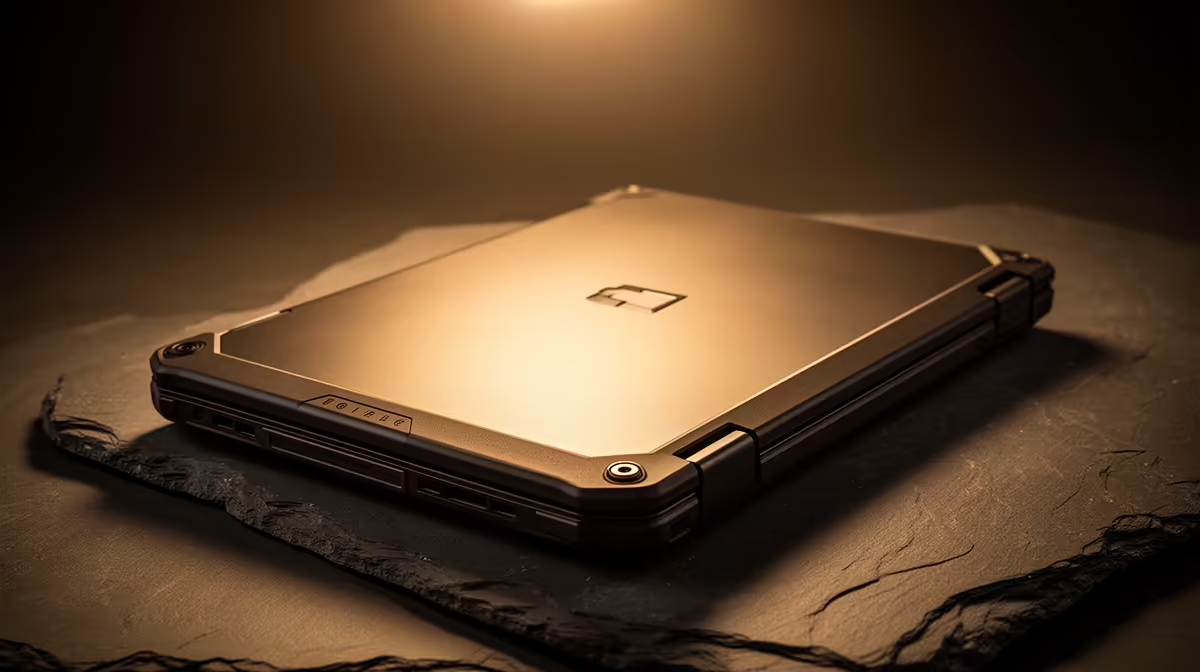
Ever had that heart-stopping moment during a BIOS update when the power cuts? Thanks to loadshedding, it’s a uniquely South African tech nightmare that can turn a powerful laptop into a pricey paperweight. But what if your machine could recover on its own? That’s the genius of Auto Recovery BIOS, the unsung hero in modern rugged laptops. This self-healing tech is your best defence against firmware disasters, ensuring your investment is always protected. 🚀
What is Self-Healing BIOS Technology?
Think of the BIOS (Basic Input/Output System) as the very first spark that brings your laptop to life. It’s the low-level software that wakes up all your hardware before Windows or any other operating system can load. If this core code gets corrupted—by a failed update, a power surge, or malware—your laptop simply won't start.
An Auto Recovery BIOS system works like a built-in paramedic. 🔧 It constantly checks the health of the main BIOS. If it detects corruption, it automatically restores a clean, safe copy from a hidden, protected partition on your storage drive. The whole process is seamless, often happening without you even knowing there was a problem.
Why This Matters for South African Users
In a country where stable power isn't always a guarantee, this feature is less of a luxury and more of a necessity. For gamers, a corrupted BIOS before a tournament is a catastrophe. For professionals and students, it means catastrophic data risk and missed deadlines. This technology provides critical peace of mind.
Whether you're pushing frames in the latest AAA title or finalising a critical project, you need a machine that won't fail you. The resilience offered by rugged laptops with this self-healing tech means you can survive unexpected interruptions, making it a perfect fit for the most demanding gaming sessions.
BIOS Update Best Practice
Even with recovery tech, play it safe. Always update your BIOS with the laptop plugged in and the battery fully charged. Never interrupt the process, and try to schedule it when loadshedding is least likely in your area. A few minutes of caution saves hours of headache.
Finding Laptops with Built-In Protection 🛡️
So, how do you find a laptop with this feature? Manufacturers often give it branded names like HP Sure Start or Dell BIOS Recovery. When browsing specs, look for terms like "Self-Healing BIOS," "BIOS Protection," or "CrashFree BIOS."
This fantastic technology isn't exclusive to one brand or type of processor. You can find robust protection in both powerful AMD-powered laptops and the latest Intel-based machines, ensuring there's a reliable option for every user and budget.
Ultimately, an Auto Recovery BIOS is about safeguarding your digital life. It’s a silent guardian that ensures your hardware investment is protected against the unforeseen. As you browse the latest laptop specials for sale in South Africa, it's a spec well worth looking for.
Gear Up with Confidence
Stop worrying about firmware failures and focus on what matters... winning. Check out our lineup of the best gaming laptop deals and find a machine that’s as tough as you are.