

Can 240Hz monitor Handle 4K Gaming in 2026?
Can 240Hz monitor Handle 4K Gaming in 2026 Detailed answer with SA data, expert analysis & practical recommendations for local buyers.
Read more⚡ Learn how to avoid CPU bottlenecks and boost your PC's performance with expert tips. Optimize your system for peak efficiency today!
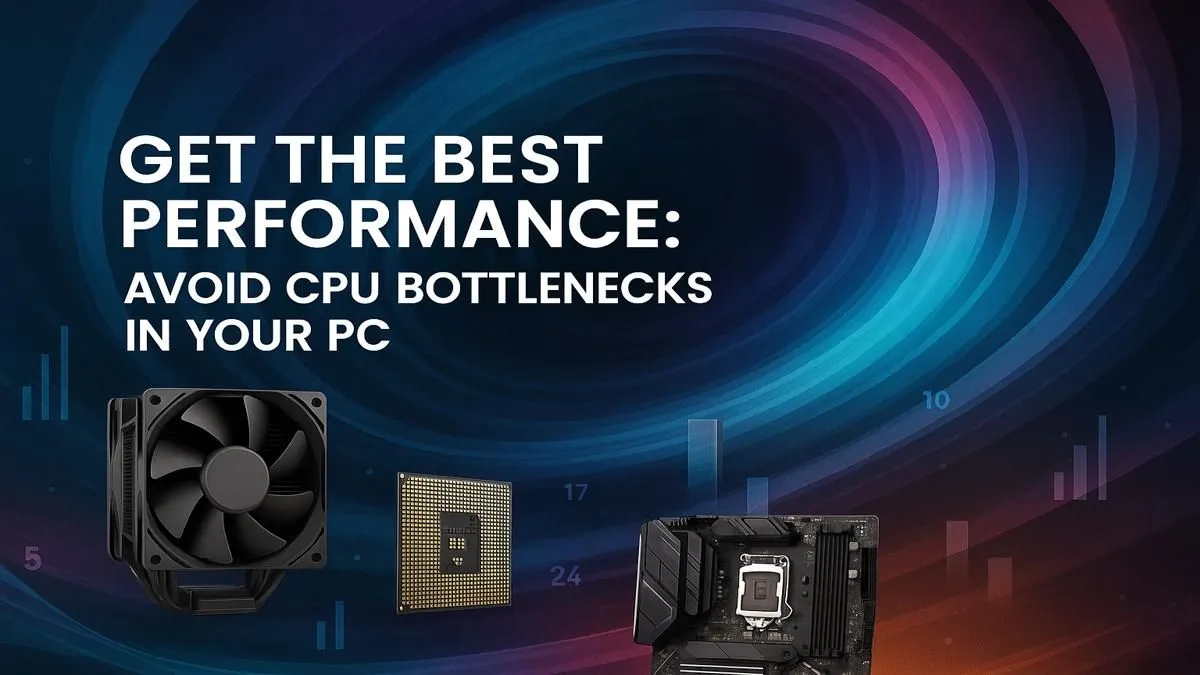
Ever felt that gut-punch when your brand-new graphics card is roaring, but your frames are still stuttering like a dodgy taxi on a dirt road? Or perhaps your favourite open-world game crawls when the action gets intense, despite having a beastly GPU? You’re not alone. Many South African gamers face this frustration, often without realising the culprit: a CPU bottleneck. It’s time to avoid CPU bottlenecks and truly unlock maximum PC performance. Let's get your rig running smoother than a perfectly braaied boerewors. ✨
Think of your PC as a team of highly skilled workers. Your Graphics Processing Unit (GPU) is a super-fast artist, rendering incredible visuals at lightning speed. Your Central Processing Unit (CPU) is the project manager, telling the GPU what to draw, coordinating with RAM, and handling all the game logic, AI, and physics.
A CPU bottleneck occurs when your CPU can't keep up with the demands of your GPU. It's like having that super-fast artist waiting around because the project manager is too slow to give instructions. The GPU sits idle for crucial milliseconds, leading to lower frame rates, stuttering, and an overall sluggish experience. Your powerful GPU might only be utilised at 60-70%, leaving significant performance on the table.
Before you rush to upgrade, it’s vital to confirm a CPU bottleneck. Here are the tell-tale signs:
Always use real-time monitoring software like MSI Afterburner or HWMonitor while gaming. Pay close attention to your CPU and GPU utilisation percentages. This data is your best friend for diagnosing performance issues.
Once you've identified a bottleneck, what next? Here's how to tackle it and truly unlock maximum PC performance.
The most effective way to avoid CPU bottlenecks from the start is to build a balanced system. You wouldn't put a V8 engine in a bicycle, nor would you pair a top-tier NVIDIA RTX 4090 with a decade-old entry-level CPU. Aim for components that complement each other. For instance, a high-end GPU usually demands a powerful modern CPU to feed it frames efficiently. Evetech offers a wide range of CPU processors online to help you find the perfect match for your graphics card.
If your current CPU is indeed holding back your GPU, an upgrade might be necessary. But which one?
Sometimes, a full hardware upgrade isn't immediately feasible or even necessary. You can often mitigate a CPU bottleneck through smart software adjustments:
Understanding and addressing CPU bottlenecks is crucial for any serious South African gamer or tech enthusiast. It’s about ensuring every component in your rig pulls its weight, delivering the smooth, high-performance experience you paid for. Don't let a sluggish CPU hold back your epic gaming adventures or productivity tasks. By balancing your build, upgrading smartly, and optimising your software, you can avoid CPU bottlenecks and truly unlock maximum PC performance.
Upgrade Your Core, Conquer Your Games Ready to eliminate those frustrating stutters and experience your games the way they were meant to be played? Explore Evetech's extensive range of high-performance CPU processors online and build a rig that leaves lag in the dust.
CPU bottlenecks occur when the processor can't keep up with other components, causing system lag and reduced performance.
Use task manager or performance monitoring tools to check CPU usage and identify potential bottlenecks in your system.
Common signs include system freezes, slow application response, and decreased frame rates during gameplay or heavy tasks.
Upgrade your CPU, optimize system settings, close unnecessary background processes, and ensure balanced component selection.
Invest in a high-performance CPU, use system monitoring tools, and maintain balanced hardware configurations to avoid bottlenecks.
Yes, overheating can lead to thermal throttling which reduces CPU performance and creates bottlenecks in demanding tasks.
Can 240Hz monitor Handle 4K Gaming in 2026 Detailed answer with SA data, expert analysis & practical recommendations for local buyers.
Read more
Can You Game on a gaming monitor in South Africa Detailed answer with SA data, expert analysis & practical recommendations for local buyers.
Read more
Can You Use 144Hz monitor for Both Gaming and Work Detailed answer with SA data, expert analysis & practical recommendations for local buyers.
Read more
How Does the gaming monitor Perform in SA Summer Heat Detailed answer with SA data, expert analysis & practical recommendations for local buyers.
Read more
Do You Need a VA monitor for Gaming in South Africa Detailed answer with SA data, expert analysis & practical recommendations for local buyers.
Read more
Why Is My 1440p monitor Running Hot in SA Summer Detailed answer with SA data, expert analysis & practical recommendations for local buyers.
Read more
Every spec on PCIe 5.0 explained in plain English. What matters for gaming and creator work in 2026, what's marketing fluff, and how each number translates to real-world performance.

A head-to-head look at WiFi 7: real-world performance, ZAR pricing and which option delivers better value for SA builders. The clear answer — no fluff.

Everything you need to set up and tune PCIe 5.0 properly: the prep work, the settings that actually matter, and the mistakes to skip. Written for SA builders in 2026.

Everything you need to set up and tune X870E Motherboard properly: the prep work, the settings that actually matter, and the mistakes to skip. Written for SA builders in 2026.

Wondering what a 512GB SSD capacity really holds? This guide breaks down how many games, photos, and documents fit on 512GB, with real-world ranges 📦💾

Every spec on vrm explained in plain English. What matters for gaming and creator work in 2026, what's marketing fluff, and how each number translates to real-world performance.

Every spec on motherboard explained in plain English. What matters for gaming and creator work in 2026, what's marketing fluff, and how each number translates to real-world performance.

Premium vs Midrange Motherboards in South Africa: real-world performance, SA pricing, power draw and which one delivers better value for your build for SA buyers. The clear answer — without the fluff.
Wondering what a 512GB SSD capacity really holds? This guide breaks down how many games, photos, and documents fit on 512GB, with real-world ranges 📦💾
Every spec on PCIe 5.0 explained in plain English. What matters for gaming and creator work in 2026, what's marketing fluff, and how each number translates to real-world performance.
A head-to-head look at WiFi 7: real-world performance, ZAR pricing and which option delivers better value for SA builders. The clear answer — no fluff.

Every spec on USB4 explained in plain English. What matters for gaming and creator work in 2026, what's marketing fluff, and how each number translates to real-world performance.