

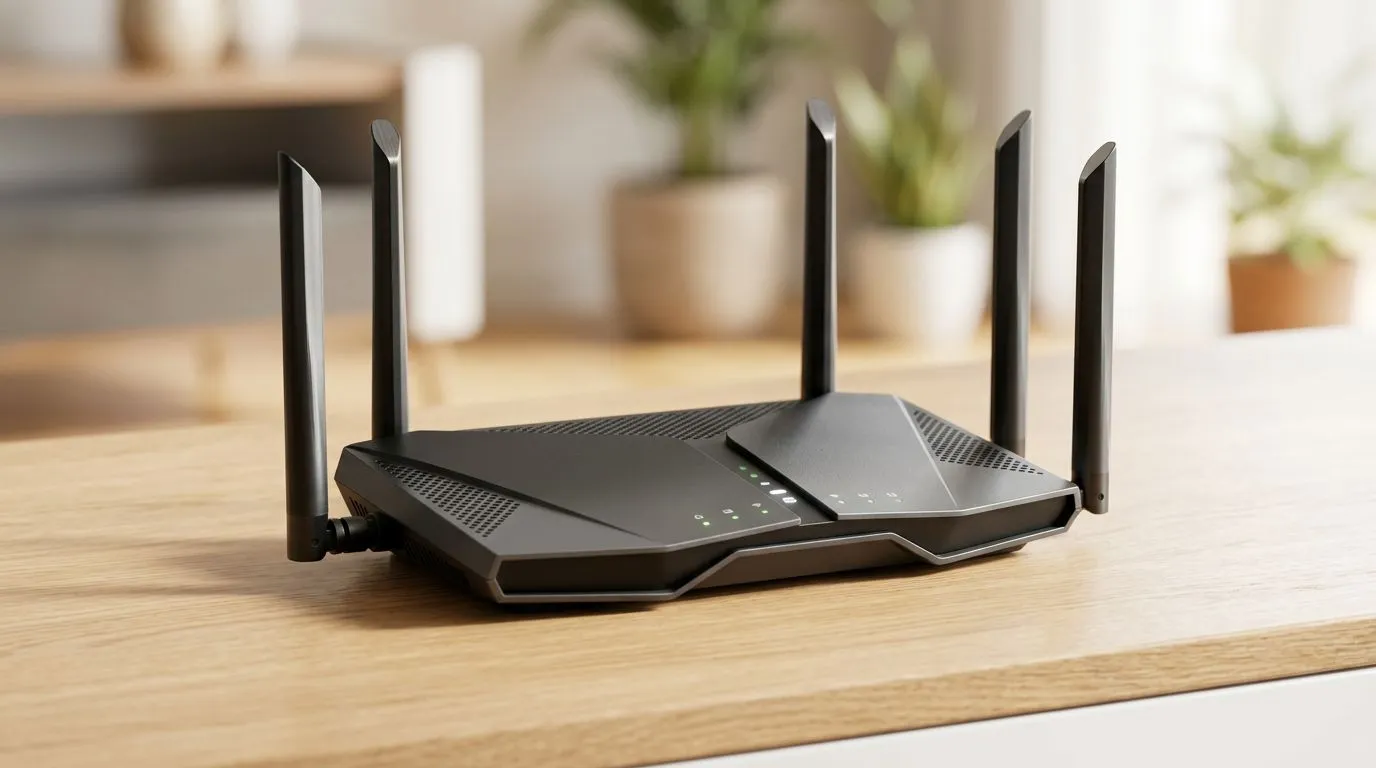
AX1500 Routers Explained: What Do the Numbers Actually Mean? (And Why Gamers Should Care)
If you’ve ever stared at an “AX1500” label and thought, “Cool… but what does that actually do for my Wi‑Fi?”, you’re not alone. South African gamers live and die by latency, stability, and signal strength… and the numbers on a box don’t always tell the whole story. In this Quick Bytes guide, we’ll break down AX1500 routers explained: what do the numbers actually mean, so you can buy smarter, set it up faster, and stop blaming the ISP every time Discord lags. 🎮⚡
AX1500 Routers Explained: What Do the Numbers Actually Mean? (Breaking Down “AX1500”)
First, a quick reality check: AX and 1500 are shorthand, not magic. They point to Wi‑Fi generation and a combined theoretical speed figure.
AX = Wi‑Fi 6 (Not a “speed boost” by itself)
“AX” usually indicates the router supports Wi‑Fi 6 features. Wi‑Fi 6 can help with efficiency in busy networks and can improve performance when lots of devices are active. But the real-world result depends on your home layout, your ISP speed, and how your devices connect.
1500 = combined theoretical throughput (2.4 GHz + 5 GHz)
“1500” is typically a sum of theoretical maximum speeds across bands:
- 2.4 GHz: longer range, lower speeds
- 5 GHz: shorter range, higher speeds
That number is not “your internet speed”. It’s a ceiling under ideal conditions, with compatible clients and clean signal. If your router is across the lounge from your gaming PC, walls will matter far more than the sticker.
Why this matters for South African gaming
In SA homes, you often deal with:
- distance from the router to the room where you game
- thick walls in older builds
- neighbours sharing the same airspace
- loadshedding-era modem/router restarts (when everything reconnects at once)
Wi‑Fi 6 can help, but only if you’re also placing the router sensibly and using the right settings.
AX1500 Routers Explained: What Do the Numbers Actually Mean? (Setup Tips That Actually Move the Needle) 🔧
Here’s how to translate “AX1500” into better gameplay.
Place it like an engineer, not like a decoration
Put the router:
- in a central spot (as central as your layout allows)
- up off the floor (desk shelf beats cupboard)
- away from microwaves, metal cupboards, and thick walls
If you can see the gaming area with fewer barriers, you’ll usually get more stable 5 GHz performance.
Use the band that fits your room distance
If your PC is close, prefer 5 GHz for lower latency. If it’s far, 2.4 GHz might be more reliable even if it’s slower.
Update firmware… then test, not guess
After firmware updates, do one controlled test:
- restart router once
- reconnect your gaming device
- run a quick speed test and a ping test (to the router first, then to your usual game servers)
This stops you from chasing ghosts.
Productivity Pro Tip ⚡
On Windows, use the PowerToys FancyZones utility to create custom snap layouts for your windows. It's a lifesaver for managing multiple apps on an ultrawide monitor, letting you organise your timeline, preview window, and asset folders perfectly for video editing.
AX1500 Routers Explained: What Do the Numbers Actually Mean? (When to Choose Something Else) 🚀
Sometimes an AX1500 is perfect. Other times, you’ll feel the pain and end up tweaking for weeks.
Consider your device list (and how many you have)
If you have a mixed household with phones, smart TVs, consoles, and Wi‑Fi cameras, a router that handles multiple clients better can reduce “everyone is lagging” moments.
Need better coverage? Range extenders are not the same as new Wi‑Fi
If your signal drops in the bedroom or office, a range extender can help, but performance varies heavily depending on placement and whether it can use a clean backhaul.
For broader coverage options, check out Evetech’s guide on wireless range extenders.
If you’re on fibre, compare what you actually need
Your router is only part of the path. If you’re on fibre, you may also want to consider fibre-specific router options that match your setup. Explore fibre routers for routers designed around typical fibre environments.
AX1500 Routers Explained: What Do the Numbers Actually Mean? (Upgrade Paths Without Regret) ✨
Not every improvement needs a full router swap. For many gamers, the biggest gains come from pairing the router with the right wireless hardware.
Upgrade your Wi‑Fi adapter first (if you’re on a gaming PC)
If your gaming PC uses a weak or outdated Wi‑Fi adapter, upgrading can make Wi‑Fi 6 benefits more reachable. Browse wireless adapters to match your device’s requirements.
If you’re still hunting stability, start with the basics
Before spending, review your whole wireless setup:
- router placement
- firmware
- correct band choice
- adapter quality
And if you want to compare broader networking gear (for APs, cabling considerations, and wireless networking options), start with Evetech’s wireless networking collection.
AX1500 Routers Explained: What Do the Numbers Actually Mean? (Quick Buying Checklist Before You Tap “Add to Cart”)
Use this checklist when shopping:
- Wi‑Fi generation: AX (Wi‑Fi 6) if you want modern efficiency
- Real home coverage: do you need extenders or multiple access points?
- Your device compatibility: does your PC/console support Wi‑Fi 6?
- Connection needs: gaming usually prefers stable 5 GHz in the play zone
- ISP match: your internet speed should be a realistic match to Wi‑Fi performance
If you want a router shortlist, you can browse wireless routers and narrow it down based on your home size and device mix.
Ready to Find Your Perfect Match? The Mac vs Windows debate is complex, but for maximum power, choice, and value in South Africa, Windows is hard to beat. Explore our massive range of laptop specials and find the perfect machine to conquer your world.











