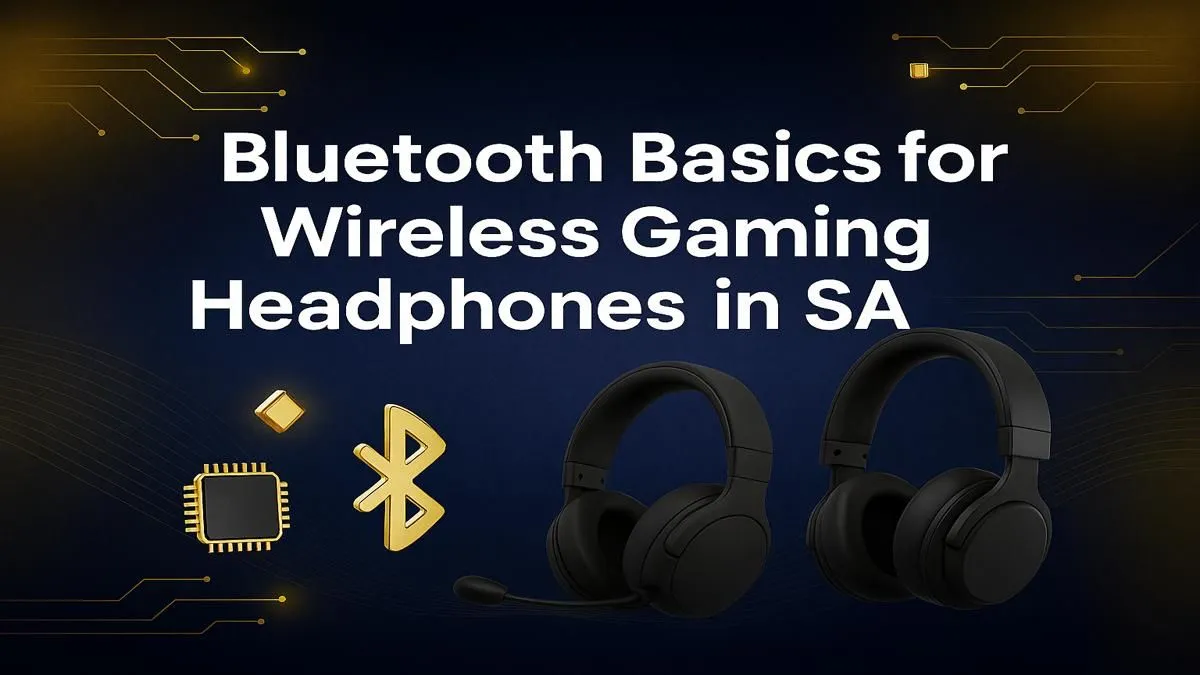
You hear the crack of a sniper rifle... a split second after your screen flashes red. Sound familiar? For South African gamers, audio lag can mean the difference between a glorious win and a frustrating loss. The culprit is often latency, and when it comes to Bluetooth for gaming headphones, the convenience can come at a high cost. But does it have to? Let's break down the tech and find the perfect audio solution for your setup.
Understanding Bluetooth Gaming Headphone Latency
So, what exactly is audio latency? Think of it as the digital delay between an action happening in your game and you hearing the sound. For music, a delay of 100-200 milliseconds (ms) is barely noticeable. But in a fast-paced shooter like Apex Legends or Warzone, that same delay is a massive disadvantage.
Standard Bluetooth wasn't designed for the lightning-fast needs of gaming. It prioritises stable connections and power efficiency over raw speed, which is why many gamers experience that frustrating audio lag. While technology is improving, the core issue remains for many standard wireless headsets that rely solely on a basic Bluetooth connection.
Bluetooth vs. 2.4GHz Wireless: The Real Difference ⚡
This is the most important distinction many gamers miss. Most of the top-tier "wireless" gaming headsets on the market don't actually use Bluetooth for their primary gaming connection. Instead, they use a specialised 2.4GHz wireless signal via a dedicated USB dongle.
Why does this matter?
- Lower Latency: 2.4GHz connections are built for speed, offering near-wired performance with latency often below 30ms.
- Lossless Audio: They transmit a higher quality, uncompressed audio signal.
- Plug-and-Play: No fussy pairing; just plug the dongle in and you're good to go.
This dedicated connection is the secret sauce for competitive play. When you browse a full catalogue of headphone & headsets, you'll notice the best gaming models almost always include this crucial USB dongle.
Codec Check! ⚡
When considering Bluetooth for gaming, look for support for the aptX Low Latency (aptX LL) or aptX Adaptive codec. These specialised codecs can drastically reduce audio delay to a much more playable 30-40ms. The catch? Both your headset and your device (PC, phone, or a separate transmitter) must support the same codec to get the benefit.
So, When is Bluetooth for Gaming a Good Idea? 🤔
Despite its latency challenges, using Bluetooth for gaming headphones isn't a total write-off. It shines in specific situations:
- Mobile Gaming: Perfect for casual games on your phone or tablet where split-second timing isn't critical.
- Single-Player Games: Exploring the world of The Witcher 3 or Cyberpunk 2077? A slight audio delay won't ruin your immersion.
- Console Gaming: Consoles often use their own proprietary wireless tech. While some PlayStation headsets and Xbox headsets also include Bluetooth for connecting to a phone simultaneously, their main connection to the console is lag-free.
The Undefeated Champion: Wired Headsets
For the absolute best performance with zero compromises, nothing beats a classic connection. A good wired headset delivers instant, lossless audio every single time. There are no batteries to charge and no signal interference to worry about—just pure, unadulterated sound. It's the go-to choice for esports pros and anyone who demands zero audio lag.
Ultimately, choosing between wired, 2.4GHz wireless, or Bluetooth for your gaming headphones depends on your priorities: convenience, performance, or budget. By understanding the latency trade-offs, you can make an informed choice. To see how these technologies stack up in terms of price, check out some of the best gaming headset deals available right here in South Africa. 🇿🇦
Ready to Ditch the Lag?
Whether you need the instant response of a wired headset or the freedom of a dedicated 2.4GHz wireless model, we've got you covered. Explore our massive range of gaming headsets and find the perfect audio weapon to conquer your game.