

Quick Troubleshooting for Your Connection
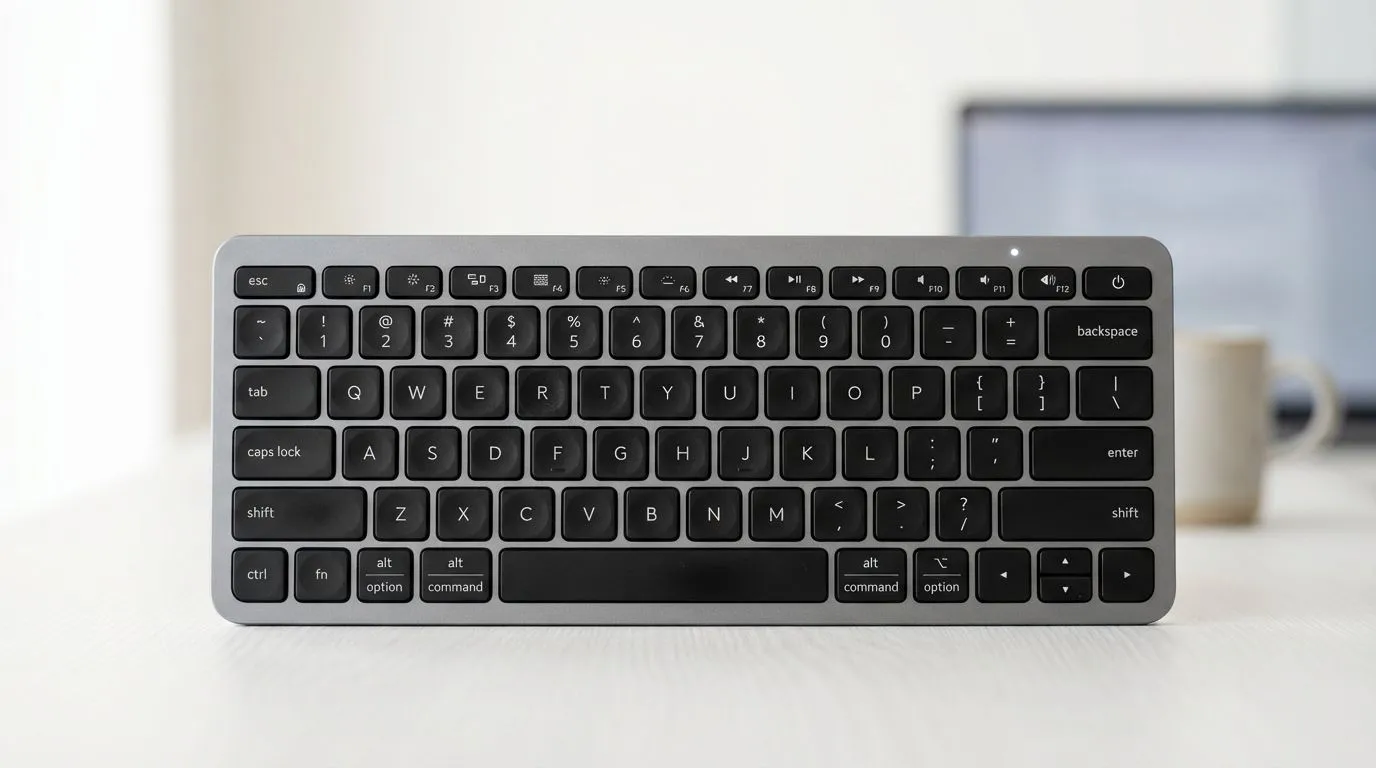
Nothing kills a productive morning or a late-night gaming session faster than your Bluetooth keyboard not pairing with your PC. You sit down... ready to work or play... and the keys simply refuse to respond. In the South African tech landscape, we want hardware that is reliable and easy to fix. Thankfully, most pairing issues are solved with a few simple steps rather than a trip to the bin.
Start with the basics. Ensure your keyboard is in pairing mode... usually indicated by a flashing LED. Check your batteries or charge level. Even if the batteries are new, they might be duds. If you are using a laptop, ensure Airplane Mode is disabled. If you find your current device is consistently failing, it might be time to browse our latest wireless keyboards for a more modern, reliable replacement.
Updating Drivers and Windows Settings
Windows updates can sometimes disrupt your Bluetooth stack, leading to your Bluetooth keyboard not pairing correctly. Right-click the Start button and head to Device Manager. Look for the Bluetooth section and ensure your drivers are up to date. Sometimes, simply "forgetting" the device in your settings and re-pairing it does the trick.
If you prefer a unified setup that avoids the clutter of multiple receivers, a high-quality keyboard mouse combo often simplifies the pairing process. These kits usually use a single receiver for both devices, which reduces the number of potential failure points in your system and keeps your USB ports free for other gear.
Bluetooth Service Tip ⚡
If your keyboard won't connect, press Win+R, type 'services.msc', and find the Bluetooth Support Service. Ensure it is set to 'Automatic' and is currently running. This simple fix often resolves 'ghost' pairing issues where the device is seen by Windows but won't actually link up or type.
Dealing with Signal Interference
Signal interference is a common but overlooked problem in modern homes. Other 2.4GHz devices... like routers or even microwaves... can cause your Bluetooth keyboard not pairing issues. Try moving your PC closer to the keyboard or using a USB extension cable for your dongle to get it away from the back of the metal PC case.
If you are on a tight budget and need a quick fix while you troubleshoot your high-end gear, you can always pick up the cheapest gaming keyboard in South Africa right here at Evetech. We stock reliable options starting under R400 that ensure you stay in the game without breaking the bank.
When to Consider a Different Connection
If Bluetooth remains temperamental in your environment, there is no shame in going back to basics. Many professional gamers in South Africa prefer wired keyboards because they offer zero latency and zero pairing headaches. You plug it in... and it works... every single time.
However, if you still crave that cable-free aesthetic and want the best technology available, we have some of the best gaming keyboard deals in the country. These modern mechanical options feature the latest Bluetooth 5.0 and 5.1 standards, which provide much better stability and power efficiency than older models.
Ready to Upgrade Your Setup? Don't let a faulty connection hold you back from greatness. Whether you need a reliable wireless office board or a high-performance mechanical beast, we have the right gear for you. Explore our massive range of gaming keyboard specials and find your perfect match today.











