

RX 9070 XT Driver Conflicts: How to Fix in 2026
RX 9070 XT Driver Conflicts: Fix. Step-by-step instructions with SA-specific tips, common pitfalls to avoid & expert recommendations.
Read moreWondering if built-in stereo omnidirectional webcam microphones sound good enough for calls and streaming? Here’s what you can expect, common issues, and quick fixes for clearer audio 🎧📹
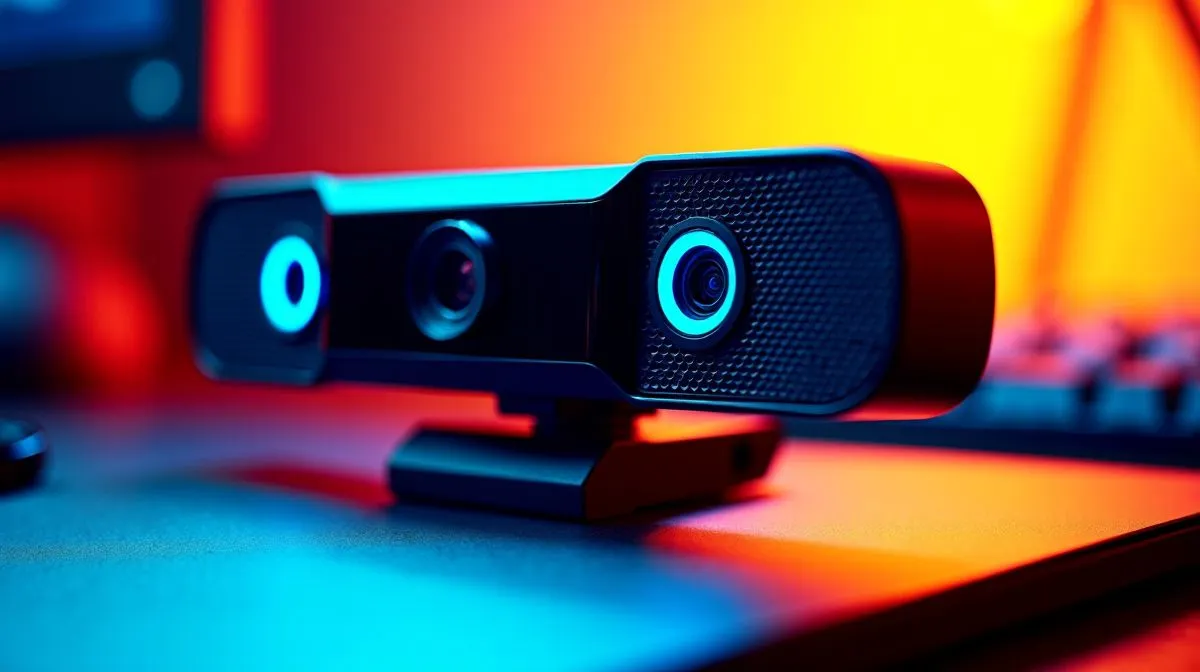
Gamers and streamers in South Africa often wonder if the built-in stereo omnidirectional webcam microphones actually deliver clear sound without adding clutter. If you’re relying on your device’s webcam mic for crisp voice chat or content creation, understanding its pros and cons is key ⚡. Many budget webcams come bundled with these mics—but how effective are they when background noise creeps in? Let’s unpack the technical performance and real-world results.
Stereo omnidirectional microphones capture sound from every direction, which explains why your webcam mic picks up both your voice and ambient noises alike. Unlike directional mics that focus on one sound source, these provide a wider sound field—often at the cost of clarity. For casual Zoom calls or team chats, they may suffice. However, if you game competitively or stream professionally, you might notice an echo or distant noises slipping through.
Exploring affordable solutions? Evetech’s curated collection of webcams below R1000 ZAR balances mic quality and video performance for casual users quite well: Budget webcams under R1000
These mics can struggle in noisy environments. For example, if your gaming setup is near a loud fibre router or a buzzing fridge, that omnidirectional capture can pick those distractions up loud and clear. This is why many streamers invest in dedicated condenser or dynamic microphones that filter background sound better.
Consider webcams priced between R1000 and R2000 ZAR if you want an upgrade while still keeping reasonable costs: Mid-tier webcams R1000–R2000
Upgrading to a standalone microphone with cardioid pickup pattern drastically reduces room noise—giving your voice the spotlight it deserves.
If your streams or calls happen in a quiet room, or you’re mostly connecting with friends, the convenience of built-in stereo microphones shines. Plus, you avoid the hassle and extra cables of external mics. Higher-end webcams with stereo microphones also add clearer sound capture, but at a premium.
For those willing to invest in gamer-grade cams with superior audio tech, check out selections from R2000 up to R3000 ZAR featuring better built-in mics and sensor quality: Premium webcams R2000–R3000
In summary, stereo omnidirectional webcam microphones do work, but their effectiveness depends entirely on your environment and expectations. Casual content creators in quiet spaces can rely on these mics just fine. However, those craving crystal-clear voice capture should consider investing in an external mic or a premium webcam tailored for higher audio fidelity.
Browse Evetech’s full range of webcams to find your ideal balance of sound quality and budget here: All webcams at Evetech
Elevate Your Sound Quality Today Don’t settle for average when you can get a webcam that truly captures your voice. Shop now at Evetech for performance that leaves lag in the dust.
They can be good for quiet, close-up use. For calls, clarity drops with background noise and distance—consider mic placement and noise control.
Yes. Omnidirectional mics capture sound from multiple directions, so keyboard clicks, fans, and room echo can reduce call and stream audio quality.
Often “usable” for casual streaming, but not always broadcast-grade. Audio improves with proximity, room treatment, and stable gain settings.
Use closer positioning, aim the webcam toward you, enable software noise suppression, and avoid noisy locations. This boosts webcam mic quality.
Room reflections and overly loud levels cause echoy audio. Lower gain, move away from hard surfaces, and consider basic acoustic dampening.
Switch if you need consistent clarity, handle noisy rooms, or want better off-axis rejection. An external microphone is usually a noticeable upgrade.
Prioritize correct input level, enable noise suppression, and avoid clipping. Pair settings with mic placement for the biggest gains.
RX 9070 XT Driver Conflicts: Fix. Step-by-step instructions with SA-specific tips, common pitfalls to avoid & expert recommendations.
Read more
Can the RTX 6090 Run Marvel Rivals at 60 FPS?. Performance testing verdict with real data & practical recommendations for SA buyers.
Read more
Get 144Hz in League of Legends on RTX 5070. Step-by-step instructions with SA-specific tips, common pitfalls to avoid & expert recommendations.
Read more
Can the RTX 4090 Run Minecraft at 60fps. Real-world benchmark data, FPS numbers & performance analysis. What SA gamers can actually expect.
Read more
Can the RTX 4070 Ti Super Run Overwatch 2 at 60fps. Real-world benchmark data, FPS numbers & performance analysis. What SA gamers can actually expect.
Read more
Get 144Hz in Baldur's Gate 3 on RTX 4080. Step-by-step instructions with SA-specific tips, common pitfalls to avoid & expert recommendations.
Read more
When Will the RTX 6090 Launch in South Africa Detailed answer with SA data, expert analysis & practical recommendations for local buyers.

Top Valorant Settings for RTX 5070: FPS Optimisation picks evaluated on performance, value & SA availability with current Rand pricing from Evetech.

RDNA 3.5 Graphics in Ryzen AI 400? Can You Game. Plain-English explanation of what it means, why it matters & how it affects your buying decisions in SA.

GPU Price Index : December Report. Current stock data & price tracking for SA buyers. See what is available and where prices are heading.

Core i5-14600K + B760 + RTX 5060 Build Under. Full parts list, Rand pricing & expected performance. Build confidently with SA-available components.

RX 7600 Apex Legends at 4K: FPS Benchmark. Real-world benchmark data, FPS numbers & performance analysis. What SA gamers can actually expect.

RX 7900 XTX GTA 6 at 4K: FPS Benchmark & Optimal. Real-world benchmark data, FPS numbers & performance analysis. What SA gamers can actually expect.

Head-to-head comparison of RTX 5070 vs RX 9070 XT: Gaming Performance for SA gamers. Performance benchmarks, Rand pricing & which delivers better value.

GPU Setup Guide Gamers. Clear setup instructions with SA-specific considerations, troubleshooting tips & recommended components.

Top RTX 5090 Under R12000 picks evaluated on performance, value & SA availability with current Rand pricing from Evetech.

Call of Duty Warzone 2 Settings on RX 7600. Real-world benchmark data, FPS numbers & performance analysis. What SA gamers can actually expect.

GTA 6 Settings on RTX 5070 Ti: Performance. Real-world benchmark data, FPS numbers & performance analysis. What SA gamers can actually expect.