

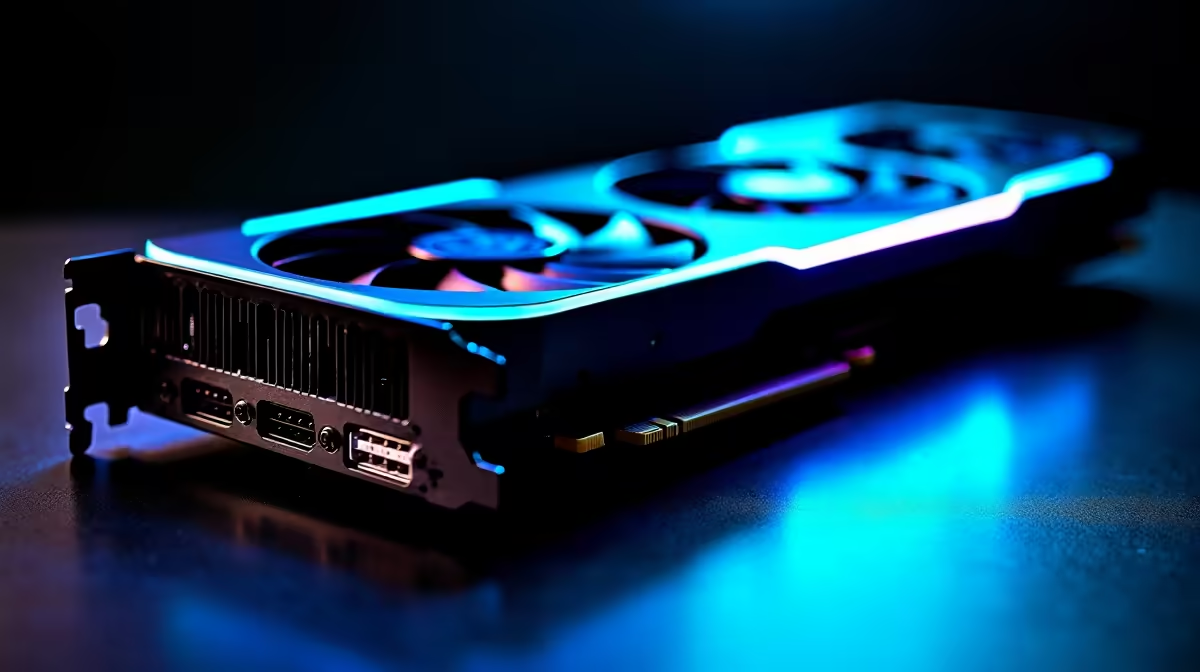
Dropping into Urzikstan with stuttering frames is a quick ticket to the gulag. South African gamers know the pain of lag and dropped frames all too well. But what if your hardware was the ultimate carry? Everyone is asking if the new RX 9070 XT run Call of Duty Warzone at 60 FPS. The short answer is a massive yes. Let us break down the optimal settings to maximise your ZAR investment.
Unpacking the RX 9070 XT Performance 🚀
If you are wondering whether the RX 9070 XT run Call of Duty Warzone at 60 FPS, you might actually be aiming too low. This powerful next-generation AMD RDNA architecture is built to absolutely demolish 1440p resolutions. It easily pushes well beyond the 60 FPS mark... allowing you to fully utilise high refresh rate monitors. In fact, you can expect buttery smooth frame rates even at full 4K resolution.
To get this level of raw power, you need the right components in your case. If your current rig is bottlenecking your drop-ins, it might be time to browse our latest graphics cards. Upgrading your GPU is the fastest way to see a massive jump in competitive performance. You can also keep an eye out for our daily tech specials to stretch those hard-earned Rands even further.
The Ultimate Warzone Settings Guide 🔧
Having top-tier hardware is only half the battle. You need to optimise your in-game settings to ensure the RX 9070 XT run Call of Duty Warzone at 60 FPS and beyond without breaking a single sweat.
First, set your display mode to Fullscreen Exclusive. This gives your system direct control over the display output... reducing input latency significantly. Next, turn on AMD FidelityFX Super Resolution. FSR is pure magic for boosting frame rates while keeping the colours and textures looking crisp.
Furthermore, adjust your field of view to around 110 or 120. While a wider FOV renders more of the map and slightly impacts performance, the situational awareness is crucial. The new AMD architecture has the muscle to handle the extra rendering workload. Keep your texture resolution on High. The massive VRAM on this modern GPU handles it effortlessly. However, you should drop volumetric quality and shadow map resolution to Normal. These specific settings eat up system resources without offering much visual benefit in the chaotic heat of a firefight.
Warzone Optimisation Pro Tip ⚡
Always disable On-Demand Texture Streaming in your Warzone settings. This feature downloads textures while you play, which can cause massive packet burst and stuttering on standard South African fibre lines. Download your shaders completely before queuing for a match to ensure stable performance.
Building the Perfect Squad ✨
A powerful GPU needs a strong team to back it up. Pairing this incredible graphics card with an older processor will severely hold you back. If you want a perfectly balanced machine, exploring custom gaming PCs is the smartest route. Expertly assembled rigs ensure every single component works in perfect harmony.
For those who prefer a plug-and-play solution right out of the box, our pre-built desktop setups offer incredible value. You get rigorously tested performance without the stress of building it yourself.
What if you need to take your loadout on the road? Desktop power is great, but portability is sometimes essential for students and professionals. We have a massive selection of powerful gaming laptops that deliver desktop-class performance wherever you are. Whether you are at a LAN or surviving loadshedding with a trusty inverter setup, you never have to miss a competitive match again.
Ready to Upgrade Your Loadout? Surviving the final circle requires hardware that never quits. For maximum power, choice, and unbeatable value in South Africa, Evetech has you covered. Explore our massive range of PC upgrades and find the perfect machine to conquer your next match.











