

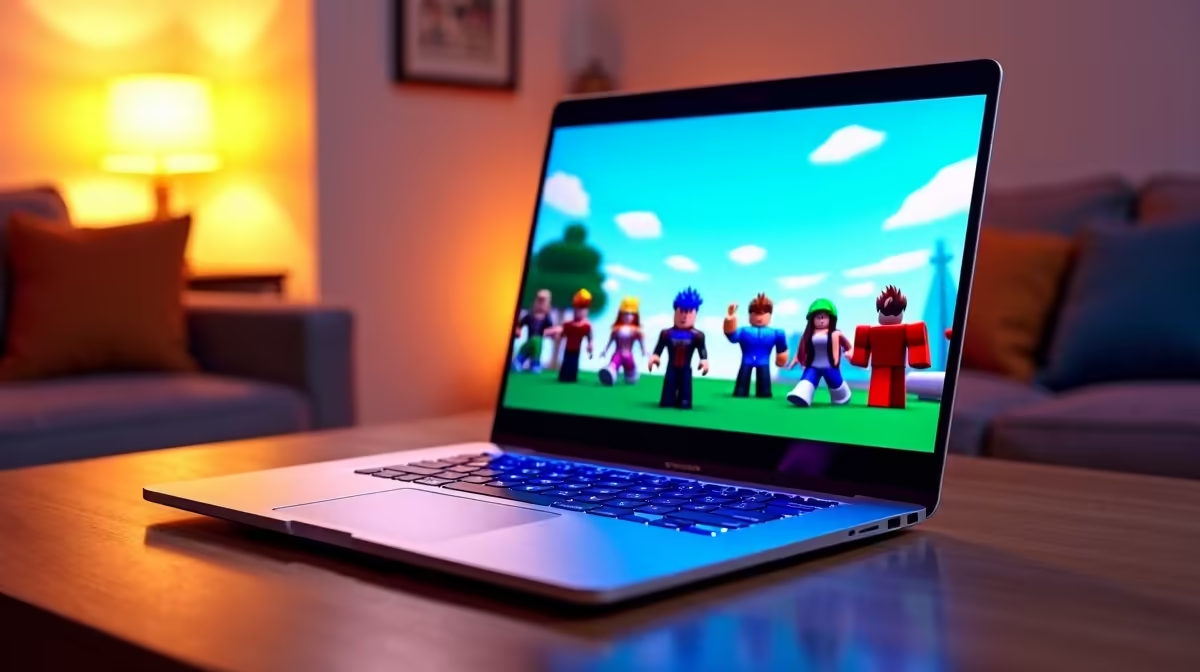
Are you wondering if your trusty Apple machine can handle blocky adventures this year? The short answer is a resounding yes. You can absolutely play Roblox on Mac in 2026. However... getting the best performance in South Africa without breaking the bank is a completely different story. Let us dive into what you need to know about running your favourite virtual experiences on macOS today.
How to Run Roblox Smoothly on macOS
Apple Silicon chips have brought impressive power to modern MacBooks. Thankfully, Roblox officially supports macOS natively. This means you do not need complicated workarounds or emulators to jump into Brookhaven or Blox Fruits. Just download the official client... log into your account... and start playing immediately.
The Roblox engine has evolved significantly over the years. It now takes better advantage of Apple's Metal graphics API. But there is a catch for local buyers. Mac hardware comes with a massive ZAR price tag. If you want consistently high frame rates across heavily modded servers, a standard fanless MacBook Air might start to stutter. Gamers looking for uncompromised raw power often turn to premium gaming desktop deals instead of relying on ultrabooks.
Mac vs Windows for South African Gamers 🚀
So, while you can play Roblox on Mac in 2026... is it the smartest buy for a gamer? A base model Mac easily costs well over R20,000 locally. For that exact same amount, you could secure a machine built specifically for heavy rendering and gaming.
Windows systems offer far better cooling solutions and future upgrade paths. If you prefer a simple plug-and-play setup, checking out modern pre-built rigs gives you massive value. You get dedicated hardware that handles Roblox, Minecraft, and heavy AAA titles without breaking a sweat.
Roblox Performance Tip ⚡
If you are playing on an older Mac, lower your graphics quality to level 3 or 4 in the settings menu. This reduces thermal throttling and keeps your frame rates perfectly stable during intense mini-games.
Expanding Your Hardware Horizons
If portability is your main goal... remember that you are not locked into the Apple ecosystem. There are incredible versatile Windows laptops available right now that offer high refresh rate displays. These vibrant screens make fast-paced Roblox obbys feel incredibly smooth and responsive.
Furthermore, Windows desktop machines let you upgrade individual components years down the line. You can easily swap out your memory modules or look into buying dedicated graphics cards to boost performance. Macs simply do not offer this hardware freedom. You are permanently stuck with the exact specifications you purchase on day one.
Making the Right Choice for Your Wallet 🔧
Technology prices fluctuate wildly in South Africa. Before dropping serious cash on a Mac just for casual gaming... you should carefully weigh your options. You might find that keeping an eye on local tech specials yields a much better return on your hard-earned investment.
Playing Roblox on a Mac in 2026 is entirely possible. It even looks visually pleasing on those crisp Retina displays. But for true gaming freedom, deep customisation, and wallet-friendly ZAR pricing... the PC ecosystem still holds the undisputed crown.
Ready to Find Your Perfect Match? The Mac vs Windows debate is complex, but for maximum power, choice, and value in South Africa, Windows is hard to beat. Explore our massive range of laptop specials and find the perfect machine to conquer your world.











