

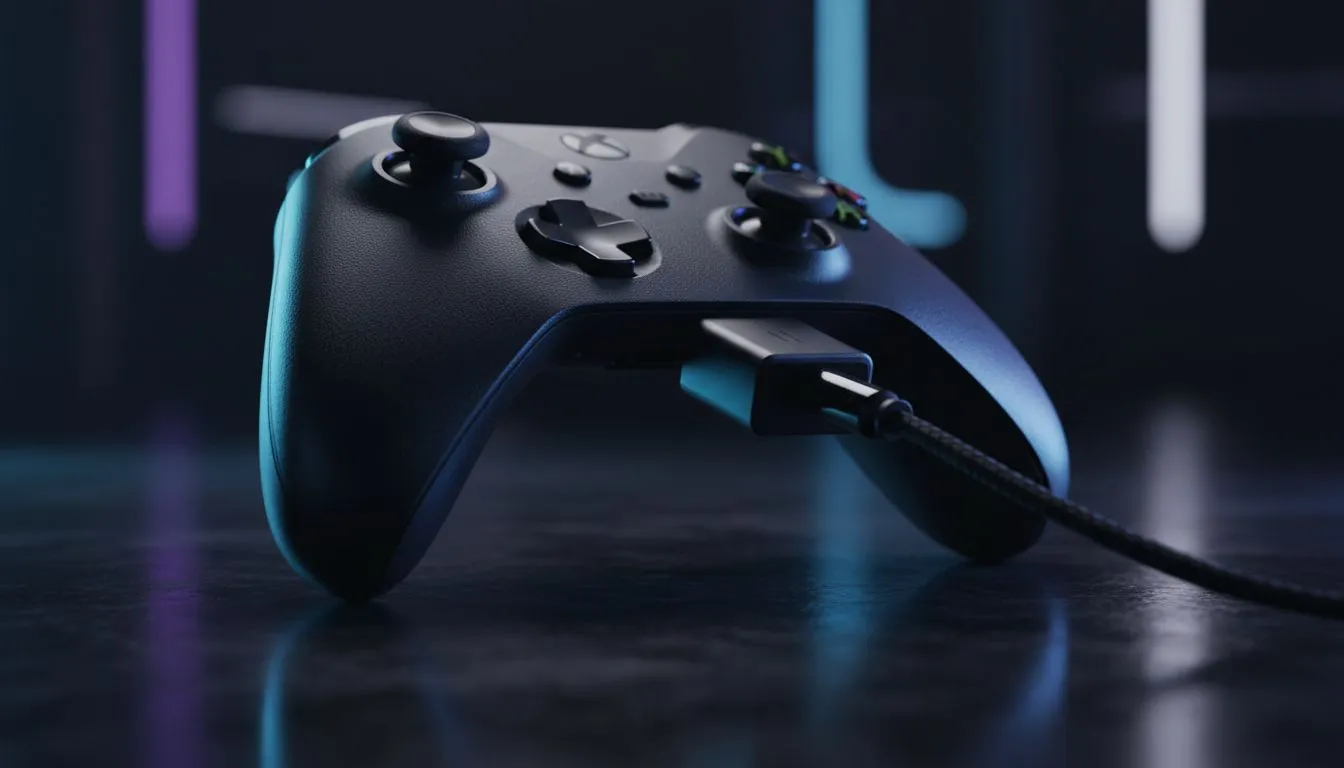
Plugging In: How to Connect 3.5mm Headset to Xbox Controller
Nothing beats the immersion of high-quality audio when you are deep in a session of Forza or Halo. If you are trying to figure out how to connect 3.5mm headset to Xbox controller units, you are in luck... it is one of the simplest upgrades you can make to your local setup. Most modern Xbox pads feature a dedicated port right at the bottom, ready for your favourite pair of cans. 🎧
Getting Your Hardware Ready for Action
Before you dive into the settings, check the bottom of your peripheral. Every standard Xbox Wireless Controller released since 2015 includes a 3.5mm jack. If you are using an older model, you might need a Stereo Headset Adapter, but for most South African gamers, it is a simple "plug and play" affair.
If your current pad is looking a bit worn out or the jack is feeling loose, you can always browse our latest range of gaming controllers to find a fresh replacement that ensures a crisp connection.
Optimise Your Xbox Audio Settings
Once you physically connect your gear, you might need to tweak the software to get the balance just right. Press the Xbox button on your controller to open the guide... then navigate to the "Audio & music" icon at the very bottom right.
Here, you can adjust the headset volume, mixer (to balance game sounds versus party chat), and mic monitoring. Mic monitoring is particularly useful... it lets you hear your own voice so you don't end up shouting at your teammates during a late-night session while the rest of the house is sleeping.
Audio Pro Tip ⚡
For a more immersive experience, go to Settings > General > Volume & audio output and enable 'Windows Sonic for Headphones'. It provides free spatial sound that helps you pinpoint footsteps in competitive shooters without spending extra ZAR on premium software licenses.
Choosing the Right Controller for Sound
Not all ports are created equal. Some third-party options provide better shielding against interference, which is vital if you are using high-end audiophile headphones. For those seeking elite performance, the Razer Wolverine V3 Tournament Edition offers a dedicated 3.5mm jack with superior polling rates and tactile feedback for competitive play. 🚀
Many local gamers prefer the tactile feel and customisation of Razer gaming controllers because they often include additional remappable buttons and refined audio passthrough that keeps your comms crystal clear. ✨
Troubleshooting Common Connection Issues
If you don't hear anything after you connect 3.5mm headset to Xbox controller ports, don't panic. First, ensure the headset isn't muted via its own inline cable controls. Next, check for controller firmware updates in the "Xbox Accessories" app... sometimes a quick software patch is all it takes to fix audio glitches. If the problem persists, try cleaning the jack with a bit of compressed air to remove any South African dust that might have settled inside. 🔧
Ready to Find Your Perfect Match? Whether you need a competitive edge or just a reliable way to chat with friends, the right controller makes all the difference. Explore our massive range of controller specials and find the perfect machine to conquer your world.











