

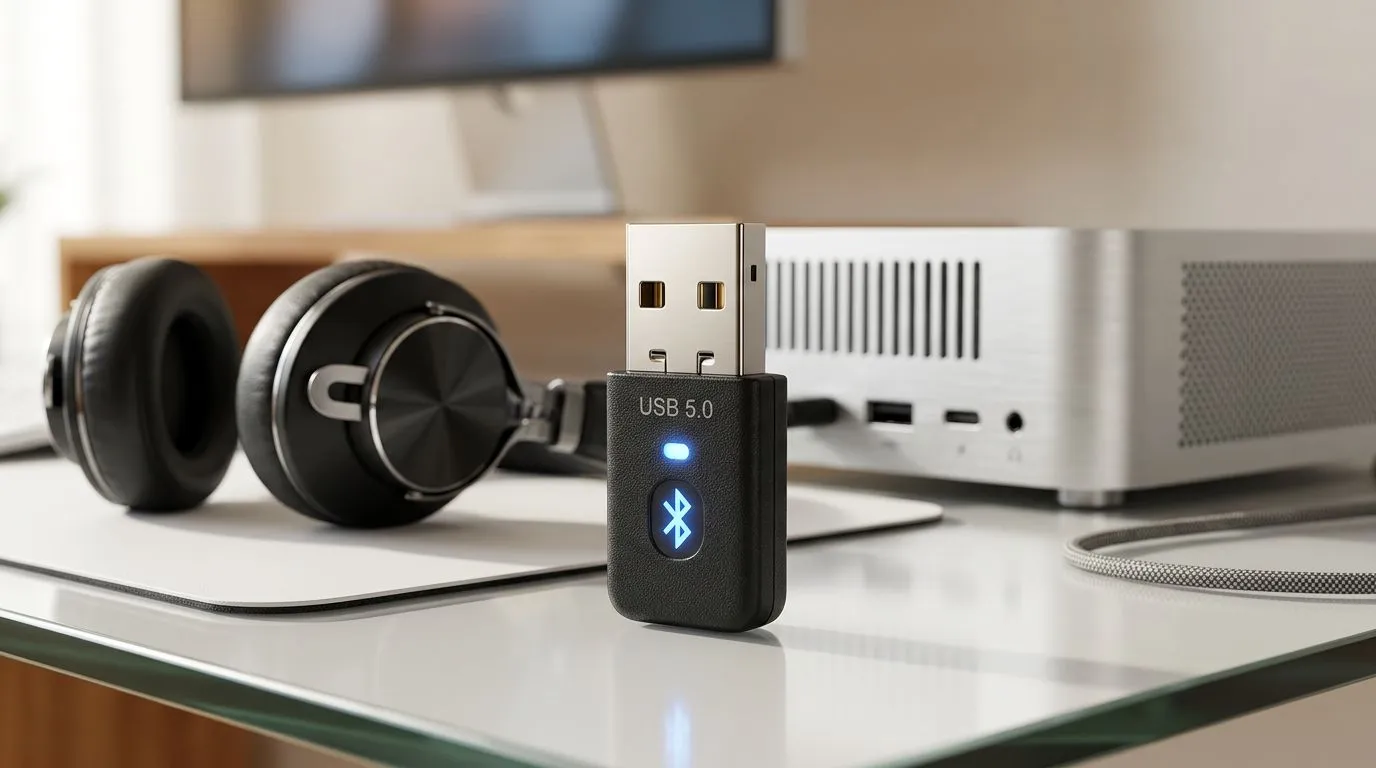
Why Your Desktop Might Be Missing Out on Wireless Audio
You’ve just unboxed a premium pair of wireless headphones, ready to immerse yourself in the latest AAA title, only to realise your custom-built gaming rig doesn't have built-in Bluetooth. It is a common frustration for South African gamers who prefer the raw power of a desktop over a laptop. Fortunately, you don't need to replace your motherboard to get connected. Learning how to connect Bluetooth headphones to PC using a USB adapter is a simple, cost-effective way to unlock wireless freedom without breaking the bank. ⚡
Choosing the Right Hardware for Your Setup
Before you start, you need the right hardware. Not all dongles are created equal, and for gaming, you want low latency to ensure your audio stays in sync with your gameplay. If you are looking for a reliable solution, browse our range of network adapters to find one that suits your bandwidth needs. 🔧
For those who swear by market-leading reliability, TP-LINK adapters are often the go-to choice for South African enthusiasts due to their consistent driver support and plug-and-play functionality on Windows 10 and 11. Alternatively, if you are looking for high-performance connectivity at a competitive price point, Cudy network solutions offer fantastic value for money. 🚀
The Installation Process
Once you have your adapter, the setup is straightforward:
- Insert the USB adapter into an available USB 2.0 or 3.0 port on your PC.
- Wait for Windows to automatically detect the device. If it doesn't, visit the manufacturer's website to download the latest drivers.
- Open your Windows Settings and navigate to 'Bluetooth & devices'.
- Toggle Bluetooth to 'On' and click 'Add device'.
- Put your headphones into pairing mode and select them from the list on your screen.
Audio Pro Tip ✨
If you experience stuttering audio, ensure your USB adapter is plugged into a rear port rather than a front-panel USB hub. Front-panel connectors often suffer from electromagnetic interference from other components inside your case, which can degrade your wireless signal quality significantly.
By following these steps, you eliminate the clutter of tangled cables while maintaining the high-fidelity sound your gaming setup deserves. Whether you are jumping into a Discord call or losing yourself in an open-world epic, a stable Bluetooth connection makes all the difference.
Ready to Find Your Perfect Match? The gear debate is complex, but for maximum power, choice, and value in South Africa, a custom-built PC is hard to beat. Explore our massive range of laptop specials and find the perfect machine to conquer your world.











