

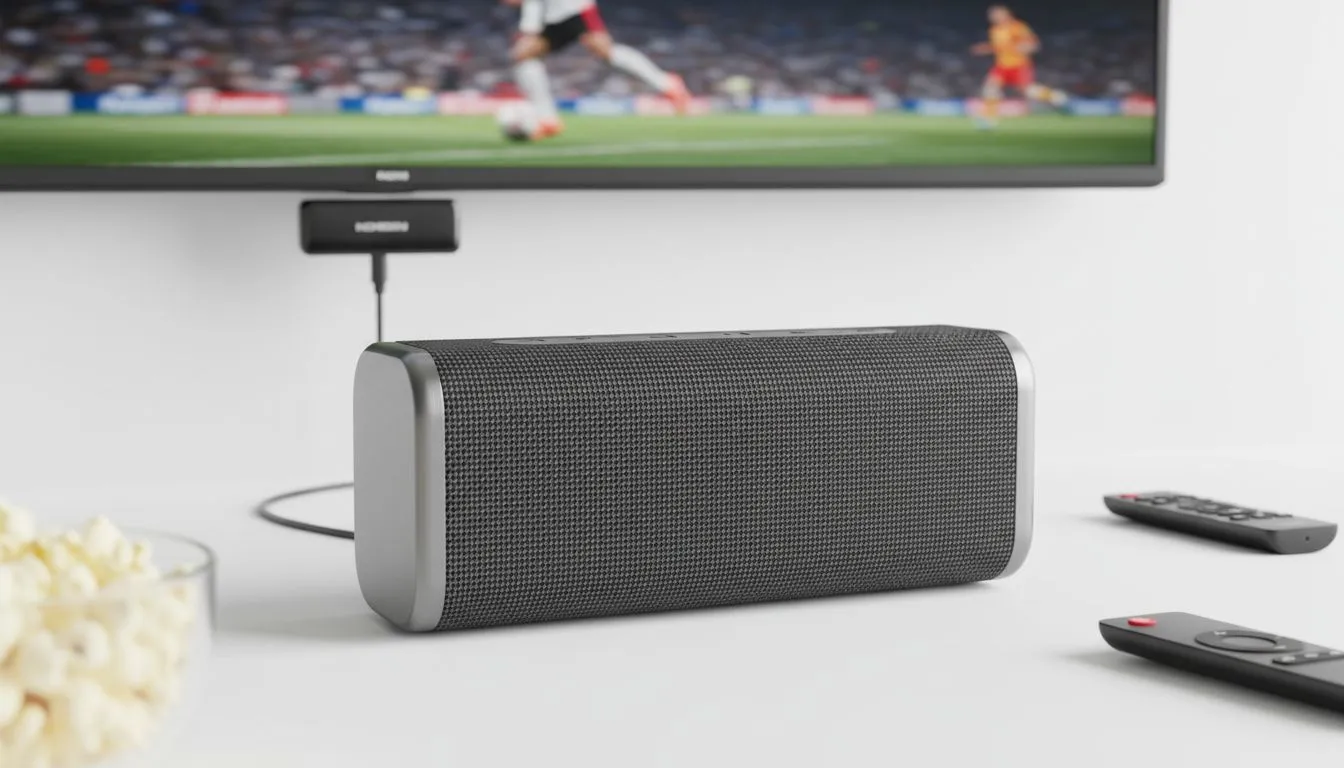
Connect Bluetooth Speaker to Smart TV: A Quick Guide for Better Audio
Let’s be honest… modern flat-screen TVs look incredible, but their built-in speakers often sound like they’re trapped in a tin can. If you want to connect Bluetooth speaker to Smart TV setups for a more immersive experience, you aren't alone. Whether you're watching the Springboks or diving into a cinematic RPG, getting that rich audio shouldn't be a mission. It’s time to ditch the flat sound. 🔧
Why you should connect Bluetooth speaker to Smart TV setups
The primary reason to link your external audio is simple: depth. Most TVs have downward-firing speakers that lack bass and clarity. When you choose to upgrade your audio, you can find a huge variety of speakers that fit any budget and room size. By moving the sound source closer to your seating position or using a more powerful driver, you immediately improve the clarity of dialogue and the impact of sound effects. ⚡
The most popular choice for modern South African living rooms is definitely wireless speakers, as they eliminate the clutter of cables running across your floor. This is especially useful if your TV is wall-mounted and you don't want to drill more holes for wiring.
A simple guide to sync your audio
Most modern Smart TVs from brands like Samsung, LG, or Hisense follow a similar process. First, put your speaker into "Pairing Mode"… usually indicated by a flashing blue light. Next, navigate to your TV’s Settings menu, find the "Sound" or "Audio Output" section, and look for "Bluetooth Speaker List" or "Accessory Setup".
Reducing Audio Lag ⚡
If you notice the sound doesn't match the lips on screen, check your TV's expert audio settings for a 'Digital Output Audio Delay' or 'Sync' option. Adjusting this by a few milliseconds can perfectly align the audio with the video for a seamless viewing experience.
For those looking for reliable performance at a great price point, Promate audio gear offers some fantastic options that pair effortlessly with most smart displays. These units are often designed with high-speed Bluetooth chips to keep latency to a minimum.
Choosing the right audio configuration for your room
Not every room needs a massive sound system. If space is tight on your TV stand, a compact 2.0 speaker configuration provides a significant boost over internal TV audio without taking up much room. These are great for bedrooms or smaller apartments where you want clear sound without the bulk.
However, if you want that deep rumble during explosions or bass-heavy soundtracks, a 2.1 speaker setup with a dedicated subwoofer is the way to go. It adds that extra "oomph" that makes movies feel like a cinema experience.
Of course, if you are a purist who hates even a millisecond of lag or lives in an area with high wireless interference, you might still prefer wired audio solutions for that rock-solid connection. Whichever path you choose, the difference in quality will be immediate. 🚀
Ready to Find Your Perfect Match? Elevating your home entertainment doesn't have to be a struggle. Whether you need a compact Bluetooth solution or a thunderous 2.1 system, we have the right gear to suit your South African home. Explore our massive range of speaker specials and find the perfect audio partner for your Smart TV today.











