

The Challenge of Legacy Hardware
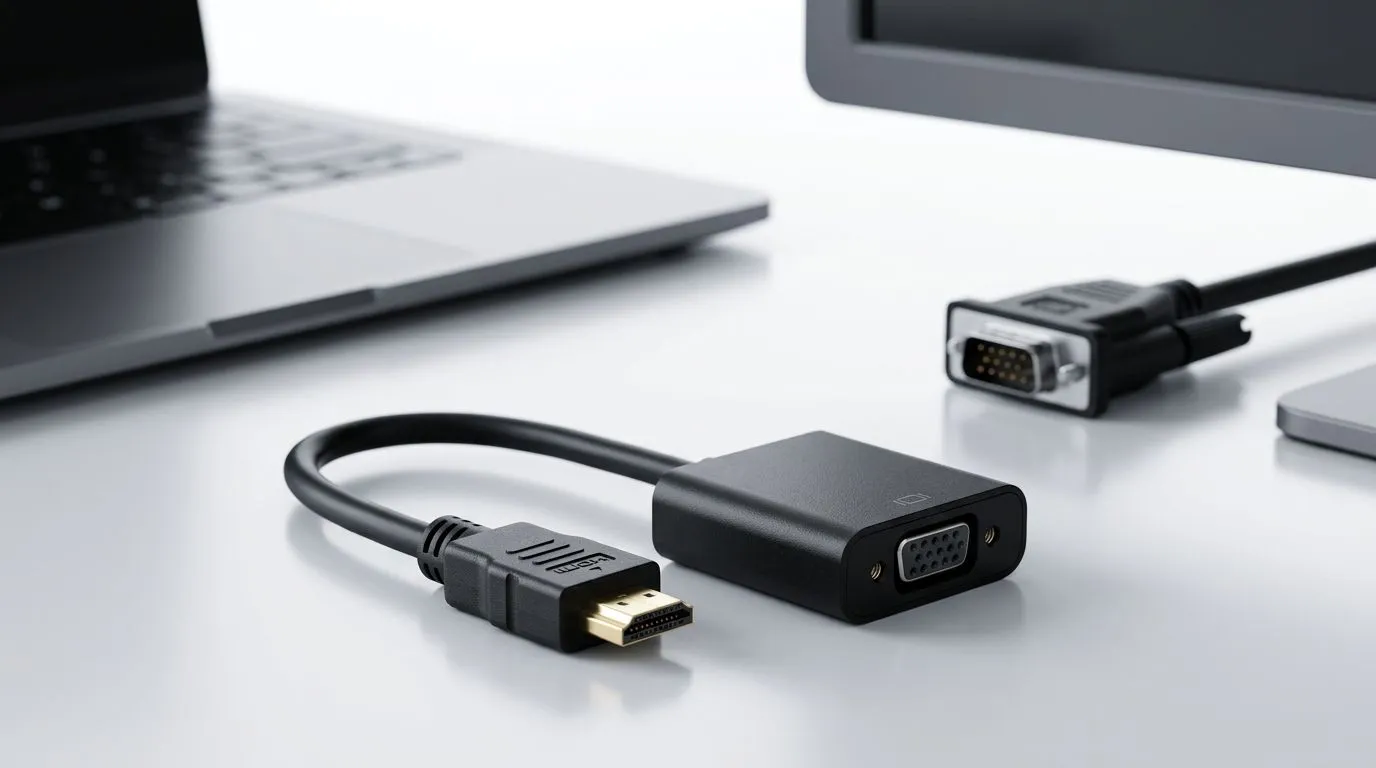
We have all been there. You just unboxed a sleek, high-performance laptop from Evetech, but your secondary screen is an old-school monitor gathering dust in the corner. Most modern laptops have ditched legacy ports for HDMI or USB-C, leaving that VGA cable with nowhere to plug in. Don't worry, you don't need to bin your perfectly functional display just yet. You can easily connect a new laptop to an old VGA monitor with the right adapter.
Choosing the Right Hardware
The secret to bridging the gap between digital HDMI signals and analogue VGA displays lies in an active converter. You cannot simply use a passive cable; you need a device that converts the signal type to ensure your monitor actually recognises the input. If you are looking to build out your workstation, check out our wide range of gaming accessories to see what other connectivity solutions might help streamline your setup. 🔧
Compatibility Check ⚡
Always verify the resolution limits of your VGA monitor. While your new laptop might support 4K, that old screen likely caps out at 1080p or even 720p. Set your display settings in Windows to match the monitor's native resolution to avoid blurry text or black borders.
Setting Up Your Dual-Screen Workspace
Once you have your adapter, plug it into your laptop's HDMI port and connect your VGA cable. Your Windows machine should detect the display instantly. If it doesn't, press Win + P to toggle your projection settings to "Extend." This is perfect for keeping your Discord or Spotify on the side while you focus on the main task. If you want to refine your desk aesthetic, browse our latest gaming accessories deals to find mounts that keep your cables organised and your desk clutter-free. 🚀
Why Keep the Old Monitor?
Using an old monitor as a secondary screen is a brilliant way to save money while boosting productivity. Whether you are a student, a streamer, or a coder, extra screen real estate is always a win. If you need inspiration for your rig, head over to our curated list of gaming accessories to see how pros set up their dual-monitor battle stations. ✨
Ready to Find Your Perfect Match? The tech landscape in South Africa is evolving fast, but your old gear still has plenty of life left. Need an upgrade to power your new display setup? Explore our massive range of laptop specials and find the perfect machine to conquer your world.











