

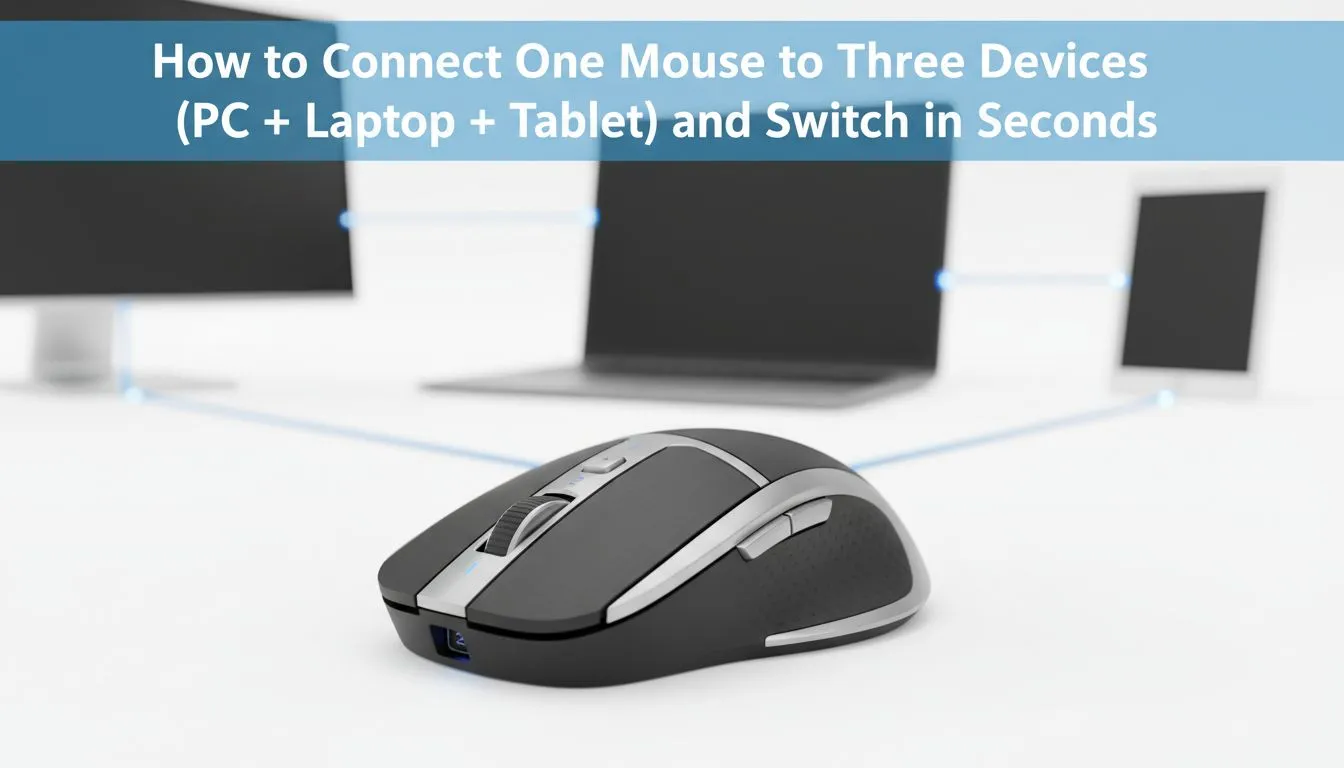
Do you have a desk cluttered with different peripherals for your work laptop... gaming PC... and tablet? It is a common South African struggle that kills productivity. Learning how to connect mouse to three devices and switch in seconds will declutter your workspace instantly. This simple trick lets you jump from a spreadsheet to a gaming lobby in a heartbeat. ⚡
The Secret to Multi-Device Productivity
Most modern power users in South Africa handle more than one screen. You might have a dedicated gaming mouse for your evening Valorant sessions and a separate laptop for the daily grind. Using a single peripheral for every machine saves space and keeps your muscle memory consistent.
When you browse the best gaming mouse deals at Evetech, look for models with "Tri-Mode" connectivity. These units are specifically designed to handle multiple connections without needing to re-pair every time you switch machines. It is the ultimate way to optimise a multi-machine setup for under R1,500.
How to Connect Mouse to Three Devices and Switch in Seconds
The setup process is surprisingly straightforward for most high-end peripherals. These devices usually utilise a combination of a 2.4GHz wireless dongle and two Bluetooth channels. You plug the USB dongle into your main rig for the lowest possible latency. Then... you pair the remaining two slots to your secondary devices using the Bluetooth settings on your laptop or tablet. 🚀
To switch between them, you simply tap a small toggle button usually located on the underside of the device. If you prefer a wireless mouse for its portability, this multi-point feature is a massive win for your daily workflow. No more fumbling with cables or looking for spare USB ports.
Choosing Between Speed and Versatility
Some purists still swear by a wired mouse for that raw, tethered connection. However... modern wireless technology has effectively closed the performance gap. You can now enjoy 1ms response times alongside the convenience of Bluetooth switching. 🔧
To keep your experience smooth, ensure you have the right mouse accessories like a high-quality surface. A dirty sensor can ruin your tracking... regardless of how many devices you are connected to. Keeping your gear clean and your firmware updated ensures that switching remains seamless and lag-free. ✨
Productivity Pro Tip ⚡
On Windows, use the PowerToys FancyZones utility to create custom snap layouts for your windows. It's a lifesaver for managing multiple apps on an ultrawide monitor, letting you organise your timeline, preview window, and asset folders perfectly for video editing.
Ready to Find Your Perfect Match? The right peripheral makes all the difference, but for maximum power, choice, and value in South Africa, a multi-device setup is hard to beat. Explore our massive range of gaming mouse deals and find the perfect machine to conquer your world.











