



850W PSU Planning for RTX 5080 Super Builds in SA
850W for RTX 5080 Super needs a full-build check, not a simple yes. Review GPU guidance, CPU draw, transient load, connectors, PSU quality, and upgrade plans before deciding.
Read moreCS2 Tournament Guide: What Players Need. Everything you need to know with SA pricing, step-by-step instructions & expert recommendations.
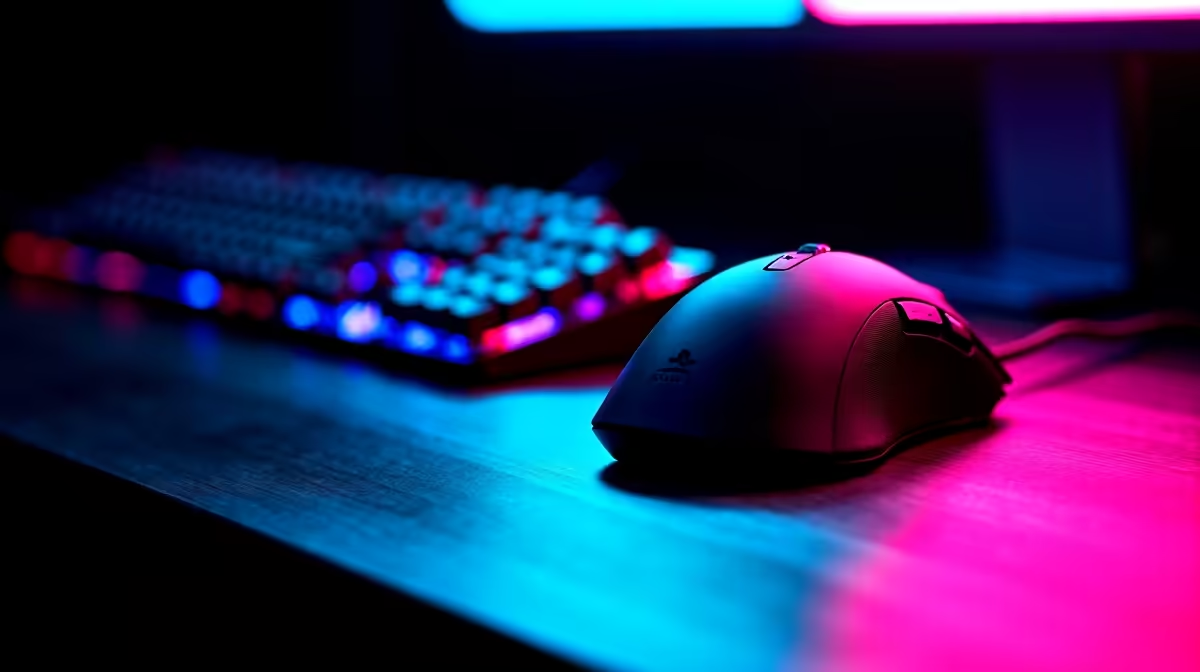
SA CS2 tournament players need a stable 240Hz-capable rig, a low-latency wired peripheral set, and a backup power plan for loadshedding-prone venues. Most varsity LANs require you to bring your own keyboard, mouse, and headset, with PCs supplied or BYO depending on the event.
Local CS2 events run by ACGL, Mettlestate, and varsity gaming societies usually publish a kit list two weeks ahead. The non-negotiables are a wired mouse, wired keyboard, closed-back headset, and your own mousepad. Wireless peripherals get rejected at most BYOC tournaments because of interference risk on a packed LAN floor. Budget around R2,500 to R5,000 for a competition-ready peripheral bundle locally, with stock typically landing within 2 to 3 working days nationwide.
CS2 punishes inconsistent frametimes more than raw average FPS. Aim for a Ryzen 5 7600 or Core i5-14400F paired with at least 32GB DDR5, an RTX 4060 or better, and a 240Hz 1080p panel. That combo holds 350+ FPS on Mirage and Nuke, which keeps your 1% lows above your refresh ceiling. If you compete on a supplied tournament PC, practise on a similar spec at home so muscle memory transfers cleanly.
LAN venues in Joburg and Cape Town increasingly run UPS-backed networks, but warmup rooms and hotels often do not. Pack a small UPS or power bank for your router, label every cable, and arrive 90 minutes early to clear admin and config. ZAR-priced gear from local stockists comes with proper warranty cover, which matters when a strap or cable fails on the morning of the match.
You need wired peripherals, your saved cfg on a flash drive, and Steam Guard codes accessible offline. Confirm whether the tournament uses ESEA, FACEIT, or native matchmaking servers so you can preload anti-cheat clients before arriving on-site.
The biggest one is not testing your config on the tournament's monitor refresh rate beforehand. A cfg tuned for 144Hz feels different at 240Hz, and many players also forget to disable Steam Cloud sync, which can overwrite their crosshair settings.
You do not need anything exotic, just a small toolkit with a keycap puller, spare USB-A to USB-C cable, and a 3.5mm to 6.3mm headphone adapter. Stock for these accessories is consistent locally with same-week delivery to most metros.
Ready to Find Your Perfect Match? Build a tournament-ready CS2 rig with locally stocked components and full SA warranty. Shop gaming PC deals
CS2 Tournament Guide: What SA Players Ne available at Evetech.co.za with local warranty and fast delivery.
CS2 Tournament Guide: What SA Players Ne - check Evetech for latest stock and SA pricing.
Depends on your use case. CS2 Tournament Guide: What SA offers good value at current Rand pricing.
850W for RTX 5080 Super needs a full-build check, not a simple yes. Review GPU guidance, CPU draw, transient load, connectors, PSU quality, and upgrade plans before deciding.
Read more
FPS drops blamed on a wireless gaming headset often point to input, driver, USB, network, or system-load checks. Use a quick SA-friendly troubleshooting flow to isolate software, firmware, thermals, storage, and game settings before replacing
Read more
1440p is the sweet spot for Polokwane gamers because it balances sharper visuals with manageable GPU demand. Compare refresh rate, graphics card tier, monitor size, and game settings before choosing a display.
Read more
240Hz monitors are mainstream in SA esports because smoother motion and lower input feel matter in Sandton matches. See how GPU frame rates, panel choice, desk setup, and local budget decide whether 240Hz is a smart upgrade from 144Hz.
Read more
4K monitors still cost more for gamers because resolution, refresh rate, panel quality, and GPU demands raise the bar. Polokwane buyers should compare screen size, ports, adaptive sync, and whether 1440p is a better fit.
Read more
Edenvale gpu price pressure questions need cautious SA context because pricing can move with availability, exchange rates, specs, and warranty support. Treat the trend as a planning signal, not a fixed price promise.
Read more
Cyber Monday gaming chair is a cautious guide for seasonal tech deal planning. Compare spec priorities, timing, warranty support, and realistic SA price checks for SA buyers without assuming live prices, availability, or exact benchmark results.

Pre-Black Friday wired gaming mouse buying planning should focus on shape, specs, warranty, and usual price bands. Use this SA guide to shortlist sensible options before deal periods without assuming live discounts.

ATX 3.1 vs ATX 3.0 for Competitive Esports comes down to GPU power connectors, PSU quality, cable routing, headroom, and upgrade plans. SA buyers should match the choice to their setup instead of assuming one option always wins.

Wi-Fi 6E vs Wi-Fi 6 depends on Couch co-op gaming needs, platform limits, and budget fit. Compare compatibility, latency, upgrade path, and real setup constraints before choosing for an SA build.

How to fix FPS drops on AM5 motherboard starts with BIOS, chipset drivers, cooling, and memory stability. South African gamers can work through power, EXPO, refresh-rate, overlay, and game-setting checks before spending on new hardware.

RX 9070 XT build frame pacing issues needs a step-by-step check before replacing parts. Review drivers, settings, thermals, power, background apps, display limits, cables, and game options before changing hardware.

Low fps on rtx 5080 build in south africa usually needs a settings, driver, thermal, or power check first. Work through safe SA troubleshooting steps before replacing parts or assuming a full upgrade.

1440p is the sweet spot for Mbombela gamers because it sharpens detail without demanding 4K-level GPU power. SA buyers should weigh monitor refresh rate, graphics card tier, desk size, and game mix before moving up from 1080p.
850W for RTX 5080 Super needs a full-build check, not a simple yes. Review GPU guidance, CPU draw, transient load, connectors, PSU quality, and upgrade plans before deciding.

Bluetooth headset or 2.4GHz wireless headset decisions in SA hinge on latency, device support, battery, and dongle access. Gamers should match the headset to competitive play, couch use, calls, and platform ports.
FPS drops blamed on a wireless gaming headset often point to input, driver, USB, network, or system-load checks. Use a quick SA-friendly troubleshooting flow to isolate software, firmware, thermals, storage, and game settings before replacing

ATX 3.1 vs ATX 3.0 for streaming on Twitch and YouTube Difference explained is mostly about compatibility, budget, upgrade path, and setup fit. SA buyers should check device support and real needs before expecting a clear win from either option.