



850W PSU Planning for RTX 5080 Super Builds in SA
850W for RTX 5080 Super needs a full-build check, not a simple yes. Review GPU guidance, CPU draw, transient load, connectors, PSU quality, and upgrade plans before deciding.
Read moreFirst-year student setup hardware plan: when should be shortlisted around the job it must do. South African buyers should compare panel type, resolution, refresh rate, and ports, warranty path, and upgrade room before treating any pick as best.
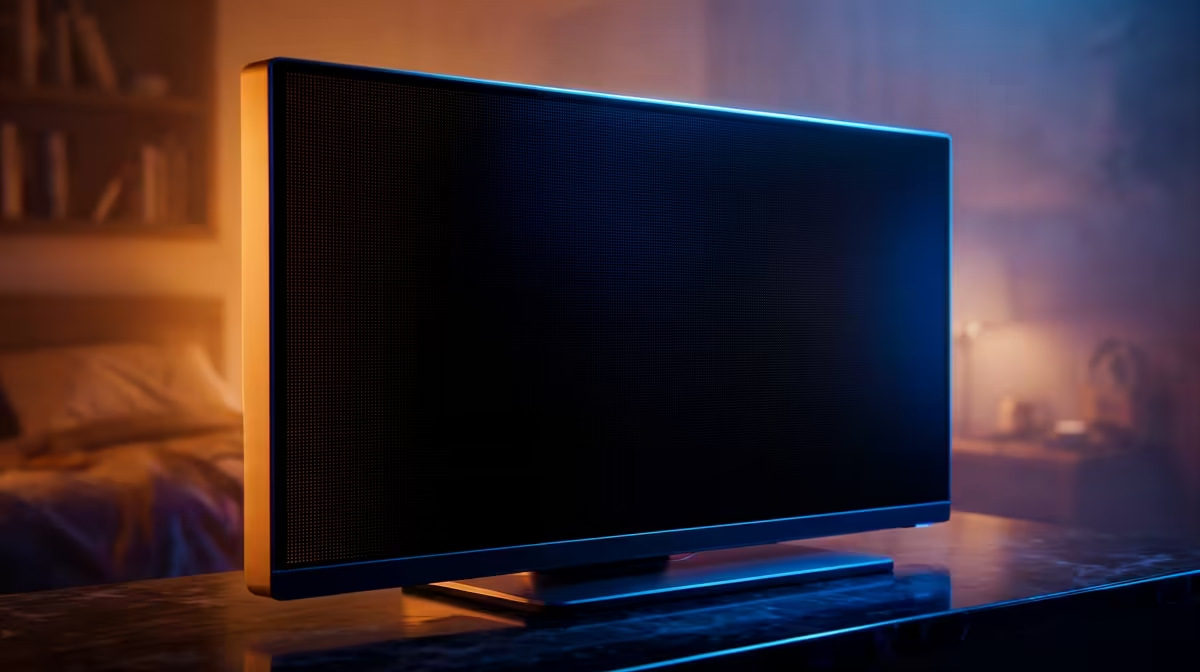
The best OLED monitor choice is the one that removes the current bottleneck without forcing extra purchases. For campus use in SA, compact size, quiet operation and easy warranty handling are worth more than a spec that only helps once a month. In SA shopping terms, expect a practical OLED monitor shortlist around R14,000-R45,000, with examples such as LG UltraGear OLED, Samsung Odyssey OLED G8, ASUS ROG Swift OLED. Treat those as category anchors, then confirm current Evetech stock and warranty details at checkout.
Start with the work the setup must survive every week. For first-year students, the useful OLED monitor has to match burn-in protection, warranty terms, brightness for editing, desk lighting and GPU output. The spec floor is clear: 240Hz OLED panels with near-instant pixel response and burn-in care features. That gives buyers a concrete way to compare parts instead of reacting to a badge, colour or single headline number.
Spend first on the feature that changes daily use. With an OLED monitor, that usually means 0.03ms-class response, 144Hz-240Hz refresh and strong HDR contrast. The next priority is reliability: thermals, warranty cover, connector quality and a setup that a student, gamer or home-office buyer can maintain without special tools.
Check the physical setup before the cart is final. Measure the desk, case bay, chair space or laptop ports; then confirm power draw, cable reach and warranty support. Johannesburg, Pretoria, Durban and Cape Town buyers also need to think about delivery handling and whether the item is easy to move between home, campus, office and digs.
Use R14,000-R45,000 as a broad category band for this type of OLED monitor. Entry choices can work, but the balanced option is usually where fit, warranty and useful specs stop feeling compromised.
Check burn-in protection, warranty terms, brightness for editing, desk lighting and GPU output before colour, branding or bundled extras. Those details decide whether the product works cleanly in a real South African room, desk or travel setup.
Pay more when the premium feature affects every week of use, such as quieter operation, better refresh, stronger sustained speed or easier expansion. Do not pay extra for a feature the current PC, laptop, desk or workload cannot use.
850W for RTX 5080 Super needs a full-build check, not a simple yes. Review GPU guidance, CPU draw, transient load, connectors, PSU quality, and upgrade plans before deciding.
Read more
FPS drops blamed on a wireless gaming headset often point to input, driver, USB, network, or system-load checks. Use a quick SA-friendly troubleshooting flow to isolate software, firmware, thermals, storage, and game settings before replacing
Read more
1440p is the sweet spot for Polokwane gamers because it balances sharper visuals with manageable GPU demand. Compare refresh rate, graphics card tier, monitor size, and game settings before choosing a display.
Read more
240Hz monitors are mainstream in SA esports because smoother motion and lower input feel matter in Sandton matches. See how GPU frame rates, panel choice, desk setup, and local budget decide whether 240Hz is a smart upgrade from 144Hz.
Read more
4K monitors still cost more for gamers because resolution, refresh rate, panel quality, and GPU demands raise the bar. Polokwane buyers should compare screen size, ports, adaptive sync, and whether 1440p is a better fit.
Read more
Edenvale gpu price pressure questions need cautious SA context because pricing can move with availability, exchange rates, specs, and warranty support. Treat the trend as a planning signal, not a fixed price promise.
Read more
Cyber Monday gaming chair is a cautious guide for seasonal tech deal planning. Compare spec priorities, timing, warranty support, and realistic SA price checks for SA buyers without assuming live prices, availability, or exact benchmark results.

Pre-Black Friday wired gaming mouse buying planning should focus on shape, specs, warranty, and usual price bands. Use this SA guide to shortlist sensible options before deal periods without assuming live discounts.

ATX 3.1 vs ATX 3.0 for Competitive Esports comes down to GPU power connectors, PSU quality, cable routing, headroom, and upgrade plans. SA buyers should match the choice to their setup instead of assuming one option always wins.

Wi-Fi 6E vs Wi-Fi 6 depends on Couch co-op gaming needs, platform limits, and budget fit. Compare compatibility, latency, upgrade path, and real setup constraints before choosing for an SA build.

How to fix FPS drops on AM5 motherboard starts with BIOS, chipset drivers, cooling, and memory stability. South African gamers can work through power, EXPO, refresh-rate, overlay, and game-setting checks before spending on new hardware.

RX 9070 XT build frame pacing issues needs a step-by-step check before replacing parts. Review drivers, settings, thermals, power, background apps, display limits, cables, and game options before changing hardware.

Low fps on rtx 5080 build in south africa usually needs a settings, driver, thermal, or power check first. Work through safe SA troubleshooting steps before replacing parts or assuming a full upgrade.

1440p is the sweet spot for Mbombela gamers because it sharpens detail without demanding 4K-level GPU power. SA buyers should weigh monitor refresh rate, graphics card tier, desk size, and game mix before moving up from 1080p.
850W for RTX 5080 Super needs a full-build check, not a simple yes. Review GPU guidance, CPU draw, transient load, connectors, PSU quality, and upgrade plans before deciding.

Bluetooth headset or 2.4GHz wireless headset decisions in SA hinge on latency, device support, battery, and dongle access. Gamers should match the headset to competitive play, couch use, calls, and platform ports.
FPS drops blamed on a wireless gaming headset often point to input, driver, USB, network, or system-load checks. Use a quick SA-friendly troubleshooting flow to isolate software, firmware, thermals, storage, and game settings before replacing

ATX 3.1 vs ATX 3.0 for streaming on Twitch and YouTube Difference explained is mostly about compatibility, budget, upgrade path, and setup fit. SA buyers should check device support and real needs before expecting a clear win from either option.