

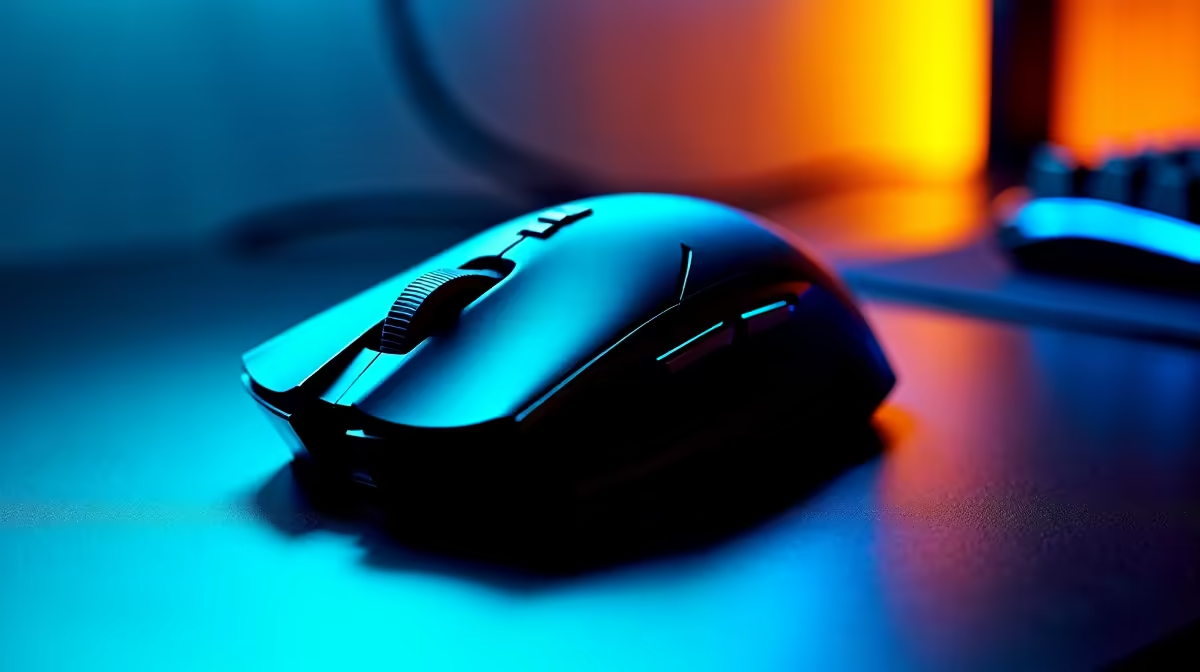
Fix Mouse Connectivity with South Africa Support 🔧
Nothing kills your gaming vibe faster than a mouse that drops its connection mid-match. South African gamers and tech buyers often face mouse connectivity issues due to interference, outdated drivers, or hardware quirks. Fix mouse connectivity problems with reliable local support and tailored solutions that consider our unique environment — from fibre network conditions to affordable gaming gear deals you can actually trust.
Common Causes of Mouse Connectivity Issues
Whether wired or wireless, poor mouse connections come down to a few key culprits. Wireless mice can suffer from interference caused by crowded Wi-Fi channels or other Bluetooth devices nearby. For wired devices, loose cables or faulty USB ports are often the root cause.
Even software plays a role; outdated or corrupt drivers can make your mouse jitter or disconnect at exactly the wrong time.
If you’re exploring new peripherals, browse Evetech's range of gaming mice built for South Africa’s gaming scene — designed to keep your mouse firmly connected.
Step-by-Step: How to Fix Mouse Connectivity
- Check Your USB Ports & Cable: Try different USB slots. A dirty or damaged port can disrupt signals. For wired mice, swapping cables may solve the issue.
- Remove Wireless Interference: Shift your Wi-Fi router or wireless devices further away from your Bluetooth mouse. Sometimes, switching the USB receiver to a front port can reduce interference.
- Update Drivers: Visit the manufacturer’s website or use Windows Update to ensure your mouse drivers are current.
- Adjust Power Settings: Windows sometimes powers down USB devices to save energy — disable this under Device Manager by unchecking ‘Allow the computer to turn off this device to save power’.
- Test on Another PC: This isolates whether the problem is your mouse or your system setup.
If you’re building or upgrading your setup, check out Evetech’s best gaming PC deals — a solid build reduces performance hiccups, including peripherals stutters.
Pro Tip for a Stable Mouse Connection
Place your wireless USB receiver on a USB extension cable and position it closer to your mouse. This can reduce interference from your PC tower and drastically improve connection stability.
Why Local Support Matters in South Africa
Getting mouse connectivity help nearby means faster fixes and better advice. South Africa’s power surges and network conditions can affect your gear differently than in other countries. Local warranties, support centres, and sales tailored to our market make a huge difference.
If you’re after a hassle-free experience, consider pre-built systems or notebooks optimised for connectivity and durability. Explore the latest pre-built PC deals or notebooks for sale designed to keep you online and in control.
Don’t Ignore Special Deals While Upgrading Your Tech ⚡
While fixing your mouse, why not check out Evetech’s specials for great prices on peripherals and PC gear? Sometimes the best fix is a brand-new mouse built for your gaming style and environment, without the fuss of constant connectivity issues.
Upgrading with reliable, South Africa-supported tech means less downtime and more time winning.
Ready for Seamless Gaming? Get the best peripherals and hardware supported right here in South Africa. Shop now at Evetech for performance that leaves lag in the dust.











