

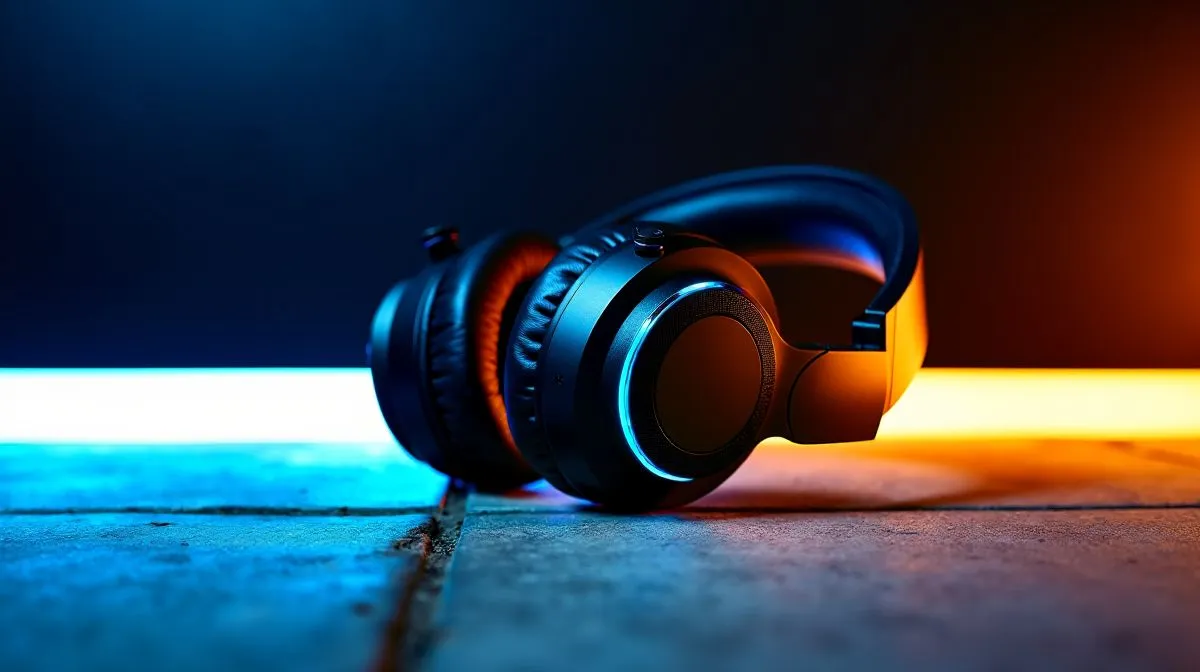
Wireless headset audio: why game and chat balance matters 🎧
South African gamers know the feeling… you land a clutch headshot, but you can’t hear the footsteps in the chaos. Or comms are crystal clear, yet game audio disappears into the void. The fix is usually not “better Wi‑Fi” or a new headset. It’s the game and chat balance control on wireless headsets explained… and getting it dialled in once, so it stays comfortable for every match.
That balance control is the difference between enjoying the game and fighting your own settings.
Game and chat balance control on wireless headsets explained: what it actually does 🔧
Most wireless headsets split sound into two streams:
- Game audio (music, footsteps, weapon sounds)
- Chat/voice audio (teammate comms, party chat)
On many models, a physical wheel or a software slider adjusts the ratio. Push more toward “Game” and you’ll hear more in-game details. Push toward “Chat” and your squad becomes louder and easier to understand.
Here’s a simple mental model: if your squad sounds far away, raise chat. If you miss positional audio, raise game. Wireless headsets like the Razer Barracuda X Chroma give you that quick, on-device control for fast in-match adjustments. If you’re shopping today, check the latest options here: Razer Barracuda X Chroma Wireless Headset (Phantom White).
How to set balance for FPS, RPG, and party-heavy nights ⚡
Balance isn’t one-size-fits-all. A few minutes of tweaking can save hours of frustration.
FPS (CS2, Valorant, Apex)
- Start with Game slightly louder than Chat
- Turn chat up only until you can understand callouts clearly
- If your team is talking constantly, reduce chat a touch to avoid drowning out footsteps
RPG and story games
- Put Chat lower so ambience and dialogue stay natural
- Raise chat only when you’re coordinating with friends on quests
Working/Social calls
- Bias toward Chat for clarity
- Keep game audio minimal unless you’re watching videos
Productivity Pro Tip ⚡
On Windows, keep the comms and headset volume consistent by using the Sound settings to set your headset as the default output, then adjust balance using the headset’s own Game Chat control. This prevents the OS from fighting you mid-match when Windows decides to “help” with volume levels.
Wireless headset settings that affect the balance (more than you think) ✨
Balance controls are only one piece. Wireless headsets can also include:
- Surround modes (use carefully; they can change how voices “sit” in the mix)
- EQ profiles (some boost bass, which can make footsteps harder to track)
- Voice enhancement features (can raise intelligibility but sometimes adds harshness)
If you’re trying to compare options quickly, browse Evetech’s headset lineup to match your priorities: wireless and wired headset range on Evetech.
For a broader look at Razer headsets specifically, this category page is handy: Razer Headphones & Headsets at Evetech.
Choosing the right headset for your balance style 🚀
Some headsets make balance control feel “instant” with physical controls. Others rely more on software. If you’re the type who tweaks mid-round, physical control usually wins.
Also consider your audio preference:
- If you like a broader stage, look at headsets listed with 7.1 profiles: Headphone headsets with 7.1 options
- If you want cleaner stereo imaging for competitive play, check Stereo options: Headphone headsets with Stereo options
Ultimately, the best choice is the one that lets you hear your team clearly without losing the game’s cues.
Ready to dial it in today?
The fastest way to stop “can’t hear comms” or “where are the footsteps?” is to set balance once, then fine-tune EQ only after you’ve got the ratio right.
Ready to Find Your Perfect Match? The Mac vs Windows debate is complex, but for maximum power, choice, and value in South Africa, Windows is hard to beat. Explore our massive range of laptop specials and find the perfect machine to conquer your world.











