

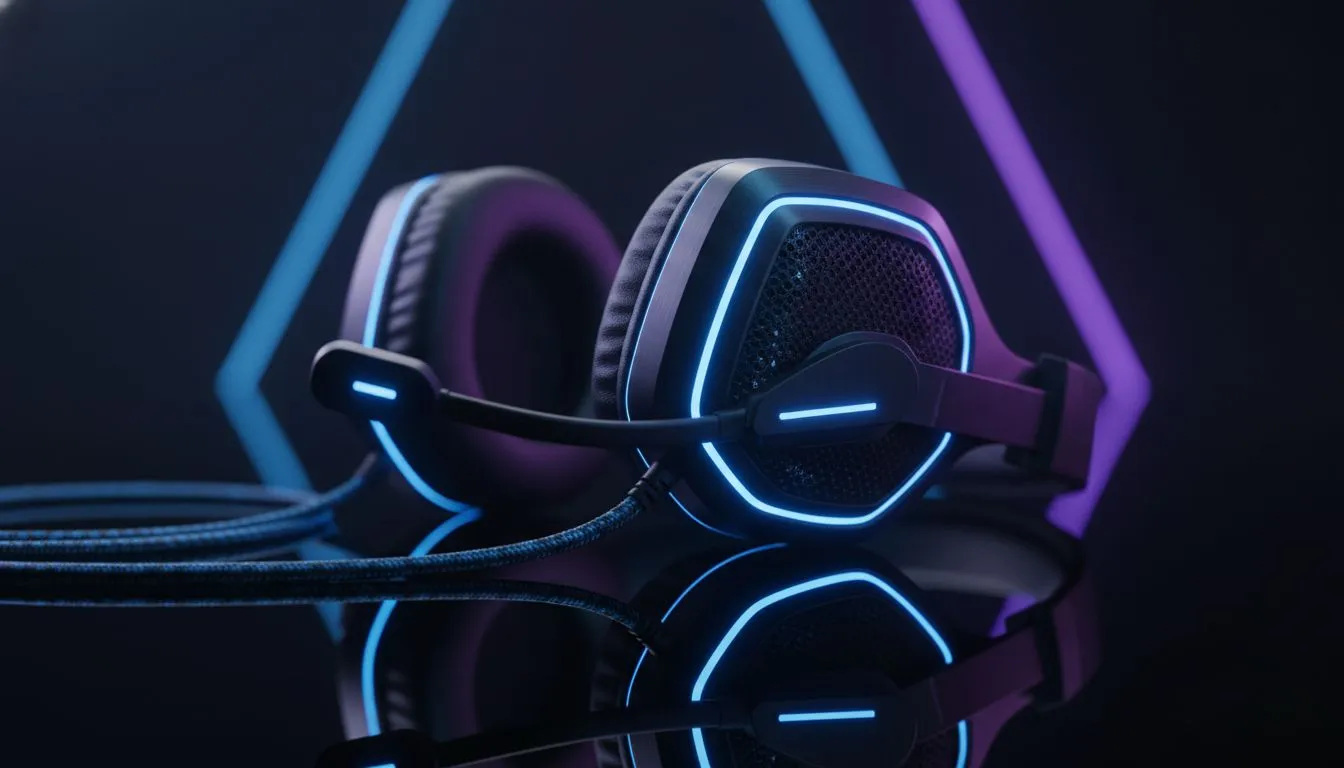
Why your gaming headset sounds muffled right now
There is nothing worse than clutching a 1v3 in Counter-Strike only to realise your audio is trash. If your gaming headset sounds muffled, you are likely missing crucial footsteps and directional cues. Whether it is a software glitch or a loose cable, we have the fixes to get your audio back to crystal clear levels before your next match begins. 🔧
Check the physical connection first
Before diving into complex settings, look at the hardware. A partially plugged 3.5mm jack is the most common culprit for muddy audio. Ensure the connector is pushed all the way into the port until you hear a click. If you are using a splitter for your PC, ensure the cables are in the correct green and pink ports.
Dust and lint can also accumulate in the ports over time. Use a bit of compressed air to clean out the jack on your PC or controller. If you are browsing our wider range of gaming headsets, you will notice that many modern options now use USB-C or wireless dongles to bypass these analogue interference issues entirely.
Optimise your Windows sound settings
Windows often tries to "help" by adding audio enhancements that actually degrade sound quality. To fix this, right-click the speaker icon in your taskbar and select "Sound settings". Navigate to your device properties and ensure "Enhancements" are disabled.
Another quick fix is checking the Default Format. Sometimes Windows resets your headset to "Tape Recorder Quality". Switch this to "2 channel, 16 bit, 48000 Hz (DVD Quality)" or higher to instantly clear up the muffled output.
Spatial Audio Pro Tip ⚡
If your directional audio feels "squashed" or blurry, try disabling Windows Sonic. While it aims to provide 3D sound, it often adds a reverb effect that makes everything feel distant. For the best results, stick to the native stereo profile provided by your headset manufacturer for better clarity in competitive shooters.
Update your drivers and software
If you use a high-end peripheral, the generic Windows driver might not be enough. Most modern gear requires dedicated software to function at 100%. For instance, if you own any Razer headphones and headsets, you should ensure Razer Synapse is updated to the latest version.
Software updates often include firmware fixes that address "ghosting" in the audio stream or EQ bugs. If your current gear is simply too old to support modern drivers, it might be time for a hardware refresh. The Razer Barracuda X Chroma Wireless Headset is a fantastic choice for South African gamers who want a clean, wireless signal without the muffled interference of aging copper cables. 🚀
When is it a hardware failure?
If you have tried different ports and updated every driver but the sound remains dull, the internal drivers might be blown. This happens over time due to high volume levels or physical drops. If your audio lacks "sparkle" or high-end frequencies regardless of the device you plug it into, the hardware has likely reached its limit.
Ready to Find Your Perfect Match? Don't let poor audio hold back your K/D ratio. For the best soundstage and most reliable wireless performance in South Africa, upgrading your gear is the ultimate solution. Explore our massive range of headset specials and find the perfect pair to dominate the server.











