

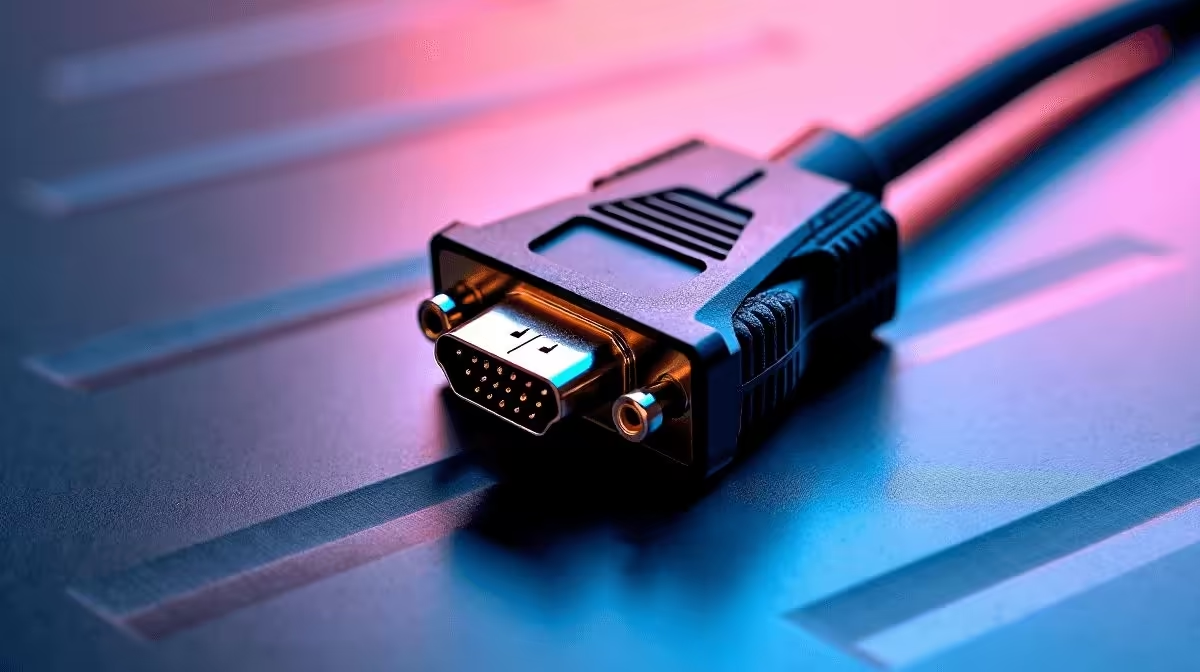
HDMI to VGA Adapter Cable: How It Works & Compatibility
If you’ve ever tried to plug a newer laptop into an older monitor, office projector, or even a school presentation setup, you’ll know the pain. The ports don’t match, the display stays blank, and the meeting is already starting. That’s where an HDMI to VGA adapter cable earns its keep 🔧
For South African gamers, students, and home office buyers, this little cable can save time and money. It also helps you keep older gear in use instead of replacing it too soon. Smart, right?
HDMI to VGA Adapter Cable basics
An HDMI to VGA adapter cable converts a digital HDMI signal into an analogue VGA signal. In plain English, it lets a modern device with HDMI connect to a screen that only accepts VGA.
That matters because HDMI is standard on most current laptops, PCs, and consoles, while VGA still appears on older monitors and projectors. Evetech’s cable solutions range is a handy place to start if you want to match the right connector to the right setup: comprehensive cable solutions.
Why the conversion matters
HDMI and VGA speak different languages. HDMI carries digital video and audio. VGA carries video only, and it uses analogue signals. Because of that difference, the adapter needs internal electronics to convert the signal properly.
That also explains why a simple passive plug often will not work. If your device outputs HDMI and the display only has VGA, you usually need an active adapter... not just a connector.
HDMI to VGA Adapter Cable compatibility tips
Compatibility is where most buyers slip up. The cable may look universal, but it is not.
Check these points first:
- Your source device must output HDMI.
- Your display must accept VGA.
- If the display needs sound, remember VGA will not carry audio.
- Some adapters need USB power for reliable conversion.
- Resolution support may vary by model, so check the product listing carefully.
If you are buying for a brand-specific setup, it helps to compare options. Evetech’s HP cable selection can be useful for office and workstation gear: HP cable options.
A quick real-world example
Picture this. You’ve got a new laptop for classes or work, but the lecture hall projector is older than the venue’s paint job. An HDMI to VGA adapter cable bridges that gap fast. No drama. No last-minute scramble for a different machine.
Quick Compatibility Tip ⚡
If your screen has VGA but no speakers, you may need a separate audio cable or speaker setup. HDMI carries sound, VGA does not. Always check whether your adapter supports your needed resolution before buying.
HDMI to VGA Adapter Cable buying advice
Not all adapters are equal. A cheap cable may work for light use, but intermittent flicker or poor image quality can spoil the experience. Look for a product with clear compatibility details, decent build quality, and support for the resolution you actually use.
If you want a broader choice, especially for bundled office and peripheral needs, browse trusted brands like Promate here: Promate cable solutions.
For most South African buyers, the best value comes from buying once and buying properly. That usually means checking the port types, confirming whether the adapter is active, and making sure the device matches your display’s native input.
HDMI to VGA Adapter Cable final thoughts
An HDMI to VGA adapter cable is not fancy, but it is practical. It keeps older displays useful, helps students and professionals stay ready, and avoids unnecessary upgrades. If you are shopping in ZAR, it is often far cheaper to buy the right adapter than replace an entire monitor or projector.
Choose carefully, check compatibility, and you’ll avoid the usual plug-in panic. 🚀
Ready to Find Your Perfect Match? The Mac vs Windows debate is complex, but for maximum power, choice, and value in South Africa, Windows is hard to beat. Explore our massive range of laptop specials and find the perfect machine to conquer your world.











