

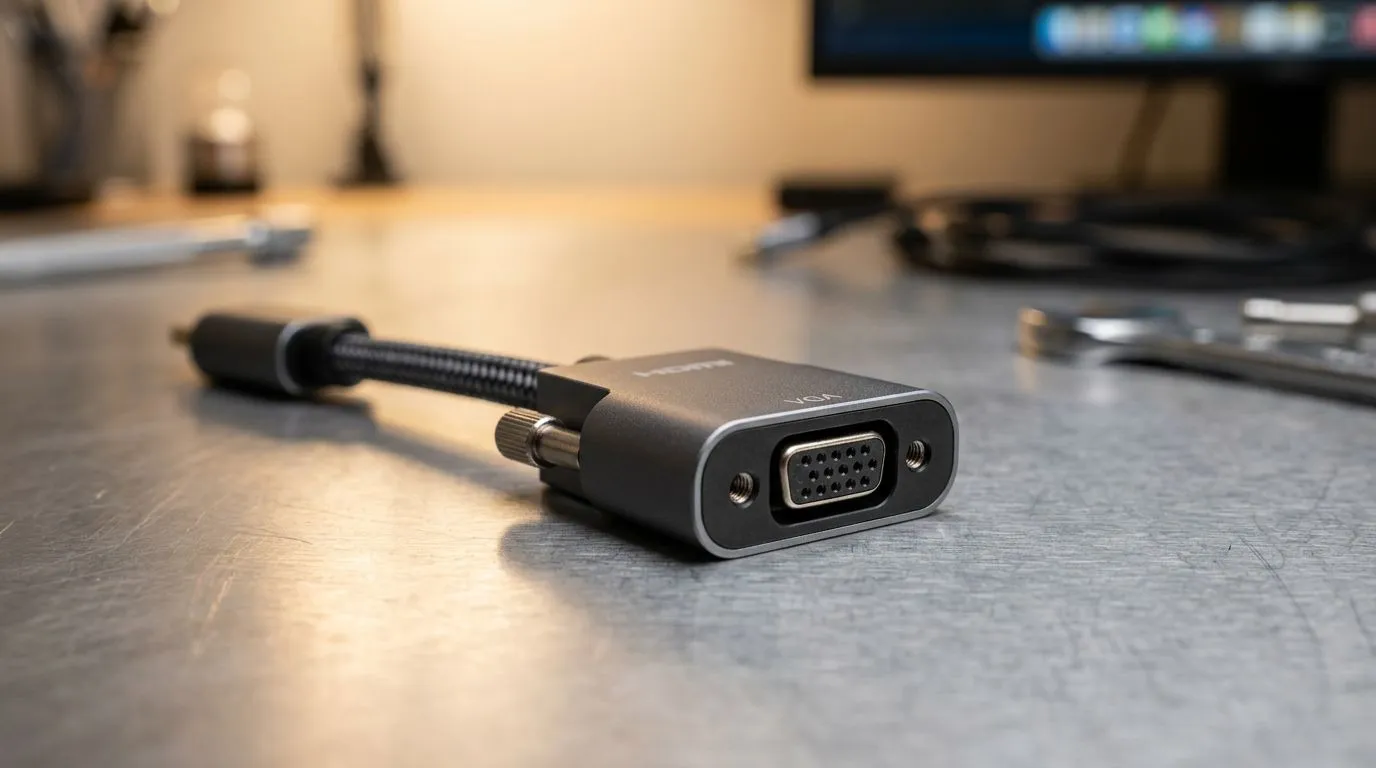
Troubleshooting Your HDMI to VGA Adapter No Signal Issues
There is nothing more frustrating than sitting down for a late-night gaming session only to be met with a blank screen. You have plugged in your new HDMI to VGA adapter, but your monitor just won't wake up. Whether you are repurposing an old office monitor for a secondary discord screen or trying to connect a legacy display to a modern GPU, a "No Signal" error is usually a simple handshake issue rather than a hardware failure. 🔧
Why Your Adapter is Acting Up
Most HDMI to VGA adapters are active converters, meaning they require power from the HDMI port to translate the digital signal into an analogue one. If your connection is loose or the cable quality is poor, the signal simply drops. Before you assume the worst, check your cable connections and ensure you aren't using a passive cable—these simply do not work for this specific conversion. If you are looking to upgrade your setup with reliable, high-quality gear, you can browse our full range of gaming accessories to ensure your signal path is solid.
Pro Tip: Check Your Resolution
If your PC is outputting a resolution higher than what your older VGA monitor can handle, you will see a 'No Signal' or 'Out of Range' error. Try booting into Windows Safe Mode and setting your primary display resolution to 1080p or lower before connecting the adapter again.
Resolving Signal Handshake Failures
Sometimes the issue lies in the Windows display settings. If your PC fails to detect the monitor, try using the Windows + P shortcut to toggle the projection settings to "Extend" or "Duplicate." It is also worth checking for exclusive deals on gaming peripherals if you find that your current hardware is simply showing its age. Replacing an unreliable, cheap adapter with a robust model often solves the flickering and signal loss issues that plague budget cables. ⚡
Final Steps for a Stable Display
If you have tried different cables and ports, and you are still staring at a black screen, it might be time to consider a modern display upgrade. Older VGA monitors often struggle with the refresh rates modern GPUs push. For those needing a more permanent solution, explore our specialised collection of gaming accessories to find the right cables and adapters that meet modern South African gaming standards. A stable connection is the foundation of every great victory… so don't let a bad adapter hold you back. 🚀
Ready to Find Your Perfect Match? The display debate is complex, but for maximum clarity, colour accuracy, and performance in South Africa, a modern digital connection is hard to beat. Explore our massive range of gaming accessory specials and find the perfect hardware to conquer your world.











