

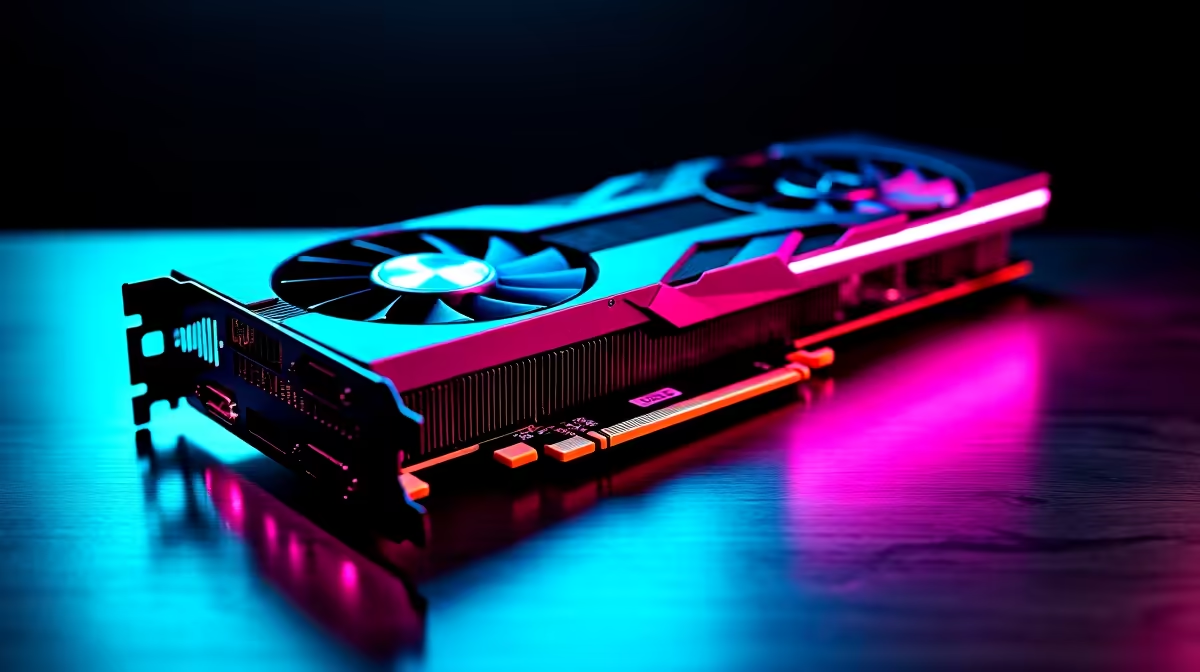
Summer in South Africa means braais, sunshine, and unfortunately... roasting graphics cards. If your PC sounds like a jet engine taking off during a heavy gaming session, you are not alone. Thermal throttling kills frame rates and ruins component lifespans. Before you panic and spend your hard-earned ZAR on random fans, let us walk through a complete high GPU temperature fix to get your system running ice-cold again.
Why is Your Graphics Card Overheating?
Modern gaming pushes hardware to the absolute limit. When your graphics processor works overtime, it generates massive amounts of heat. If that heat cannot escape your PC case, temperatures spike. A reliable high GPU temperature fix usually comes down to three things... airflow, software settings, or physical maintenance.
If your card is ancient and constantly running at 90 degrees Celsius despite your best efforts, it might be beyond saving. In that case, you might need to bite the bullet and look at upgrading your graphics cards. But for most gamers, a few simple tweaks can drop temperatures significantly.
First Steps to Optimise Airflow ⚡
Dust is the enemy of electronics. South African homes get dusty quickly, and that dust clogs up heat sinks and fan blades. Grab a can of compressed air and carefully blow out the dust from your GPU and case fans.
Next, check your case placement. If your PC is shoved into a tight desk cabinet, it is choking on its own hot air. Give it room to breathe. Well-designed airflow is a hallmark of the best gaming PCs, which use strategically placed intake and exhaust fans to maintain positive pressure.
Software Tweaks and Fan Curves
Sometimes the hardware is perfectly fine, but the software is holding it back. Manufacturers often prioritise quiet operation over aggressive cooling, leaving your components to bake.
Airflow Pro Tip 🔧
Download MSI Afterburner and set a custom fan curve. Ramping up fan speeds to 75 percent when temperatures hit 70 degrees Celsius is an instant high GPU temperature fix that stops thermal throttling before it even starts.
You can also try undervolting. This reduces the voltage supplied to the card without dropping performance... resulting in dramatically lower temperatures. If you prefer a system that is perfectly tuned right out of the box, our pre-built PC deals take the guesswork out of thermal management completely.
When to Repaste or Upgrade 🚀
If you have cleaned the dust and tweaked the software but temperatures remain dangerously high, the thermal paste between the GPU die and the cooler might be dried out. Replacing this paste is a fantastic high GPU temperature fix for older desktop cards.
However, this process is much trickier on portable devices. If you are experiencing severe thermal issues on an older notebook, it might be time to look at modern gaming laptops that feature advanced vapour chamber cooling and liquid metal application.
Final Checks for a Cooler Rig ✨
Keeping your components cool extends their lifespan... giving you more time to save up your ZAR for your next big upgrade. Always monitor your temperatures during heavy loads. If you need new case fans or an upgraded chassis to improve airflow, keep an eye on our daily tech specials to score premium cooling gear for less.
Ready to Find Your Perfect Match? The Mac vs Windows debate is complex, but for maximum power, choice, and value in South Africa, Windows is hard to beat. Explore our massive range of laptop specials and find the perfect machine to conquer your world.











