

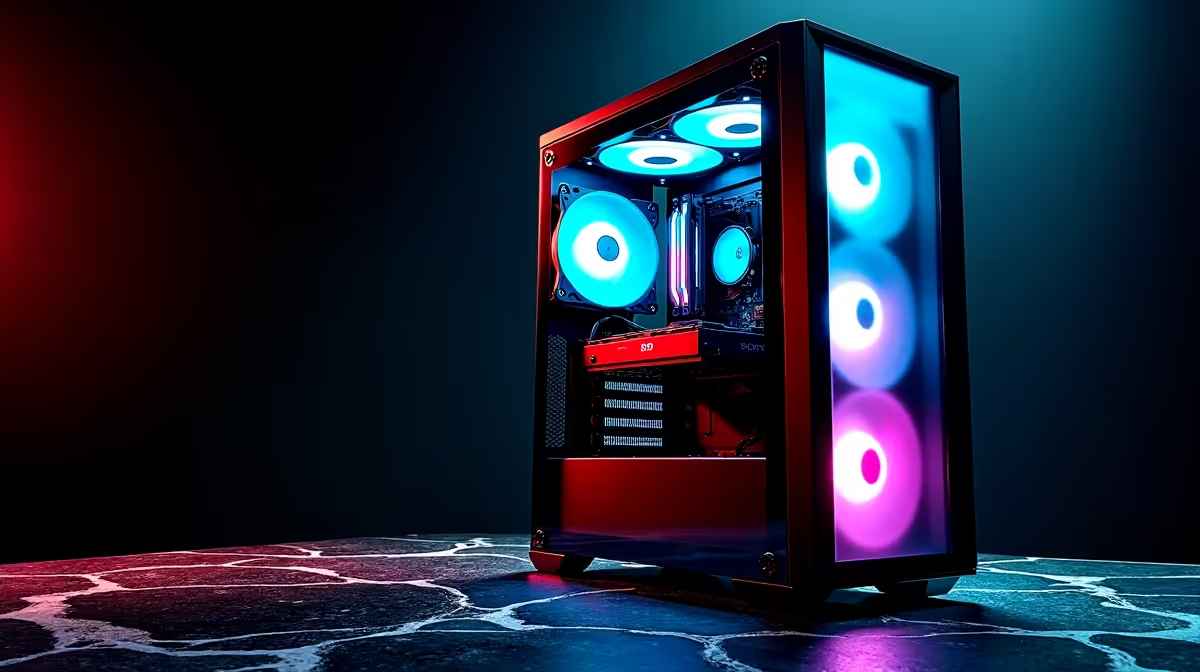
Bottom intake fans in vertical PC builds pull cool ambient air directly into the lowest point of your case, creating an upward-flowing pressure zone that naturally guides hot exhaust toward top and rear vents—but only if you understand the airflow mechanics and choose the right fan orientation.
Why Bottom Intake Matters in Vertical Builds
Vertical cases (motherboard mounted perpendicular to the floor, like most enthusiast and prebuilt systems) are inherently different from horizontal cases. Gravity pulls warm air downward, but your cooling system must fight this natural tendency. Bottom intake fans solve this problem by establishing a low-pressure zone at the case floor, forcing cool air upward and keeping hot air from pooling around your graphics card and power supply.
In a typical South African gaming PC (mid-range GPU, high-end CPU), the GPU is mounted horizontally in the middle-to-lower portion of the case. Without bottom intake, this area starves for cool air, forcing your GPU fans to work harder than necessary. Adding even one or two bottom intake fans can drop GPU temperatures by 5–8°C.
Understanding Airflow Direction
This is critical: the fan frame arrow shows exhaust direction, not intake direction. If you're installing a bottom fan and the arrow points down (out of the case), you've got it backwards—you're exhausting air, not intaking it. Orient the fan so the arrow points up (into the case), creating that low-pressure intake zone.
Once air enters from the bottom, it follows the path of least resistance. Most air flows straight up through the GPU region (where there's a natural cavity), then out through rear and top exhaust fans. Some air circulates around the motherboard and drives, but the main flow is direct: bottom in, top/rear out.
Pressure Zones and How They Form
A well-designed vertical build maintains positive pressure—meaning intake fans push more air into the case than exhaust fans pull out. This creates a microscopic air pressure difference that prevents dust and ambient heat from seeping in through cracks and cable gaps.
Bottom intake fans are the easiest way to achieve this. One rear exhaust fan plus one or two bottom intake fans = positive pressure. The benefits:
- Dust control: Positive pressure forces dust to exit through intentional vents, not sneak in everywhere
- Cooler GPU: Hot air from the GPU exhausts immediately rather than re-circulating
- Stable temperatures: Less thermal stratification (hot air collecting in the top of the case)
- Reduced CPU cooler load: Cool air flowing past the CPU sink means it works more efficiently
However, positive pressure only works if your intake fans can actually pull air—check that your case has unobstructed bottom vents. Some budget cases have solid bottoms or very small holes, defeating the purpose. When you shop for cases on Evetech, verify the bottom vent design before committing.
Typical Bottom Fan Configurations
Single 120mm Bottom Fan: Best for mid-tower builds and budget setups. Provides modest positive pressure and cools the GPU region. Usually paired with one rear 120mm exhaust. Suitable for office PCs and light gaming.
Dual 120mm Bottom Fans: The standard for gaming builds in South Africa. Creates strong positive pressure, noticeably cooler GPU temperatures, and good dust control. Paired with one rear and one top exhaust, this is the baseline for clean, efficient airflow.
Three Bottom Fans (120mm or 140mm): Overkill for most builds, but justifiable in extreme gaming setups or if you're pushing high GPU power. Creates very aggressive positive pressure, which can slightly increase noise due to higher fan speeds, but thermal performance is excellent.
When you view gaming PC deals on Evetech, notice that pre-built systems often include dual bottom intake—manufacturers know this is the most cost-effective cooling upgrade.
PSU and Cable Management Considerations
Bottom intake fans conflict with your power supply shroud if you're not careful. Most modern cases place the PSU at the bottom with a shroud that isolates it from the main airflow chamber. This is actually good—it means your PSU gets its own cool air supply, independent of case airflow.
However, if your case has a large unobstructed bottom opening, bottom intake fans might pull air through the PSU shroud vents instead of case vents, creating dead zones. Check your case manual or physically inspect before installing. Ideally, bottom intake fans should draw from a distinct vent area that bypasses the PSU.
Cables can also block bottom airflow if routed poorly. Spend time organising cables before installing bottom fans—it's easier to route them around intake zones now than to disassemble later.
Temperature Improvements You Should Expect
Bottom intake fans don't cool your entire system uniformly. Instead, they create localised improvements:
- GPU temperature: -5 to -10°C under load
- Power supply temperature: -2 to -5°C (still beneficial for PSU longevity)
- RAM and VRM temperature: Slight improvement due to better circulation
- CPU temperature: Minimal direct impact (CPU cooler intake matters more)
These aren't guaranteed—they depend on case design, fan quality, and ambient temperature. In summer, when your South African ambient is 30°C+, these 5°C gains matter because you're closer to thermal limits.
Noise Implications
Bottom intake fans do add noise, but strategically. A single 120mm bottom fan at 1000 RPM is barely audible. Two 120mm fans at 1200 RPM each create a continuous low-frequency hum—present but not annoying. The key is choosing quality fans with good bearing design; cheap fans become irritating at sustained speeds.
When you browse case fan options on Evetech, prioritise fans with noise specifications under 30 dB at your expected operating RPM. This keeps bottom intake relatively quiet even during gaming.
Fan Selection for Bottom Mounting
Bottom fans work hardest because they're fighting gravity—air naturally wants to rise. Choose fans with:
- Higher static pressure (not CFM/airflow—pressure matters more for restricted spaces)
- Reliable ball bearings (they handle sustained operation better)
- PWM speed control (so you can dial them down during light work)
- Rubber grommets (bottom mounting transmits vibration most directly into your case frame)
Installation Tips
- Check your case design first. Flip the case upside down or get a torch and inspect the bottom vents. Is there enough surface area? Is it free of dust already?
- Mount fans with minimal vibration transmission. Use rubber grommets or anti-vibration pads—bottom fans transmit sound directly into the case frame.
- Cable manage below the bottom fans. Route your power cables away from intake zones so they don't create blockages.
- Test before closing up. Fire up Prime95 and HWiNFO, watch GPU temperatures drop as the fans ramp up, then close your case.
Case Design Variation
Troubleshooting Weak Airflow
If you install bottom intake and see minimal temperature change, diagnose:
- Blocked vents: Dust buildup or cable routing blocking intake holes
- Wrong fan orientation: Fans exhausting instead of intaking
- Thermal paste issues: Poor contact between cooler and chip—not related to intake, but often mistaken
- Case design limitation: Your specific case might not benefit much from bottom intake due to internal layout
Use visual smoke testing (hold a smoking incense stick near the bottom vent) to actually see where air enters and exits.
Ready to optimise your vertical PC build's airflow? Upgrade to quality bottom intake fans from Evetech's extensive PC components catalogue. Smart airflow design means cooler, quieter, and more reliable gaming—start with proven bottom intake strategy.











