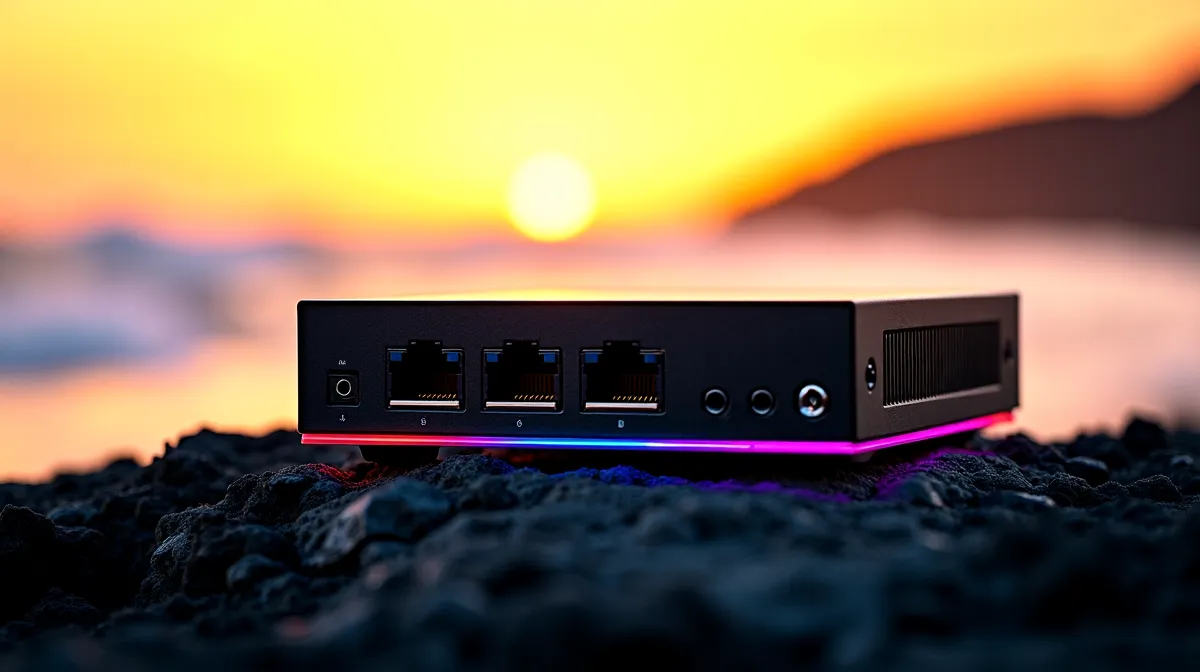
Network switches are built to handle heat better than most PC components — the majority of unmanaged and managed switches are rated for operating temperatures up to 40–50°C. South African summer conditions, even at their worst indoors, rarely challenge these limits. However, placement matters more than you'd think, especially for switches tucked inside closed cabinets or stacked with other warm networking gear.
🌐 Operating Temperature Ratings
What the Specs Say
Consumer and prosumer network switches typically carry operating temperature ratings of 0–40°C for basic models and 0–50°C for industrial-grade units. Enterprise switches designed for server rooms (which can run warm) are rated even higher. The average South African room during summer hits 28–35°C, which falls comfortably within the operating range of any quality switch on the market.
The components inside a network switch — the switching ASIC, RAM, and power circuitry — generate modest heat compared to a PC's CPU or GPU. Most consumer gigabit switches are passively cooled (no fan) because their thermal output is low enough for heatsinks alone to manage, even in warm environments.
When Heat Becomes a Concern
Problems arise not from ambient room temperature, but from poor placement. A switch mounted inside a sealed network cabinet with a router, NAS, and power strip — all generating heat in a confined space with no airflow — can see localised temperatures climb 10–15°C above ambient. That's where a 32°C room becomes a 45°C enclosure, and cheaper switches may start throttling or dropping packets.
🔧 Setup Tips for SA Conditions
For video editors and anyone running large file transfers over their network, consistent switch performance matters. Here's how to ensure your switch handles SA summers without issues:
Place the switch in an open, ventilated area — on top of a shelf rather than inside a closed cabinet. If cabinet mounting is necessary, ensure the cabinet has ventilation holes or a small exhaust fan. Keep the switch away from heat sources like your PC's exhaust, direct sunlight, or UPS units (which generate noticeable warmth). For rack-mounted setups, leave at least 1U of space between the switch and other equipment for airflow.
If you're running a multi-gig or 10GbE switch (which generate more heat than standard gigabit models), active cooling or at minimum a well-ventilated mounting position becomes more important.
⚡ Signs Your Switch Is Overheating
If your network performance drops intermittently during hot afternoons — slower transfers, higher latency, brief disconnections — heat could be the cause. Managed switches display temperature readings in their admin interface. Unmanaged switches don't offer this, but if the case feels uncomfortably hot to the touch (above roughly 50°C surface temperature), improve its ventilation.
Other signs include the switch restarting spontaneously, LEDs flickering without reason, or certain ports dropping connection intermittently while others work fine. Before assuming the switch is faulty, try improving airflow and see if the issues resolve.
Network Setup Pro Tip ⚡
If your switch lives inside a closed TV cabinet or desk hutch, add a small USB-powered fan (R150–R300) to circulate air. This single change can drop the internal cabinet temperature by 8–12°C and completely eliminate heat-related network issues during summer.
🇿🇦 Choosing the Right Switch for SA
For most home gaming and office setups, a standard 8-port or 16-port gigabit switch handles SA conditions without any special considerations. Browse networking gear at Evetech to compare managed and unmanaged switches at current prices. All options are rated for our climate and come with local warranty.
Ready to Upgrade Your Network?
Browse Evetech's range of network switches, routers, and accessories — local warranty and delivery across South Africa. Shop Networking at Evetech.