


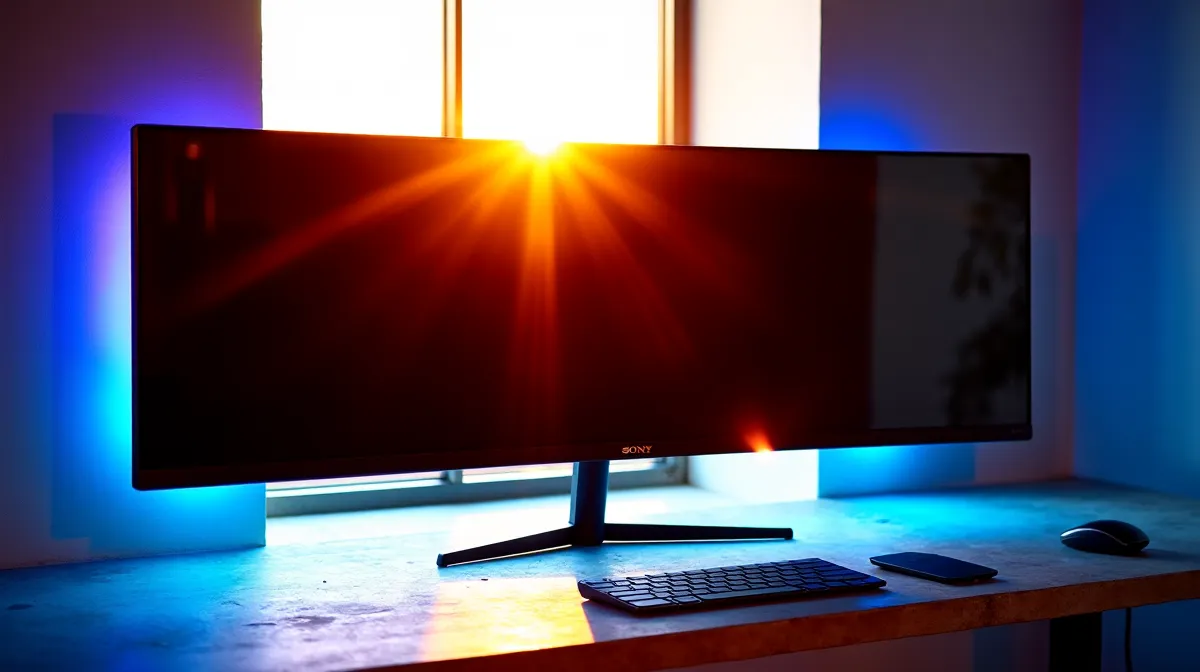
Ultrawide monitors perform fine in South African summer heat — they're not significantly more heat-sensitive than standard monitors. The concern is understandable given that ambient temperatures in Gauteng, KZN, and Limpopo regularly hit 30–35°C indoors during peak summer, but modern LCD panels are rated to operate safely at up to 35–40°C ambient. That said, there are practical considerations around placement, lifespan, and complementary setup choices that SA users should know about.
🖥️ How Heat Affects Monitor Performance
Operating Temperature Ranges
Every monitor has a rated operating temperature range listed in its specifications — typically 0–40°C for most consumer displays. South African indoor temperatures during summer, even without air conditioning, rarely exceed 35°C in a typical room. This means your ultrawide (or any monitor) is operating within its designed parameters during normal SA summer conditions.
Where things get concerning is direct sunlight exposure and enclosed spaces. A monitor positioned in direct sunlight near a window can see surface temperatures climb well above ambient, and a monitor in a poorly ventilated enclosed desk nook with a gaming PC generating heat nearby can experience localised temperatures that approach the upper limit.
What Heat Actually Does to Your Display
Sustained high temperatures primarily affect two things: backlight lifespan and response times. LED backlights dim gradually over their lifetime, and higher operating temperatures accelerate this degradation. A monitor consistently running at 35°C will lose backlight brightness slightly faster than one running at 22°C — but we're talking about a difference measured over years, not months.
Response times can increase marginally at higher temperatures due to liquid crystal viscosity changes, but the effect is negligible in modern IPS and VA panels — a fraction of a millisecond that no human can perceive.
🌡️ Practical Tips for SA Summer Gaming
Keep your monitor out of direct sunlight — this is the single most impactful thing you can do. UV exposure and direct solar heating stress components far more than ambient room temperature. Position your desk so the screen faces away from windows, or use blinds during peak sun hours.
Ensure airflow around the monitor. Ultrawides have larger surface areas and slightly higher heat output than standard monitors. Leave at least 10cm of clearance behind and above the panel for natural convection. Wall-mounting an ultrawide flush against a wall with no gap can trap heat against the rear panel.
If your room regularly exceeds 30°C during gaming sessions (your PC is adding heat to the room too), a desk fan or ceiling fan moving air across your setup makes a bigger difference than you'd expect. You're not cooling the monitor directly — you're preventing hot air from stagnating around your desk area.
Monitor Placement Pro Tip ⚡
Position your ultrawide so it's not receiving direct sunlight at any point during the day. Even brief daily sun exposure creates uneven thermal stress on the panel and accelerates backlight degradation on one side. A simple desk repositioning or window blind solves this completely.
🇿🇦 Buying an Ultrawide for SA Conditions
There's no need to buy a specific "heat-rated" monitor for South Africa — all ultrawides sold locally are designed to handle our conditions. What matters more is choosing the right panel technology for your use case and budget. IPS ultrawides offer the best colour accuracy and viewing angles. VA ultrawides deliver deeper blacks and higher contrast for immersive gaming. Both handle SA temperatures identically.
Browse ultrawide monitors at Evetech to compare sizes, panel types, and refresh rates at current SA pricing.
Ready to Go Ultrawide? Browse Evetech's range of ultrawide monitors — from budget 34-inch panels to premium curved displays — all with local warranty and delivery across South Africa. Shop Monitors at Evetech.











