



850W PSU Planning for RTX 5080 Super Builds in SA
850W for RTX 5080 Super needs a full-build check, not a simple yes. Review GPU guidance, CPU draw, transient load, connectors, PSU quality, and upgrade plans before deciding.
Read moreCheck If Your PC Can Handle RTX 5070 Ti. Step-by-step instructions with SA-specific tips, common pitfalls to avoid & expert recommendations.
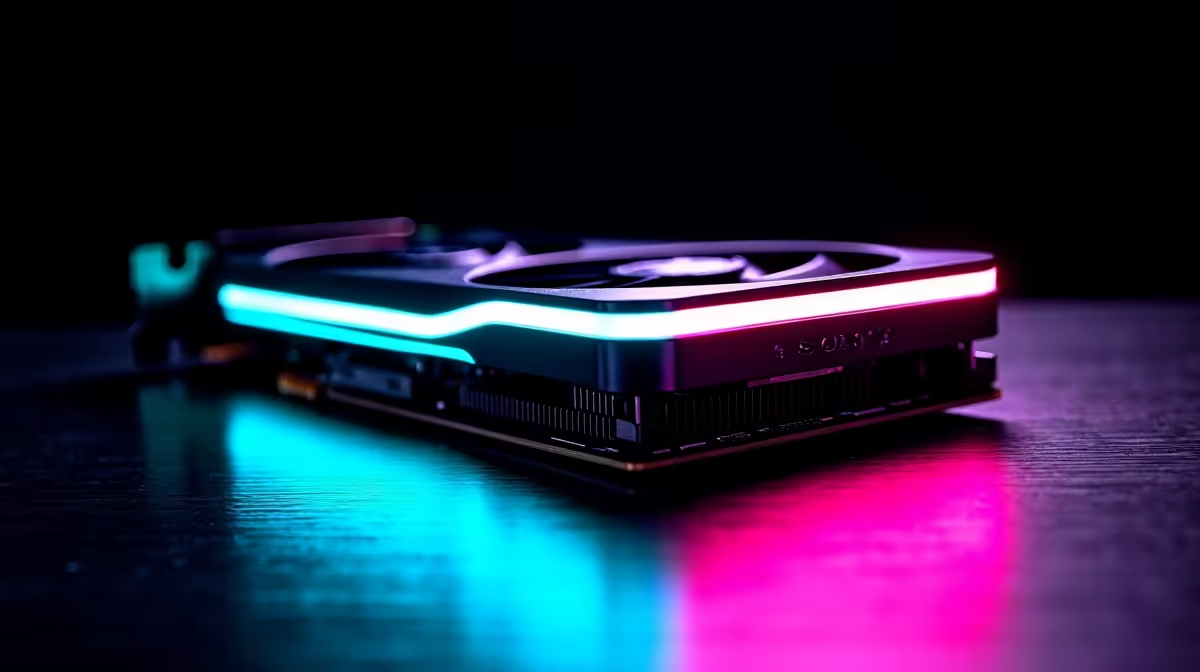
To check if your PC can handle the RTX 5070 Ti, verify your PSU provides at least 800W, your case supports a card of appropriate length (typically 320 to 340mm), your motherboard has a PCIe 4.0 or 5.0 x16 slot, and your CPU is not so old that it will significantly bottleneck the GPU at your target resolution.
The RTX 5070 Ti has a TDP in the 280 to 320W range depending on partner card implementation. Nvidia recommends a minimum 800W PSU for systems running this GPU. However, this assumes a modern mid-range CPU. If your system also runs a high-TDP processor like an Intel Core i9 or AMD Ryzen 9, ensure your PSU has a comfortable overhead above the combined system draw. A quality 850W to 1000W PSU is the safer practical target.
Check your current PSU wattage rating on the label attached to the unit inside your case. Also check the PCIe power connector count: the RTX 5070 Ti typically requires a 16-pin 12VHPWR connector or two 8-pin PCIe connectors via an adapter. If your PSU only has older 6-pin connectors, you will need a new PSU regardless of wattage.
SA tip: Power quality matters as much as wattage during loadshedding recovery. A UPS or quality surge protector protects your new GPU investment from voltage spikes when municipal power returns after an outage.
RTX 5070 Ti models from various board partners vary in length, but most measure between 300mm and 340mm. Open your PC case and measure the clearance from the PCIe slot bracket to the nearest obstruction, typically a drive cage or the front panel. If you are unsure of your case dimensions, look up the model name and check the manufacturer's maximum GPU length specification.
Also check GPU thickness. The RTX 5070 Ti typically occupies 2.5 to 3 slots. If your case has adjacent PCIe slot devices (like a capture card or WiFi card), ensure there is enough vertical space for the cooler.
A CPU bottleneck occurs when your processor cannot feed frames to the GPU fast enough, preventing the GPU from reaching its performance ceiling. At 4K resolution, CPU bottlenecks are minimal because the GPU is always the limiting factor. At 1440p and especially 1080p, CPU performance matters significantly.
For the RTX 5070 Ti, a CPU from the last three to four years on a modern platform (AMD Ryzen 5000 and above, or Intel 12th gen and above) is generally sufficient to avoid severe bottlenecking at 1440p. Older CPUs (Intel 8th or 9th gen, Ryzen 3000 series) may limit performance at 1080p competitive gaming resolutions. Use a free tool like CPU-Z to identify your exact CPU model and compare it against benchmark comparisons online to assess the risk.
What minimum PSU wattage does the RTX 5070 Ti need? Nvidia recommends a minimum 800W PSU for a system with an RTX 5070 Ti. For systems with high-TDP CPUs or multiple storage drives, 850W to 1000W provides a safer margin.
Will an old PCIe 3.0 motherboard bottleneck the RTX 5070 Ti? PCIe 3.0 x16 provides enough bandwidth that real-world gaming performance differences versus PCIe 4.0 are minimal in most titles. However, PCIe 4.0 or 5.0 x16 is preferred for full performance and future compatibility.
How do I measure GPU length before buying? Measure the internal length of your case from the PCIe slot bracket face to the nearest physical obstruction (drive cage or front panel). Compare this measurement to the specific GPU model's dimensions listed on the product page.
Also at Evetech: RTX 5070 Ti Gaming PCs | RTX 5070 Gaming PCs
Ready to Find Your Perfect Match? Shop Gaming PCs and GPUs at Evetech
How to Check If Your PC Can Handle RTX 5 available at Evetech.co.za with local warranty and fast delivery.
How to Check If Your PC Can Handle RTX 5 - check Evetech for latest stock and SA pricing.
Depends on your use case. How to Check If Your PC Can Ha offers good value at current Rand pricing.
850W for RTX 5080 Super needs a full-build check, not a simple yes. Review GPU guidance, CPU draw, transient load, connectors, PSU quality, and upgrade plans before deciding.
Read more
FPS drops blamed on a wireless gaming headset often point to input, driver, USB, network, or system-load checks. Use a quick SA-friendly troubleshooting flow to isolate software, firmware, thermals, storage, and game settings before replacing
Read more
1440p is the sweet spot for Polokwane gamers because it balances sharper visuals with manageable GPU demand. Compare refresh rate, graphics card tier, monitor size, and game settings before choosing a display.
Read more
240Hz monitors are mainstream in SA esports because smoother motion and lower input feel matter in Sandton matches. See how GPU frame rates, panel choice, desk setup, and local budget decide whether 240Hz is a smart upgrade from 144Hz.
Read more
4K monitors still cost more for gamers because resolution, refresh rate, panel quality, and GPU demands raise the bar. Polokwane buyers should compare screen size, ports, adaptive sync, and whether 1440p is a better fit.
Read more
Edenvale gpu price pressure questions need cautious SA context because pricing can move with availability, exchange rates, specs, and warranty support. Treat the trend as a planning signal, not a fixed price promise.
Read more
Tired of shaky navigation? We test if an extendable arm phone mount can stabilize your device on bumpy South African roads. Discover the truth about mount stability and road safety for your daily commute! 📱🚗

Cyber Monday gaming chair is a cautious guide for seasonal tech deal planning. Compare spec priorities, timing, warranty support, and realistic SA price checks for SA buyers without assuming live prices, availability, or exact benchmark results.

Pre-Black Friday wired gaming mouse buying planning should focus on shape, specs, warranty, and usual price bands. Use this SA guide to shortlist sensible options before deal periods without assuming live discounts.

ATX 3.1 vs ATX 3.0 for Competitive Esports comes down to GPU power connectors, PSU quality, cable routing, headroom, and upgrade plans. SA buyers should match the choice to their setup instead of assuming one option always wins.

How to fix FPS drops on AM5 motherboard starts with BIOS, chipset drivers, cooling, and memory stability. South African gamers can work through power, EXPO, refresh-rate, overlay, and game-setting checks before spending on new hardware.

RX 9070 XT build frame pacing issues needs a step-by-step check before replacing parts. Review drivers, settings, thermals, power, background apps, display limits, cables, and game options before changing hardware.

Low fps on rtx 5080 build in south africa usually needs a settings, driver, thermal, or power check first. Work through safe SA troubleshooting steps before replacing parts or assuming a full upgrade.

1440p is the sweet spot for Mbombela gamers because it sharpens detail without demanding 4K-level GPU power. SA buyers should weigh monitor refresh rate, graphics card tier, desk size, and game mix before moving up from 1080p.
850W for RTX 5080 Super needs a full-build check, not a simple yes. Review GPU guidance, CPU draw, transient load, connectors, PSU quality, and upgrade plans before deciding.

Bluetooth headset or 2.4GHz wireless headset decisions in SA hinge on latency, device support, battery, and dongle access. Gamers should match the headset to competitive play, couch use, calls, and platform ports.
FPS drops blamed on a wireless gaming headset often point to input, driver, USB, network, or system-load checks. Use a quick SA-friendly troubleshooting flow to isolate software, firmware, thermals, storage, and game settings before replacing

ATX 3.1 vs ATX 3.0 for streaming on Twitch and YouTube Difference explained is mostly about compatibility, budget, upgrade path, and setup fit. SA buyers should check device support and real needs before expecting a clear win from either option.