

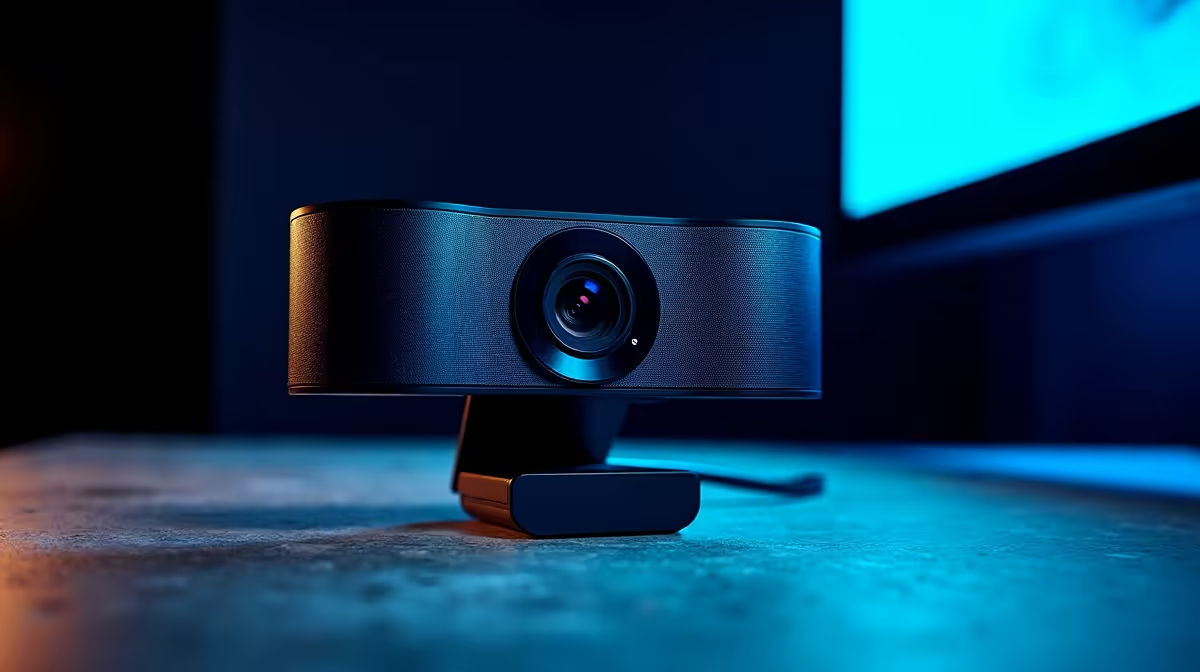
A webcam is one of the most visible pieces of streaming gear - it directly affects how your audience perceives your production quality. Choosing the right one means matching resolution, field of view, and low-light capability to your specific streaming environment.
Quick Answer
How do I choose a streaming webcam?: Prioritize 1080p at 60fps as the minimum for streaming, look for good low-light autofocus performance, and match the field of view to your room setup. Background blur and noise reduction are useful but secondary to core image quality.
🔧 Core Specifications That Matter
Resolution and frame rate: 1080p at 60fps is the current streaming standard. 4K webcams exist but most streaming platforms downscale to 1080p or 720p anyway - the main benefit of a 4K sensor is extra detail for cropping and better downscale quality. For most streamers, 1080p 60fps delivers excellent results without the higher cost or USB bandwidth demands of 4K.
Autofocus: Continuous autofocus keeps you sharp when you move in frame. Look for phase-detection or hybrid autofocus rather than pure contrast-detect systems, which can hunt and create a pulsing blur effect that's distracting on stream.
Low-light performance: Sensor size and aperture determine low-light capability more than marketing claims. A larger aperture (lower f-number like f/2.0 vs f/2.8) lets in more light. This matters if your streaming space doesn't have dedicated lighting - a webcam with good low-light performance looks professional without a ring light.
Field of view (FOV): A 78–90 degree horizontal FOV works for a typical desk setup 50–70 cm from the camera. Wider FOV (100°+) captures more of the room but can introduce distortion at the edges and show more of your background. Choose based on how much of your environment you want to include in frame.
📊 Connectivity and Compatibility
All streaming webcams connect via USB. USB 2.0 handles 1080p at 30fps fine; USB 3.0 is recommended for 1080p 60fps and 4K to ensure adequate bandwidth without compression artefacts.
Confirm compatibility with your streaming platform and software. OBS Studio (the most common free streaming application) supports all standard USB webcams via its Video Capture Device source. Check if the webcam has its own companion software for adjusting settings like exposure, white balance, and zoom - this saves time compared to manual adjustments in OBS.
If you're streaming on a laptop, also confirm USB-A vs USB-C port availability. Some modern webcams ship with USB-C to USB-A adapters, but double-checking prevents setup surprises.
💡 Matching the Webcam to Your Setup
Well-lit rooms: Almost any 1080p webcam performs well in good lighting. Prioritize autofocus quality and a clean image processor over low-light specs.
Poorly lit rooms: A webcam with a larger aperture and good noise reduction is essential. Alternatively, budget a ring light or key light alongside a more affordable webcam - the combination often outperforms an expensive webcam in bad light.
Green screen setups: A sharper, higher-contrast webcam gives green screen software cleaner edges to work with. Look for cameras with less digital sharpening processing, which can create haloing around edges.
Multi-purpose use (streaming and video calls): Many streamers also use their webcam for work calls on platforms like Teams or Zoom. Built-in noise cancellation microphones are convenient but rarely match the quality of a dedicated microphone - factor in whether you need a separate mic in your overall setup budget.
❓ Frequently Asked Questions
Do I need a 4K webcam for streaming? Not for most streaming use cases. The main benefits are better cropping flexibility and slightly sharper image quality after downscaling, but most viewers on 1080p streams won't see a difference versus a good 1080p 60fps webcam.
Is a DSLR better than a webcam for streaming? A DSLR or mirrorless camera with a capture card delivers a noticeably more cinematic image. However, the setup cost, complexity, and space requirements are significantly higher. A high-quality webcam is the simpler, more practical choice for most content creators.
Can I use a webcam for a podcast recording setup? Yes. Webcams work well for video podcast recording. Pair it with a proper USB or XLR microphone since webcam audio, while passable for video calls, isn't suitable for audio-focused content.
Evetech stocks Webcams and Streaming Gear — shop online with fast delivery across South Africa.
Ready to Find Your Perfect Match? Shop at Evetech











