

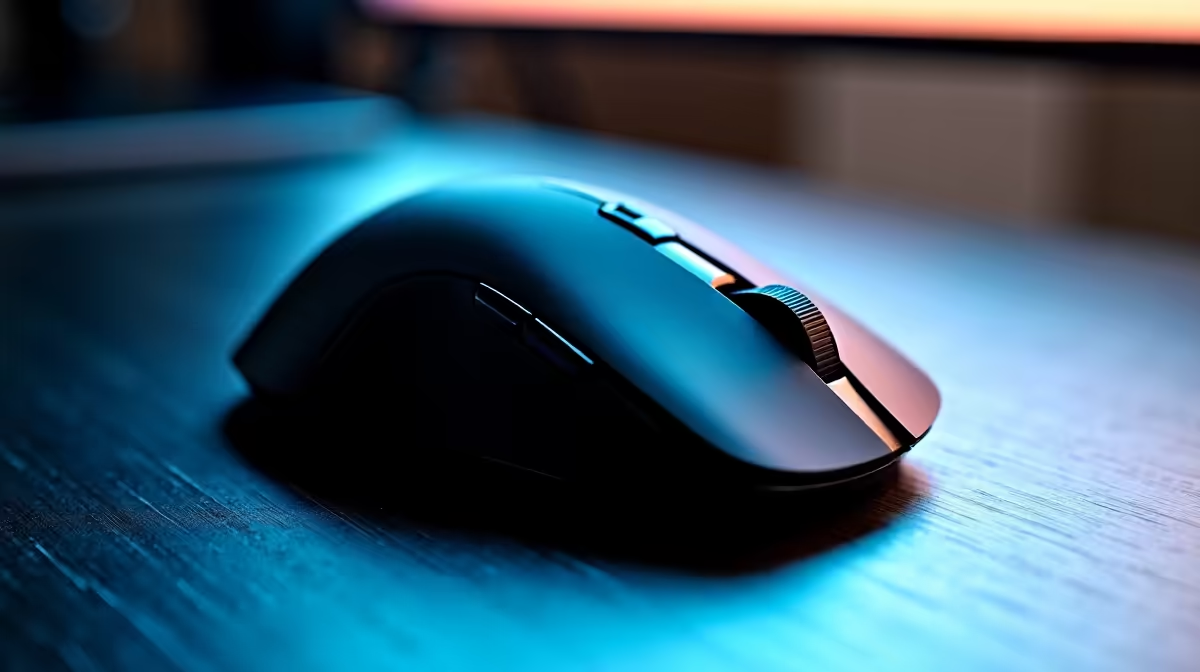
Clean Your Lightweight Mouse Without Damage ⚡
Your lightweight mouse feels like an extension of your hand in every gaming session. But dirt, sweat, and dust can silently build up, dragging down precision and comfort. Cleaning it the right way protects its delicate components and keeps your clicks crisp. Ready for simple steps to clean your lightweight mouse without damaging it? Let’s dive into expert tips every South African gamer should know.
Why Proper Cleaning Matters for Lightweight Gaming Mice
Lightweight gaming mice are engineered for speed and agility, often featuring low-friction feet and sensitive sensors. Using harsh cleaners or soaking components can wreck these fine details. Instead, a gentle, methodical clean keeps your device reliable — helping you crush high-pressure FPS rounds without hardware hiccups.
For example, avoiding alcohol-soaked wipes on mouse feet preserves their glide; dust inside the sensor area may need careful air blasting. Precision cleaning extends your mouse’s life and your gaming edge.
Step-by-Step Lightweight Mouse Cleaning Guide 🔧
Tools You’ll Need
Gather soft microfiber cloths, cotton swabs, compressed air canisters, and a gentle cleaning spray or isopropyl alcohol (max 70%).
Cleaning Procedure
- Unplug and Power Off: Always disconnect your mouse from your PC or laptop before cleaning.
- Exterior Clean: Wipe the shell and buttons with a slightly damp microfiber cloth. Avoid getting moisture near buttons or openings.
- Feet and Sensor: Use compressed air on sensor openings and around mouse feet, then gently clean the feet with a dry cotton swab.
- Stubborn Dirt: Lightly moisten a cotton swab with isopropyl alcohol to tackle grime around crevices — but never soak the mouse.
- Dry and Test: Let your mouse dry fully before plugging back in.
These steps maintain your mouse’s lightweight design and sensor accuracy without risking damage.
Gentle Cleaning Insight
Consider removing the mouse feet if possible — it lets you clean beneath without pushing dirt into the sensor. But only if your model supports easy foot removal!
Why Upgrading Your Gaming Setup Matters Too 🚀
Cleaning is key, but pairing your mouse with high-performing peripherals and a strong PC setup can really elevate gameplay. Check out Evetech’s excellent range of gaming mice for the latest models built for precision and comfort.
If your PC is holding you back, browse the best gaming PC deals to find a system that matches your ambition. Alternatively, explore pre-built PC deals for powerful hardware ready to rock straight out of the box.
For gamers needing portability without compromise, Evetech's selection of notebooks for sale in South Africa merges mobility with serious gaming chops.
Don’t forget to regularly check Evetech’s specials page to grab deals on peripherals that complement your mouse and gaming rig.
Level Up Your Gaming Gear Keep your mouse in top shape and explore the best gear on the market. Shop now at Evetech for performance that leaves lag in the dust.











