

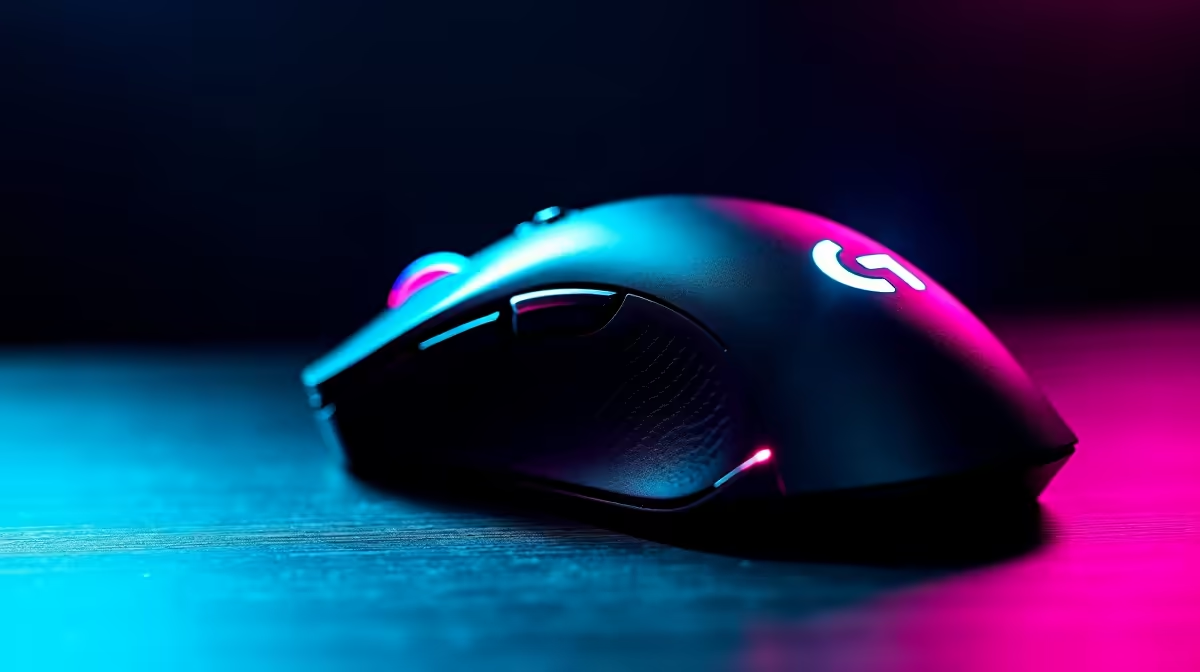
Keep Your Wireless Gaming Mouse Clean Without Risk ⚡
If you’re a South African gamer or tech buyer, your wireless gaming mouse is your trusted partner. But over time, grime and sweat build up — slowing clicks and ruining precision. Cleaning it sounds simple but doing it wrong can damage sensitive electronics. Let’s explore how to clean your wireless gaming mouse without damaging it, so your gear stays sharp and responsive.
Why Proper Cleaning Matters for Wireless Gaming Mice
Your mouse houses delicate sensors and switches that can malfunction if exposed to moisture or harsh chemicals. Dust can clog your scroll wheel and buttons, while sticky residues cause lag or double-click issues. Proper cleaning extends your mouse’s lifespan and maintains its crisp, smooth tracking — essential for fast-paced online gaming.
Want a fresh gaming mouse to compare your cleaning results? Check out Evetech’s range of gaming mice offering the latest tech and ergonomic designs crafted for South African gamers.
Step-by-Step Guide: Cleaning Your Wireless Gaming Mouse Safely
1. Gather Your Cleaning Kit 🧴
Use a microfiber cloth, cotton swabs, isopropyl alcohol (70% or higher), and compressed air. Avoid household cleaners or water, which can harm electronics.
2. Power Down and Disconnect
Always remove batteries and switch off your mouse before cleaning. Wireless mice have sensitive hardware inside that’s vulnerable when powered on.
3. Clean the Surface Gently
Lightly dampen the microfiber cloth with isopropyl alcohol and wipe the mouse’s exterior, focusing on buttons, sides, and the base. The quick evaporation of alcohol minimises moisture risk.
4. Use Compressed Air on Tight Spots
Blow out dust from button crevices, seams, and the sensor area. Be cautious not to hold the can too close or spray liquid propellant.
5. Detail with Cotton Swabs
Dip swabs lightly in alcohol and clean stubborn grime around the scroll wheel and edges. Don’t oversaturate — just damp enough to pick up dirt.
Pro Tips to Maintain Your Mouse Longer
Keep It Pristine
Store your mouse on a clean, dry surface when idle. Wipe it down weekly with a dry microfiber cloth to prevent buildup. Avoid eating or drinking near your gaming setup — crumbs and spills are silent killers.
Upgrading Your Gaming Setup in South Africa?
If you want to level up beyond just cleaning gear, explore Evetech’s best gaming PC deals starting at great prices in ZAR. For hassle-free high-quality hardware, check out our pre-built PC deals, perfect for plugging in and powering up instantly. Need mobility with power? Browse our notebooks and laptops on sale designed to handle gaming on the go. Don’t forget to check the latest specials for ongoing discounts across peripherals and rigs.
Cleaning your wireless gaming mouse correctly keeps your gameplay smooth and responsive. With a bit of routine care, you can avoid unnecessary repairs and enjoy consistent accuracy.
Upgrade Your Gaming Gear Today Ready for top-tier performance? Shop now at Evetech for gaming mice and gear that match your ambition.











