

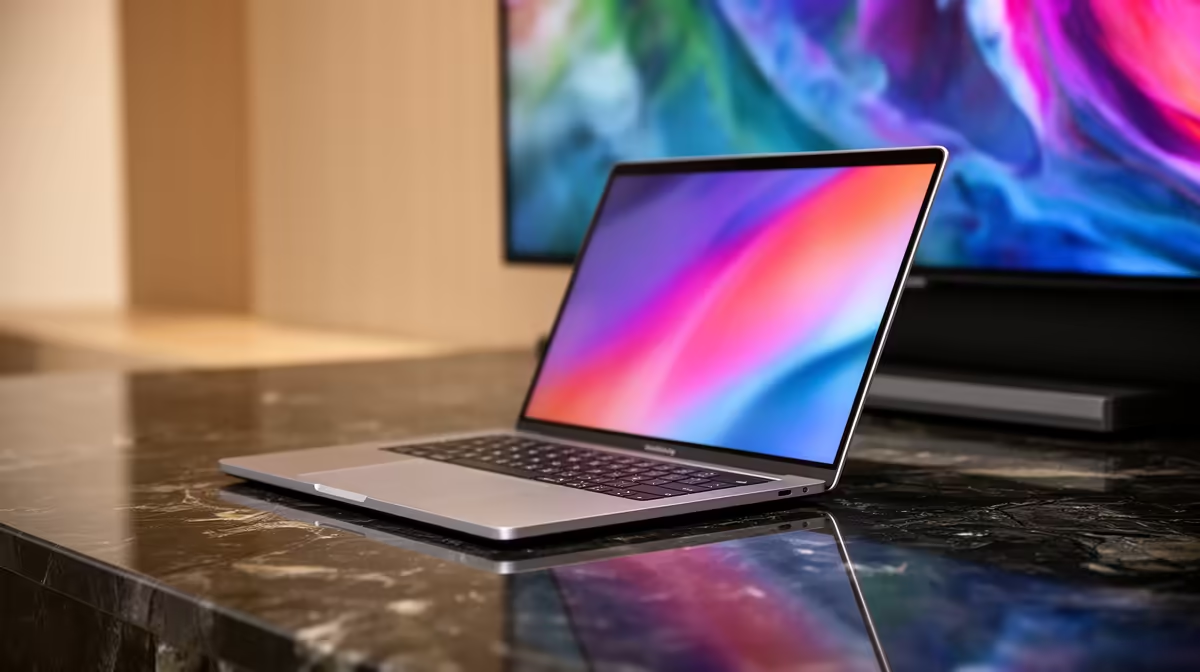
Why Connect Your MacBook to a TV or External Display?
If you’ve ever wanted your MacBook’s stunning Retina display to go bigger and better, you’re not alone. Whether it’s streaming your favourite SABC series on the big screen or gaming with friends in ultra-wide splendour, connecting your MacBook to a TV or external display transforms your experience. Plus, for South African creatives or students, the extra screen real estate is a serious productivity boost. Let’s dive into how to make it happen smoothly — no fuss, just sharp visuals. 🔧
What You Need: Cables and Adapters Explained
MacBooks vary in ports, so knowing your model is key. Most modern MacBooks use Thunderbolt 3 (USB-C) ports. For older models, you might find Mini DisplayPort or HDMI. To connect to a TV or monitor, compatible cables or adapters are essential.
If your display accepts HDMI, a USB-C to HDMI adapter is your go-to. Apple’s own adapters work well; third-party ones from trusted brands can save you cash. Don’t overlook cables that support 4K if you want crystal-clear detail on newer TVs.
South African gamers upgrading their setup often pair their Macs with external monitors for smoother gameplay or streaming. For top-notch gaming PCs and components that complement Mac setups in shared workspaces, browse the latest gaming PC deals at Evetech to find the ideal match. ⚡
Step-by-Step: Connecting Your MacBook to an External Display
- Identify your MacBook’s port type.
- Choose the right cable or adapter (e.g., USB-C to HDMI).
- Connect your MacBook to the external display.
- Switch your TV/input device to the correct HDMI port.
- In macOS, go to System Preferences > Displays to arrange or mirror screens.
You can mirror for simple duplication or extend your desktop for more workspace. Both have specific uses — multitask on a second screen or catch every pixel on your TV.
For those shopping laptops in South Africa who anticipate external display needs, check out Evetech’s large selection of notebooks for sale. Some models are perfect for seamless multi-screen use.
Troubleshooting Common Issues with Display Connections
Sometimes, your MacBook won’t send a signal or the screen resolution looks off. If your display isn’t detected, unplug and reconnect the adapter. Restart your MacBook and TV. Also, ensure your cables are in good condition and support the resolution needed.
Adjusting display settings in macOS can fix fuzzy images or weird aspect ratios. Go to System Preferences > Displays and experiment with resolution and scaling options. For sharper visuals, select ‘Default for display’ to let macOS pick the best setting.
South African creators and PC enthusiasts often upgrade their setups for optimal display performance. If your external setup needs a powerful graphics card, consider browsing Evetech’s impressive graphics cards collection to level up your visuals. 🚀
Pro Tip for MacBook Display Connections
Ensure your display cable supports HDCP (High-bandwidth Digital Content Protection) to avoid video playback issues with streaming apps like Netflix or Showmax.
Alternative: Using AirPlay to Connect Wirelessly
If cables aren’t your thing, AirPlay lets you mirror your MacBook wirelessly on compatible Apple TVs or smart TVs with AirPlay 2 support. Perfect for quick presentations or casual viewing without clutter.
Note that wireless connections may introduce slight latency, so wired setups remain superior for gaming or editing tasks. For all your computing needs—from laptops to custom builds—check out Evetech’s range of pre-built PC deals, ideal for those wanting high performance alongside their MacBook setup.
Boost Your Setup with Deals and Upgrades
South African tech buffs are always hunting for value. Don’t miss Evetech’s specials for seasonal discounts on everything from peripherals to powerful systems. Upgrading your displays or rig is easier when you can source reliable deals locally.
From vibrant external monitors to slick adapters and premium gaming rigs, Evetech keeps it local, affordable, and performance-ready. Getting your MacBook connected to more screen space is just the start of a better tech experience. ✨
Get Connected with Evetech Maximise your MacBook’s potential by upgrading your display setup today. Shop now at Evetech for unbeatable deals on laptops, accessories, and more designed for South African users.











