

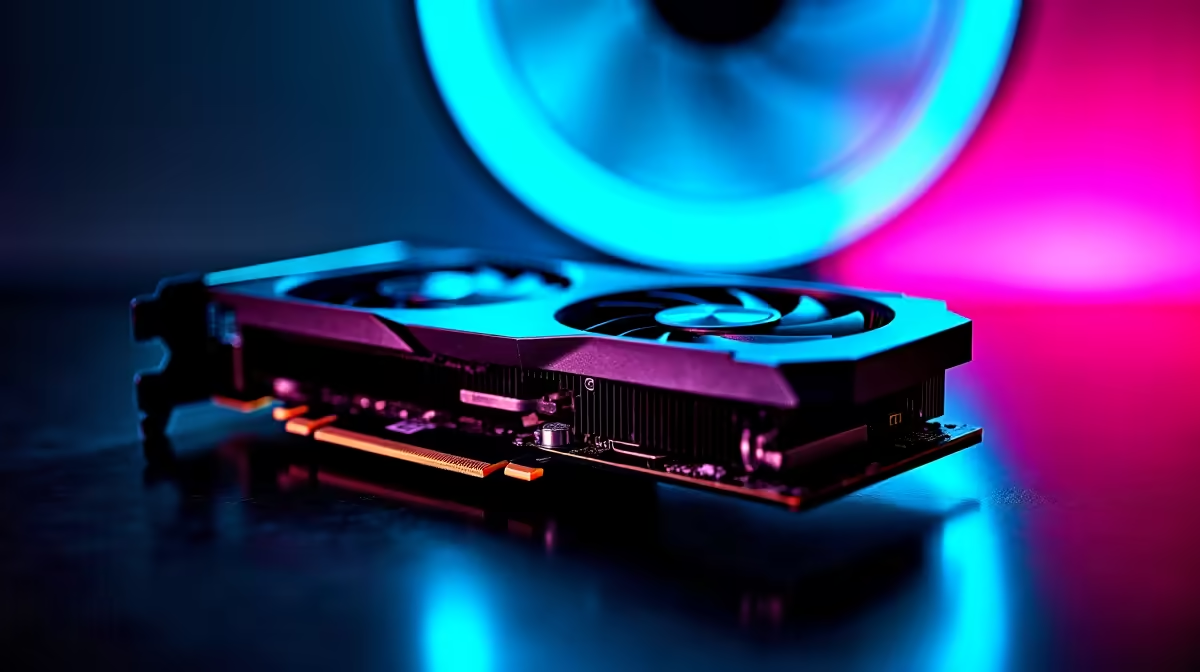
You finally sit down for a competitive match of Counter-Strike 2. The lobby is ready. But when the map loads... your frames drop to single digits. You check your settings and realise the nightmare. CS2 is running on integrated graphics. Figuring out how to fix CS2 GPU not detected on PC can feel frustrating for South African gamers. Fortunately, getting your rig back into the fight is easy.
Common Causes for CS2 GPU Not Detected on PC
Before you panic and assume your hardware is dead, let us look at the software side. Often, Windows updates or corrupted drivers confuse your system. Sometimes, a recent power surge during load shedding might have caused a minor glitch. If your system is genuinely struggling to keep up with modern titles, it might be worth browsing the latest graphics cards to give your rig a much-needed boost. But first, let us troubleshoot.
Step-by-Step Troubleshooting Guide 🔧
The most common mistake is surprisingly simple. Did you plug your monitor into the motherboard instead of the GPU? Always ensure your DisplayPort or HDMI cable connects directly to your dedicated card. If you recently bought one of our best gaming PC deals, double-check the back panel before booting up.
Next, you need to update your graphics drivers. Outdated software is a massive culprit for hardware recognition errors in Counter-Strike 2. Download the latest drivers from NVIDIA or AMD. If you prefer a hassle-free experience where everything just works out of the box, our pre-built PCs come fully configured and tested.
Driver Clean-Up Pro Tip ⚡
If standard updates fail, download Display Driver Uninstaller (DDU). Boot into Safe Mode, wipe your old drivers completely, and install the fresh ones. It is the most reliable way to clear out corrupted files causing GPU detection errors in CS2.
Forcing Windows to Recognise Your GPU 🚀
Sometimes Windows tries to save power by forcing CS2 to use your CPU integrated graphics. You can manually override this setting. Open your Windows Settings and navigate to Display. Click on Graphics. Find the Counter-Strike 2 executable file. Click Options and select High Performance. This forces the game to utilise your dedicated hardware.
If you are gaming on the go, this power-saving feature is very common on portable machines. You can explore our range of gaming laptops if you need a mobile powerhouse that handles CS2 effortlessly anywhere you go.
Knowing When to Upgrade ✨
If you have tried different cables, reinstalled drivers, and forced high performance... but the issue persists. Your GPU might be failing. Hardware does not last forever. While a new graphics card might cost a few thousand ZAR, the smooth frame rates are absolutely worth it.
If your card is showing its age, it might be time to retire it. Keep an eye out for incredible tech specials to upgrade your setup without breaking the bank. Replacing a dying component is often cheaper than enduring constant system crashes.
Ready to Upgrade Your Gaming Experience? Don't let hardware issues cost you the match. If your current setup is holding you back, Evetech has everything you need to dominate the leaderboard in South Africa. Explore our massive range of PC components and gaming specials and find the perfect hardware to conquer your world.











