

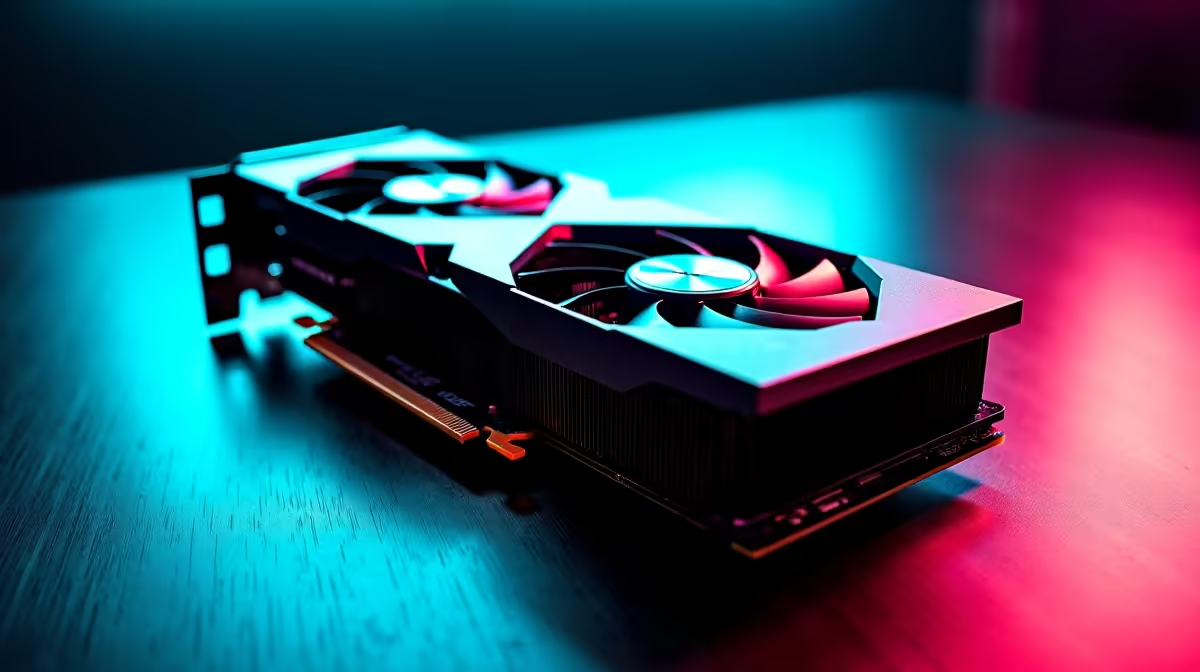
Why GPU Overheating Happens and How It Affects Your Gaming
Is your PC suddenly dropping frames or crashing mid-game? Your GPU overheating could be the culprit. South African gamers know we need every bit of performance when facing lag or tough boss fights. A graphics card running too hot doesn’t just throttle your FPS—it shortens your GPU’s lifespan. Let’s explore practical cooling solutions and fixes that keep your rig chilled and your gameplay smooth ⚡.
Understanding the Causes of GPU Overheating
GPUs overheat mainly due to inadequate airflow, dust buildup, or insufficient cooling hardware. Pushing your graphics card too hard at ultra settings, especially in our warmer South African climate, makes it work extra tough. But don’t panic—most overheating issues can be fixed with simple tweaks or better cooling parts.
Check Your PC Case and Airflow
First, inspect your PC case. Are cables blocking air circulation? Is the case placed in a cramped space? A well-ventilated setup is key. Consider upgrading to cases designed for airflow or adding extra case fans.
Upgrade Your Cooling Solutions for Reliable Performance
If airflow isn’t enough, upgrading cooling hardware is the next best step. You can find a solid selection of high-performance graphics cards at Evetech, many with advanced cooling built in. Choosing GPUs with larger heatsinks or multiple fans helps maintain safe temps.
CPU Coolers Can Help Lower Case Temperature
Your GPU doesn’t operate in isolation. A hot CPU contributes to overall case temperature. Investing in efficient CPU coolers can reduce heat inside your rig, indirectly helping your GPU stay cooler.
Quick Cooling Tip
Make sure your fan curves are customised in your GPU software. A slight boost can shave several degrees off your operating temperature—quiet rig, same game power.
When to Consider a New Gaming PC or Laptop
Sometimes your current setup is just not enough, especially for modern AAA games at high settings. South African gamers looking for fresh rigs can explore pre-built PC deals optimised for cooling and performance. Notebooks with powerful but efficient cooling are also available, with many options showcased at Evetech’s laptops section. Properly designed rigs reduce overheating hassles long-term.
Avoid Overclocking Without Adequate Cooling
It’s tempting to push your GPU further by overclocking. But without sufficient cooling upgrades, overheating can increase dramatically. Keep an eye on temps and improve your cooling first.
Keeping Your Gaming PC Cool in South Africa’s Climate
Our hotter environment means extra care is required. Don’t place your PC near windows with direct sun or blocked vents. Using external fans or cooling pads can help during Cape Town’s or Jozi’s peak summer days. Evetech’s best gaming PC deals often include components built to handle local conditions, reducing overheating risk.
Stay Cool, Play Harder Ready to put an end to GPU overheating? Upgrade your cooling setup or grab a high-performance graphics card today. Shop now at Evetech for performance that leaves lag in the dust.











