

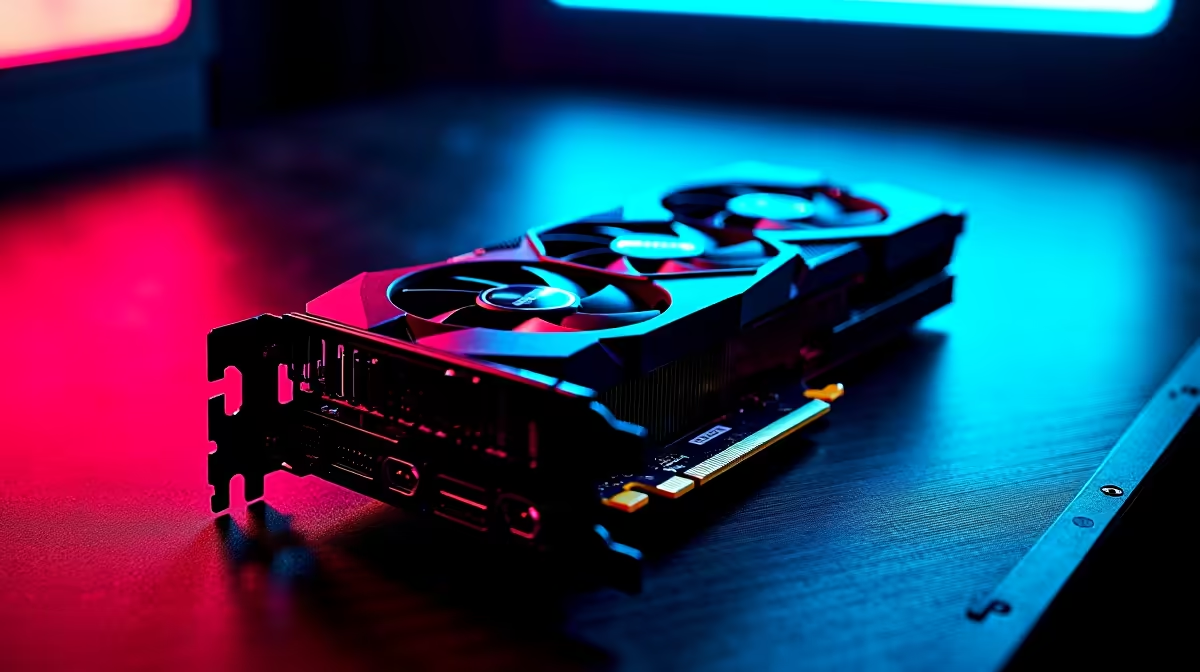
Load shedding might be taking a break, but the South African summer heat is unforgiving on your hardware. If your frames are dropping or your screen keeps freezing... you have a thermal problem. Nobody wants their rig sounding like a jet taking off. Learning how to fix GPU overheating is essential to protect your investment and keep your gaming sessions buttery smooth. 🚀
Why Is Your Graphics Card Running Hot?
Before you panic and buy new parts, check your actual temperatures. Downloading free software like HWMonitor or GPU-Z is your very first step. These tools let you see exactly how hot your components get while gaming. Anything above 85 degrees Celsius under heavy load is a definite warning sign.
Dust buildup, poor airflow, and dried-out thermal paste are the usual suspects. Sometimes, cramming high-end components into a cramped chassis heavily restricts breathing room. If you are tired of battling thermals in an old rig, it might be easier to upgrade. Look into perfectly balanced pre-built PCs designed with optimal cooling in mind.
Easy Steps on How to Fix GPU Overheating
Let us start with the absolute basics. First... grab a simple can of compressed air. Power down your system and gently blow the dust out of your heatsink fins and fans. Dust acts like an insulating blanket. It traps heat exactly where you least want it.
This maintenance is just as crucial for portable gamers. Modern gaming laptops have even tighter thermal constraints. Elevating the back of your notebook can drastically improve fresh air intake.
Next, look at your fan curves. Software like MSI Afterburner lets you instruct your fans to spin faster at lower temperatures. It might get a bit louder, but your silicon will thank you.
Also, closely evaluate your case fans. You want a clear path of cool air coming in the front and hot air exhausting out the back. If your airflow is terrible, grabbing new fans from our daily specials is a highly effective remedy.
Airflow Pro Tip ⚡
Always aim for positive air pressure in your case. This means having more intake fans than exhaust fans. It forces air out of the small gaps in your chassis, naturally keeping dust from creeping in and ruining your temperatures over time.
Is It Time for an Upgrade? ✨
You cleaned the dust and cranked the fans. If your card is still boiling... the thermal paste might be dry. Repasting a graphics card voids warranties and requires a very steady hand. If your hardware is a few generations old, throwing more ZAR at cooling solutions might be a waste.
Sometimes, the most logical way to fix GPU overheating is to retire the struggling hardware. Newer architectures are incredibly power-efficient and run much cooler. You can easily browse our massive selection of standalone graphics cards to find a frosty new upgrade.
Alternatively, if your entire system is bottlenecking, exploring the best gaming PC deals will give you a fresh, cool start. Less heat means better performance and a quieter room during those long summer gaming marathons.
Ready to Beat the Heat? Do not let thermal throttling ruin your competitive matches. Whether you need a brand-new graphics card, extra cooling fans, or a complete system overhaul... Evetech has the hardware you need at the best prices in South Africa. Explore our massive range of PC components and keep those frames high and temps low.











