

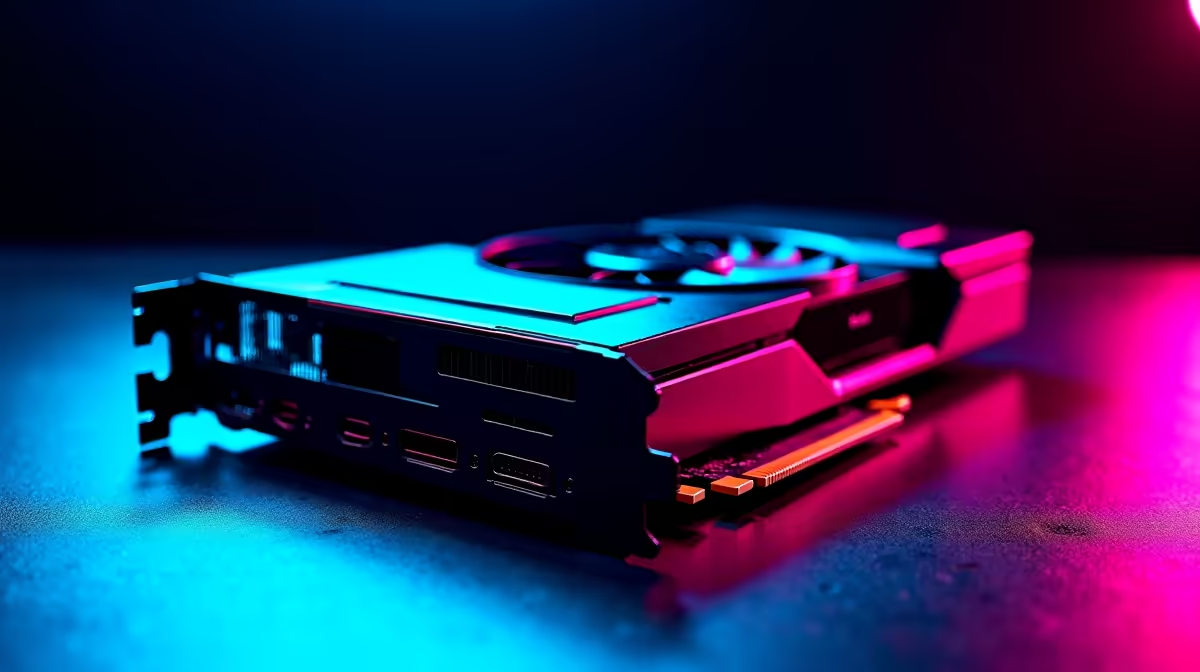
Dropping into Al Mazrah or Urzikstan feels incredible on next-gen hardware 🚀. But if you have just dropped serious ZAR on Nvidia's latest flagship, you expect flawless performance. Wondering how to get 144Hz in Warzone 2 on RTX 5090 GPUs without sacrificing visual quality? You are not alone. Even with raw power, Call of Duty requires specific tweaks to lock in those buttery-smooth frames. Let us optimise your setup.
The Raw Power of the RTX 5090
The RTX 5090 is an absolute behemoth. According to Nvidia's architecture reveals, it pushes graphical boundaries we never thought possible. However, Warzone 2 is notoriously CPU-heavy and unoptimised in certain high-density map areas. To truly harness this beast, you need the right foundation.
If your current rig is bottlenecking your new GPU, your frame rates will suffer regardless of your graphics settings. It might be time to browse our best gaming PC deals to find a system that actually keeps pace with modern hardware demands.
Essential In-Game Settings for 144Hz
To hit that perfect 144Hz in Warzone 2 on RTX 5090 cards... especially at 4K resolution... you need to balance visual fidelity and raw frame rates. Start by turning on DLSS 3. Frame Generation is your best friend here. Set your DLSS preset to 'Quality'. This ensures the game looks incredibly crisp while feeding your monitor the frames it craves.
If you are building a custom rig from scratch to handle these demands, ensuring you have adequate cooling and power is vital. You can explore our massive range of graphics cards to see how the 5090 stacks up against the rest of the market.
Nvidia Reflex Tip ⚡
Always enable Nvidia Reflex Low Latency in the Warzone 2 graphics menu. Set it to 'On + Boost' to ensure your RTX 5090 communicates with your CPU as fast as possible... drastically reducing input lag during intense firefights.
Eliminating System Bottlenecks
Your GPU cannot do all the heavy lifting alone. A top-tier processor and blazing-fast DDR5 RAM are non-negotiable. If your CPU cannot feed instructions fast enough, your frame rate will dip below your target during intense airstrikes or heavy smoke deployments. For gamers who prefer a plug-and-play solution without the hassle of building from scratch, checking out pre-built PC deals is a smart move.
Alternatively, if you travel often but still want to grind ranked matches from your hotel room, modern portable tech has evolved rapidly. You might be genuinely surprised by the desktop-level performance of modern laptops for sale in South Africa.
Windows and Driver Optimisation 🔧
Do not forget the software side of the equation. Always run the latest Nvidia Game Ready drivers. Furthermore, turn on Hardware-Accelerated GPU Scheduling in your Windows graphics settings. This small tweak helps your system manage video memory much more efficiently. Also, double-check your Windows Display Settings... many gamers buy a 144Hz monitor and accidentally leave it running at 60Hz by default.
Staying updated on the latest hardware drops and specials ensures your entire setup is primed for victory. Hitting 144Hz in Warzone 2 on RTX 5090 setups is entirely achievable when your hardware and software work in perfect harmony.
Ready to Dominate the Warzone? Securing those high frames requires serious firepower and zero bottlenecks. Whether you are upgrading your GPU or building a completely new rig in South Africa, we have the hardware you need. Explore our massive range of gaming PC deals and find the perfect machine to conquer your world.











