Mastering DDR5 32GB Installation Without Errors ⚡
For South African gamers and tech enthusiasts, upgrading your PC’s memory to DDR5 32GB can unlock smoother gaming and faster multitasking. But one tiny misstep can cause frustrating errors or system instability. How do you install DDR5 32GB without errors and build a powerhouse rig? Let’s break down the process step-by-step, helping you avoid costly mistakes and get the most from your new memory modules.
Preparing Your PC for DDR5 32GB Installation
Before you open your rig, turn off your PC and unplug it from the mains to avoid electric damage. It’s essential to work on a static-free surface, perhaps using an anti-static wrist strap if you have one. DDR5 sticks are sensitive to static electricity — a small shock might fry your new memory.
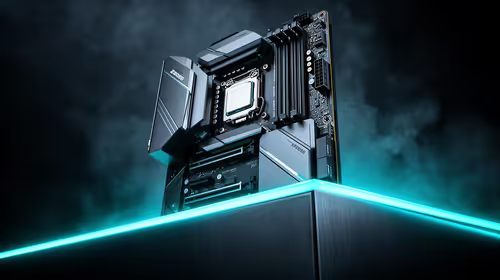
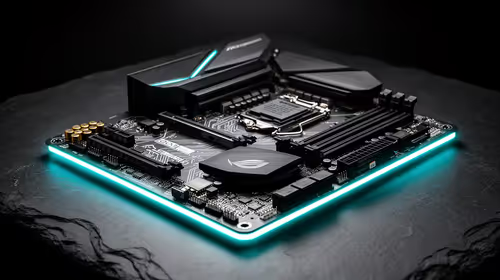
Take the time to check your motherboard’s compatibility with DDR5 32GB RAM. Not every board supports DDR5, so refer to your manual or official spec sheets at Evetech’s memory components. Buying compatible RAM not only saves time but also protects your investment.
Installing DDR5 32GB: Step by Step 🔧
- Open the RAM slot latches on your motherboard carefully.
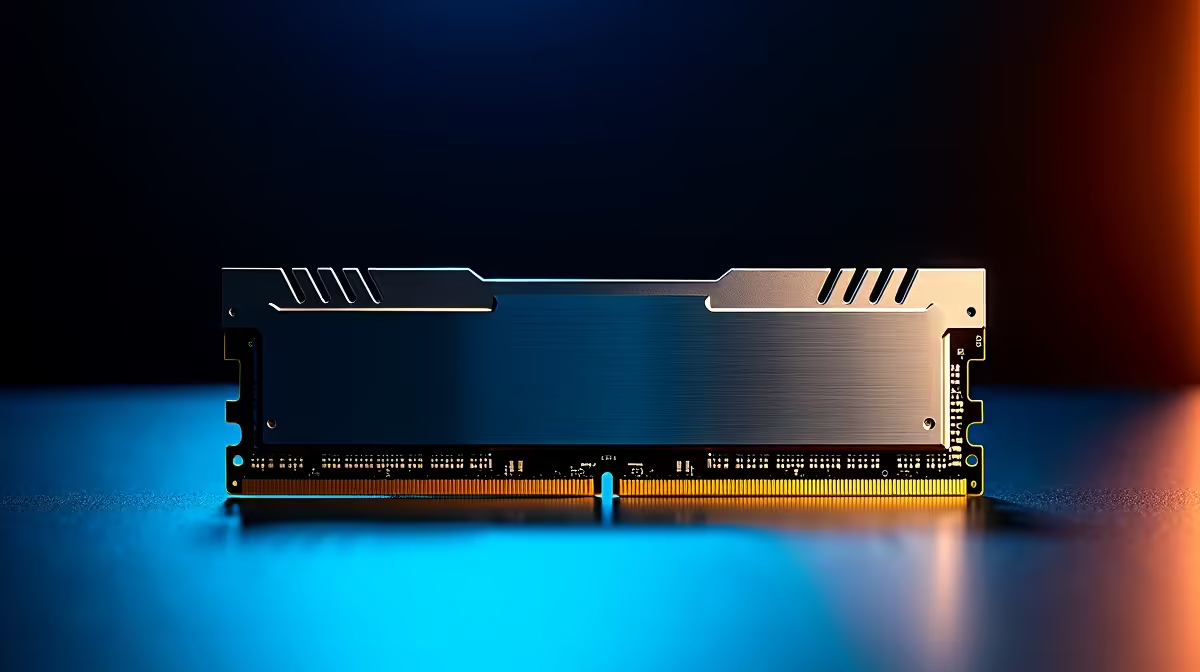
- Align the notch on your DDR5 stick with the slot key — DDR5 is keyed differently from DDR4.
- Firmly press the module into the slot until the latches click into place.
- Repeat for all sticks if you’re installing more than one.
Once in place, close your case and power on your PC. If it boots without error beeps or crashing, you’re on the right track.
Avoiding Common Error Traps
If you encounter boot errors or your system doesn’t detect the full 32GB, check these:
- Reseat the RAM sticks; sometimes the click isn’t solid.
- Confirm your BIOS is updated — motherboard manufacturers often release DDR5 support updates.
- Test each stick individually if problems persist, to spot any faulty modules.
For easy upgrades or budget builds, consider pre-configured solutions like these best gaming PC deals, which come optimised for DDR5 and performance.
Post-Installation Tips for DDR5 32GB Stability
After successful installation, enter BIOS to check that your memory frequency and timings are as intended. DDR5 offers improved efficiency, but running your RAM at default speeds at first reduces instability risks.
DDR5 Memory Tip
Start fresh with default speeds; then adjust XMP or DOCP profiles carefully to boost performance without errors.
If you’re upgrading on the go or need a powerful laptop alternative with DDR5, browse Evetech’s notebooks collection designed for seamless multitasking and gaming.
Why Opt for DDR5 32GB in Your South African Gaming Rig?
DDR5 combines faster speeds and higher bandwidth, translating into smoother gameplay and quicker load times. Plus, 32GB capacity future-proofs your system when streaming, recording, or running complex simulations.
Looking for specials on DDR5 kits or bundles? Check out Evetech specials for ZAR-friendly deals to upgrade without breaking the bank.
If you prefer a ready-to-roll system, this pre-built PC deal includes DDR5 32GB RAM and components chosen to get you gaming asap.
Power Up Your PC Today!
Don’t let installation errors hold you back. Shop now at Evetech for DDR5 32GB memory that delivers rock-solid performance and reliability.