

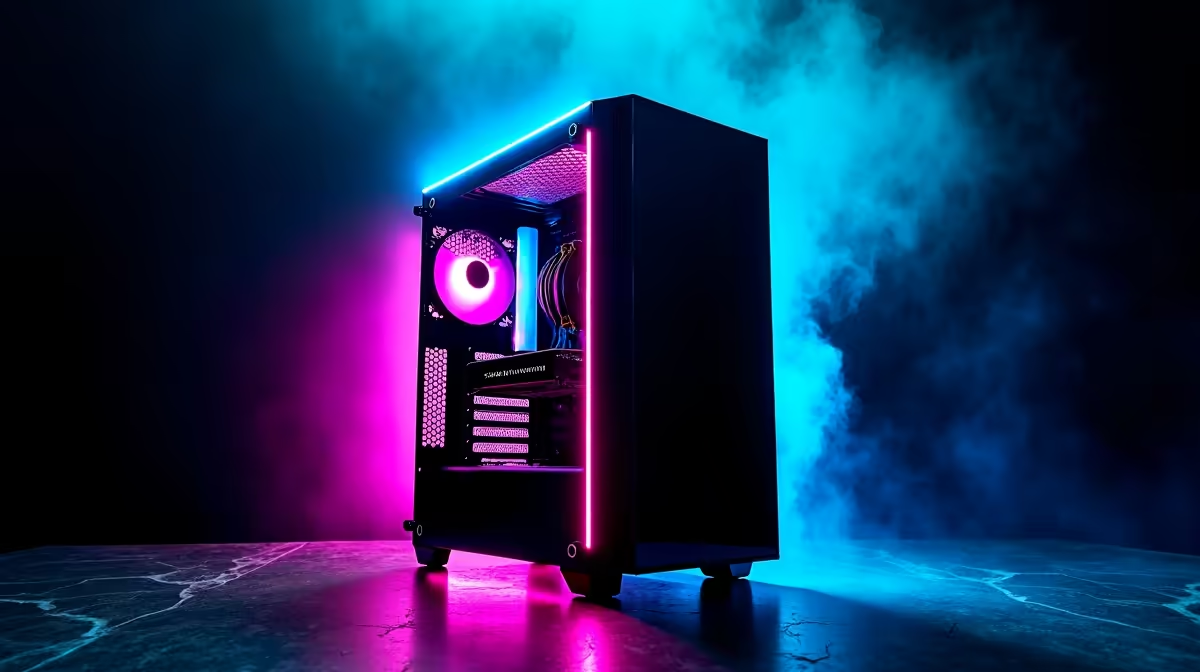
Upgrading to a massive PC case is a rite of passage for South African gamers. Whether you are chasing better airflow to beat the summer heat or need room for a massive new GPU, going big makes sense. If you are staring at a massive empty chassis right now, do not stress. Here is exactly how to install full tower step-by-step without breaking a sweat or your components.
Preparing Your Workspace for the Build 🔧
Before you dive into how to install full tower step-by-step, clear off a large table. These massive cases need serious room. Grab a magnetic Phillips-head screwdriver... it will save you from dropping tiny screws into the dark corners of your chassis. If you are upgrading on a budget, keep an eye on our weekly specials to score great ZAR deals on extra case fans or storage.
Lay the case flat on its side. Install your power supply unit (PSU) first at the bottom, sliding cables through the rubber grommets to the back. Next, snap in your I/O shield at the rear, then gently lower your motherboard onto the standoffs to secure the foundation of your build.
Slotting in the Heavyweight Components ⚡
A full tower shines when it comes to cooling and clearance. You have space for massive radiators and the beefiest GPUs on the market. When you are ready to mount your GPU, remove the PCIe slot covers on the back of the case. If you are shopping for a massive pixel pusher, check out the latest graphics cards for sale that easily fit inside these roomy enclosures. Secure the card firmly with two screws to prevent sagging over time.
Building from scratch can take hours. If sizing up components and managing cables sounds like too much work, you can always skip the hassle. Browsing pre-built PC deals gives you that premium full tower experience without the weekend labour.
Airflow Pro Tip 🚀
Always aim for positive air pressure in your full tower. Have more intake fans at the front than exhaust fans at the back and top. This keeps dust out of your system and ensures your components stay icy cold during intense South African summers.
Mastering Cable Management and Final Steps ✨
Now comes the fun part... routing your cables. Because you are learning how to install full tower step-by-step, take advantage of the massive space behind the motherboard tray. Route your 24-pin power cable, CPU power, and front panel connectors neatly. Zip ties are your absolute best friend here.
Sometimes, even the best tower setups lack portability. If you need a secondary rig for load-shedding or campus life, grabbing one of the top notebooks for sale in South Africa keeps you gaming anywhere.
Finally, plug in your storage drives and double-check all connections. Stand the beast up, plug it into the wall, and hit the power button. Seeing those RGB lights fire up for the first time is pure magic. If your build does not POST right away, stay calm and reseat your RAM. Of course, if you want guaranteed performance straight out of the box, our best gaming PC deals offer professionally assembled rigs with full warranties.
Ready to Build Your Dream Rig? Whether you want to assemble it yourself or let our experts handle the heavy lifting, Evetech has everything you need in South Africa. Explore our massive range of PC components and start building your ultimate battle station today.











