

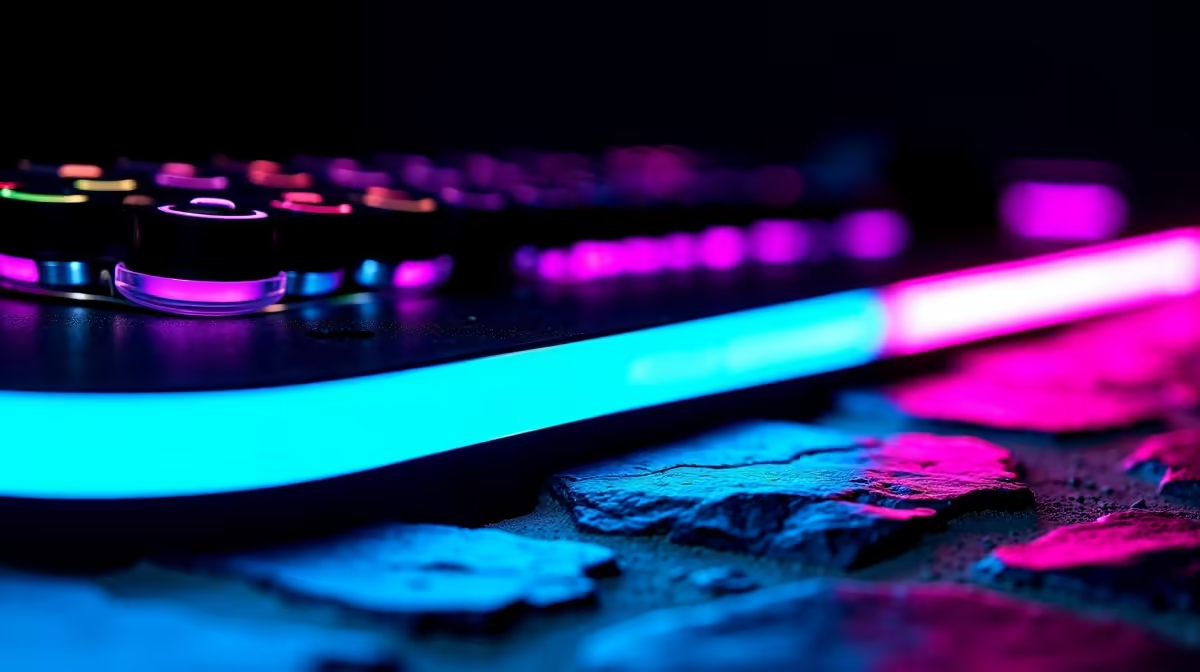
Your rig deserves to look as good as it performs. If your setup looks dull, learning how to install RGB backlighting step-by-step is the easiest way to give it a massive glow-up. Whether you are lighting up a custom build or adding flair behind your desk, a splash of colour completely transforms your space. Let us dive into getting that perfect neon aesthetic for your South African gaming den.
Preparation for Your Lighting Upgrade
Before you start peeling adhesive strips, you need a solid plan. Measure your PC case, desk, or monitor to know exactly how much lighting you actually need. Planning your layout saves time and prevents wasted materials. If you are currently upgrading your entire setup, you might want to check out some custom gaming PCs to see how the pros route their cables.
You will need your chosen RGB strips, a compatible controller or motherboard header, and some rubbing alcohol to clean the surfaces thoroughly. Proper preparation prevents your lights from peeling off after a few hot summer days in Mzansi.
The Installation Process
Let us get into the actual process of mounting those vibrant colours.
- Clean the Surface: Dust and oil are the ultimate enemies of adhesive. Wipe down the metal or plastic where the strip will go using your rubbing alcohol.
- Measure and Cut: Only cut your strips on the designated copper lines... cutting anywhere else will break the circuit.
- Stick It Down: Peel the adhesive backing slowly. Press firmly as you go along the edge of your chassis. If you are working inside a tightly packed case, perhaps alongside one of the latest high-end graphics cards, take your time to avoid pinching any vital power wires.
Cable Management Pro Tip 🔧
When routing your RGB cables to the motherboard, use the back panel of your chassis. Tie them down with velcro straps to keep airflow unobstructed and your build looking incredibly neat.
Connecting Power and Syncing Colours
Once your strips are firmly mounted, it is time to bring them to life ✨. Connect the RGB header directly to your motherboard. You must make sure you align the 12V or 5V pins correctly... plugging a 5V ARGB strip into a 12V header will fry it instantly! Double-check your motherboard manual if you feel unsure.
If you recently bought one of our pre-built PCs, you will notice we always route these lighting cables to a dedicated hub for incredibly easy syncing. Boot up your system and open your motherboard's dedicated lighting software. From pulsing rainbows to static neon pink, you can now synchronise your entire setup. It is incredibly satisfying to watch your hardware light up exactly how you envisioned it.
Expanding Your Luminous Setup
Why stop at the PC tower? Adding ambient lighting behind your monitor or desk significantly reduces eye strain during late-night gaming sessions. It also adds a professional streamer vibe to your room 🚀. Even if you prefer to game on the go, many modern gaming laptops feature per-key RGB that you can easily sync with external peripherals like mice and headsets.
Creating a cohesive, glowing look does not have to cost thousands of ZAR. You can often find fantastic deals on lighting kits, premium peripherals, and accessories in our weekly specials section to complete your ultimate dream setup without breaking the bank.
Ready to Build Your Dream Glow-Up? A vibrant lighting setup deserves incredible hardware to match. For maximum power and value in South Africa, Evetech is hard to beat. Explore our massive range of PC specials and find the perfect machine to showcase your new colours.











