

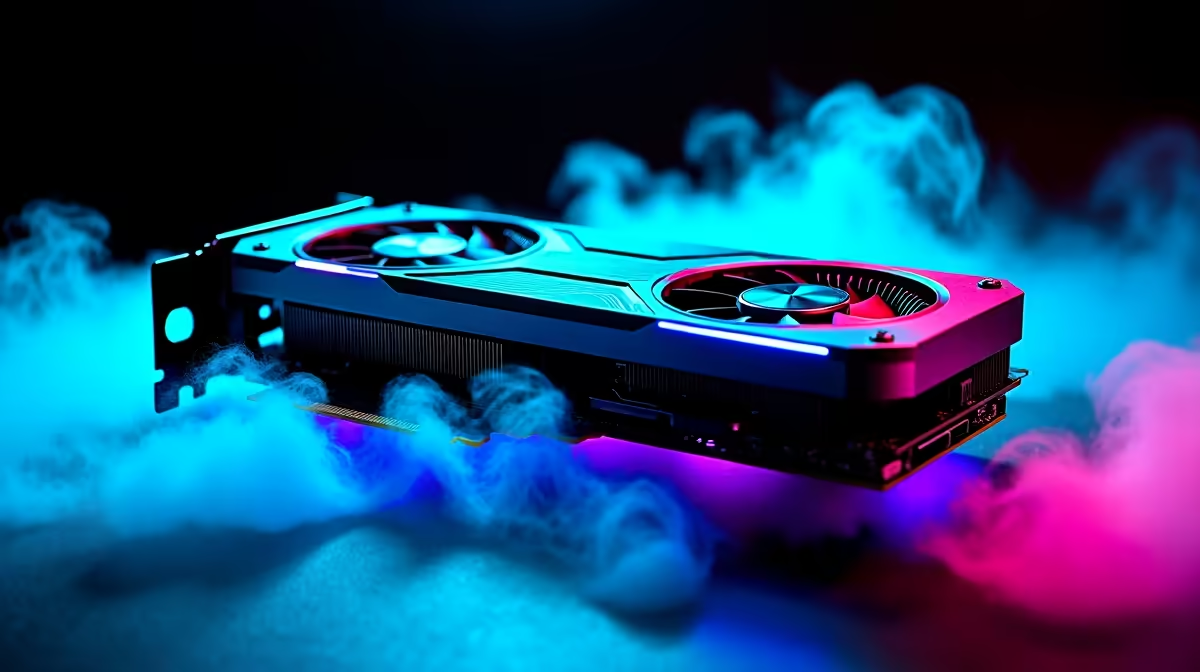
South African summers are unforgiving. While we brave the December heat, our gaming rigs fight their own battles indoors. If you recently scored a powerhouse GPU, you already know the stakes.
Learning how to maintain your RX 9070 in SA summer heat is vital. It prevents thermal throttling... and protects your hard-earned investment. Let us keep those frame rates high and temperatures low.
Mastering Airflow for RX 9070 Maintenance ☀️
Proper airflow is your first line of defence. A cramped chassis will quickly suffocate high-end components. Investing R20,000 or more in a premium graphics card means you must protect it. If your current case feels like a sauna, consider a larger enclosure. Browsing the best gaming PC deals can help you find a spacious chassis with optimal intake fans.
You want cool air flowing in from the front... and hot air exhausting out the back.
Dust Control in the SA Summer Heat
Dust is a silent killer for electronics. It acts as an insulating blanket over your heatsink. When you buy graphics cards of this calibre, remember they require regular cleaning.
Use compressed air every few weeks to clear the fins and fans. Do not let the fans spin wildly while spraying... hold them gently in place. This simple habit keeps your RX 9070 breathing easily during a heatwave.
Optimising Fan Curves and Voltage 🔧
Do not rely entirely on stock fan profiles. AMD's software lets you tweak fan curves to kick in earlier. Undervolting is another brilliant trick. It reduces power draw without sacrificing performance.
Cooling Pro Tip ❄️
Create a custom fan curve in AMD Adrenalin that ramps up to 80% fan speed once the GPU hits 70 degrees Celsius. This proactive approach stops the card from reaching its thermal limit during intense summer gaming sessions.
Many top-tier pre-built PC deals actually come with optimised cooling profiles right out of the box... saving you the hassle of manual tuning.
Ambient Temperatures and PC Placement
Where you place your rig matters immensely. Keep it off thick carpets and away from direct sunlight. A desk-mounted PC breathes much better than one hidden in a corner.
If your gaming room turns into an oven by midday, consider your mobility. Portable gamers often switch to high-performance gaming laptops during peak heatwaves. This lets them stay mobile and seek out cooler, air-conditioned rooms.
Upgrading Your Cooling Arsenal 🚀
Sometimes, keeping your temperatures down requires extra help. A good liquid cooler for your processor reduces the overall internal case temperature. This gives your graphics card more thermal headroom.
You can often find fantastic cooling upgrades in our daily specials to keep your entire system perfectly chilled.
Ready to Beat the Heat? Maintaining high frame rates in the South African heat requires the right gear. Whether you need a spacious new chassis or a complete rig overhaul, Evetech has you covered. Explore our massive range of PC upgrades and find the perfect parts to keep your system ice cold.











