

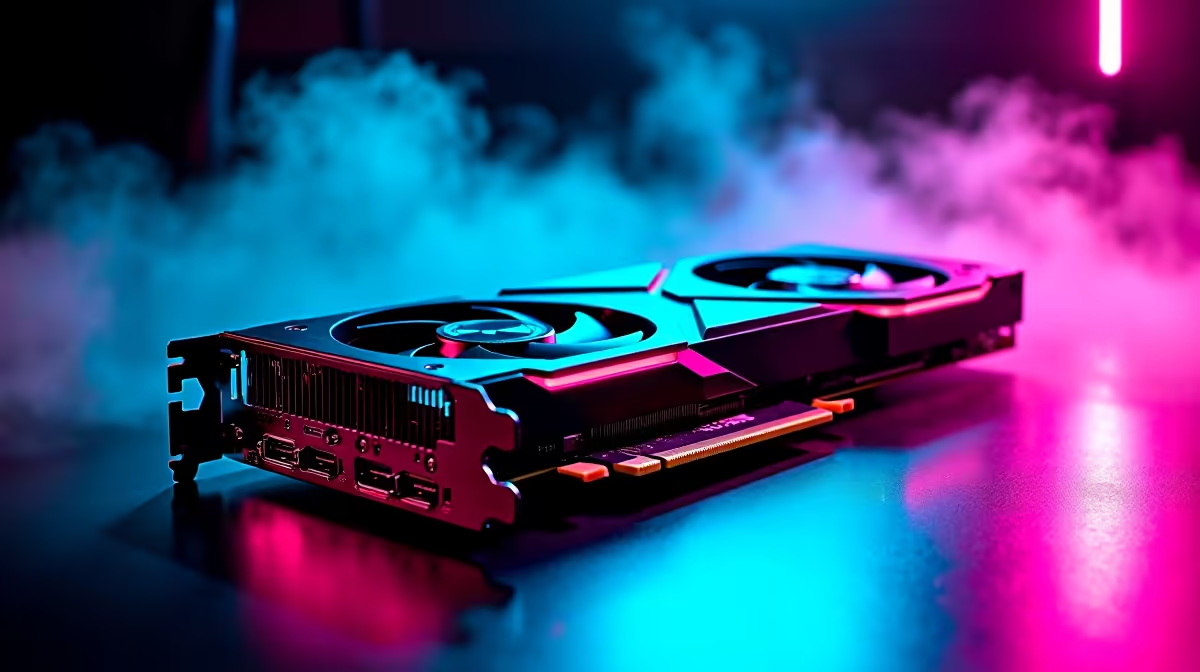
Just dropped a chunk of your hard-earned ZAR on the latest NVIDIA beast? You are in for a treat. The RTX 5070 Ti is an absolute monster for 1440p and 4K setups. But plugging it in is only half the battle. If you want to maximise RTX 5070 Ti performance in gaming, you need to tweak your system. Let us look at how to squeeze every frame out of this beauty 🚀
Optimise Your Drivers and Windows Settings
First things first... keep your drivers updated. NVIDIA frequently releases updates that dramatically improve frame rates. Head over to the NVIDIA App to grab the latest drivers. While you are at it, turn on Hardware-Accelerated GPU Scheduling in Windows. This shifts rendering tasks directly to the GPU.
If you are upgrading an older rig, browse our massive range of graphics cards. Make sure your motherboard supports the latest PCIe bandwidth to avoid artificial limits.
Fine-Tune DLSS and Frame Generation
To truly maximise RTX 5070 Ti performance in gaming, you must leverage AI ✨ DLSS is pure magic. Set DLSS to 'Quality' for stunning visuals. Use 'Performance' if you are chasing 240Hz refresh rates.
Do not forget to enable Frame Generation in supported titles. This tech inserts AI-generated frames to double your smoothness. Is your current CPU bottlenecking these high frame rates? It might be time to check out the best gaming PC deals. Find a processor that can keep up with your graphics card.
Airflow Pro Tip 🔧
Keep your RTX 5070 Ti cool by adjusting your fan curve in MSI Afterburner. A cooler GPU boosts higher and maintains peak performance longer. Aim to keep load temperatures under 75 degrees Celsius for optimal stability.
Power Management and Cooling
Heat is the enemy of performance. Ensure your chassis has excellent airflow. The RTX 5070 Ti draws significant power. A robust power supply is non-negotiable.
Not keen on building from scratch? Exploring premium pre-built PC deals is a smart move. It guarantees you get a balanced system. You will have adequate cooling and power delivery right out of the box ⚡
Do Not Forget Your Display
Pushing high frame rates means nothing if your monitor cannot display them. Ensure you are using a high-refresh-rate panel.
Need mobility instead of a desktop setup? You can still get incredible NVIDIA performance on the go. Browse top-tier gaming laptops for sale in South Africa. These machines feature the latest mobile architectures to rival desktop power.
Watch Out for Background Apps
Background applications eat up valuable VRAM and processing power. Close unnecessary browsers and RGB software before launching a heavy game. Every little bit helps when you want to maximise RTX 5070 Ti performance in gaming.
For more ways to upgrade your setup without breaking the bank, keep an eye on our daily tech specials. You can score peripherals that perfectly match your new GPU.
Ready to Dominate Every Lobby? Maximising your RTX 5070 Ti performance is just the start. Whether you need a massive cooling upgrade, a better CPU, or a whole new rig, Evetech offers the best value in South Africa. Explore our latest PC specials and build the ultimate gaming machine today.











