

Can Your PC Run Kingdom Come: Deliverance 2? Quick Spec Check Guide
Can Your PC Run Kingdom Come: Deliverance 2?. Everything you need to know with SA pricing, step-by-step instructions & expert recommendations.
Read moreMaximize RX 9060 Performance in Gaming. Step-by-step instructions with SA-specific tips, common pitfalls to avoid & expert recommendations.
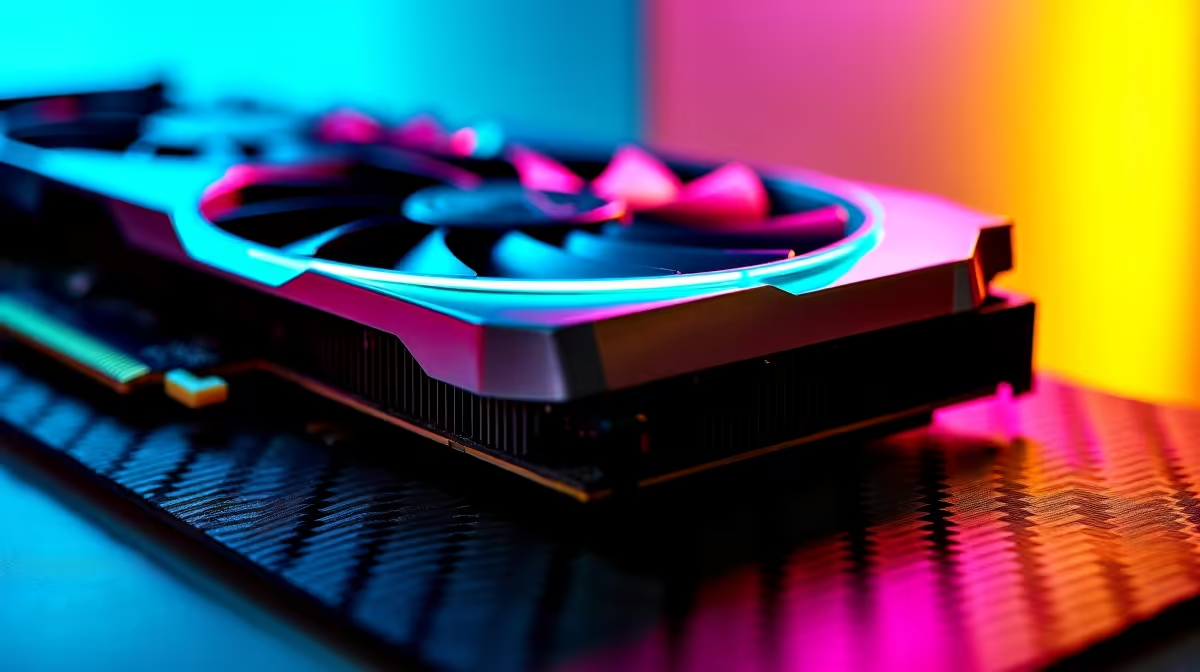
Dropping cash on a new GPU is a great feeling... until your frames stutter during a match. If you just bought the latest AMD hardware, you want every drop of value. Knowing how to maximize RX 9060 performance in gaming means the difference between smooth 1440p glory and frustrating lag. Let us help you squeeze out maximum frames without breaking a sweat.
Before you tweak any clock speeds, get your software sorted. The Radeon RX 9060 thrives on the latest Adrenalin drivers. Always do a clean install when upgrading your graphics card.
Once that is done, head into your motherboard BIOS. You need to enable Smart Access Memory (SAM). This lets your CPU access the full VRAM of the GPU at once. It is a free performance boost... often giving you up to 10% more frames in supported titles.
Your shiny new RX 9060 cannot run at full speed if your processor is lagging behind. A severe CPU bottleneck means your GPU spends time waiting for instructions.
If you are building from scratch, look at custom gaming PC setups that pair this GPU with a solid Ryzen 5 or Core i5 processor. Not keen on building it yourself? There are plenty of balanced pre-built PC deals that take the guesswork out of component matching.
South African summers are brutal on PC components. Ensure your chassis has at least two intake fans and one exhaust. Keeping your RX 9060 under 75 degrees Celsius prevents thermal throttling and keeps your clock speeds high.
Learning how to maximize RX 9060 performance in gaming also comes down to smart settings. You do not need ultra settings for everything. Drop volumetric clouds and shadows down to high instead. You will barely notice the visual difference... but your frame rate will jump.
If you are gaming on the go with one of the latest high-end gaming notebooks, using AMD FidelityFX Super Resolution (FSR) is essential. FSR renders the game at a lower resolution and upscales it. This gives you a massive FPS boost while preserving battery life.
Power supply quality matters. The RX 9060 is highly efficient, but sudden power spikes can cause instability. Make sure you have a reputable Gold-rated PSU.
If you are looking to upgrade your power supply on a budget, keep an eye on our daily tech specials to save some ZAR. Inside the Radeon software, you can also slightly undervolt the GPU. This reduces temperatures and power consumption while maintaining peak boost clocks.
Ready to Find Your Perfect Match? Squeezing every frame out of your system is great, but for maximum power, choice, and value in South Africa, a full upgrade is hard to beat. Explore our massive range of gaming specials and find the perfect machine to conquer your world.
How to Maximize RX 9060 Performance in G available at Evetech.co.za with local warranty and fast delivery.
How to Maximize RX 9060 Performance in G - check Evetech for latest stock and SA pricing.
Depends on your use case. How to Maximize RX 9060 Perfor offers good value at current Rand pricing.
Can Your PC Run Kingdom Come: Deliverance 2?. Everything you need to know with SA pricing, step-by-step instructions & expert recommendations.
Read more
60FPS Unstable: Achieve. Step-by-step instructions with SA-specific tips, common pitfalls to avoid & expert recommendations.
Read more
Quantisation in AI? How It Lets You Run Models. Plain-English explanation of what it means, why it matters & how it affects your buying decisions in SA.
Read more
Protect Your 1TB SSD During Load Shedding. Step-by-step instructions with SA-specific tips, common pitfalls to avoid & expert recommendations.
Read more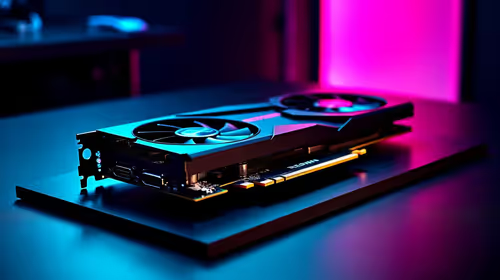
What Import Duties Apply to PC Hardware. Practical breakdown of costs, regulations & whether it makes financial sense for SA buyers.
Read more
the MacBook Notch and Does It Affect Usage. Plain-English explanation of what it means, why it matters & how it affects your buying decisions in SA.
Read more
AMD RX 9050 XT: Rumoured Specs, Price & Release. SA-focused analysis with local pricing data, real-world insights & actionable buying advice.

Can RTX 4080 Super Run AI Workloads for SA Developers Detailed answer with SA data, expert analysis & practical recommendations for local buyers.

Can RTX 4090 Run AI Workloads for SA Developers Detailed answer with SA data, expert analysis & practical recommendations for local buyers.

Top Settings for Intel Arc B580 at Ultrawide 1440p picks evaluated on performance, value & SA availability with current Rand pricing from Evetech.

RTX 4060 CS2 Low Settings at 1080p: FPS Results. Real-world benchmark data, FPS numbers & performance analysis. What SA gamers can actually expect.

Visual Artifacts: Possible GPU Issue Issue #1. Diagnosis steps, proven fixes & when to seek professional help. SA-specific support info included.

Can the RTX 4090 Handle 1440p 144Hz Gaming. Performance testing verdict with real data & practical recommendations for SA buyers.

Top ASUS GPU Under R15000 picks evaluated on performance, value & SA availability with current Rand pricing from Evetech.

GTA 6 Max Settings on RTX 5070. Tested & verified settings for best FPS and visual quality on SA hardware budgets.

Cyberpunk 2077 Max Settings on RTX 5080. Tested & verified settings for best FPS and visual quality on SA hardware budgets.

Starfield Max Settings on RTX 5070 Ti. Tested & verified settings for best FPS and visual quality on SA hardware budgets.

Top RTX 5090 Under R5000 picks evaluated on performance, value & SA availability with current Rand pricing from Evetech.