

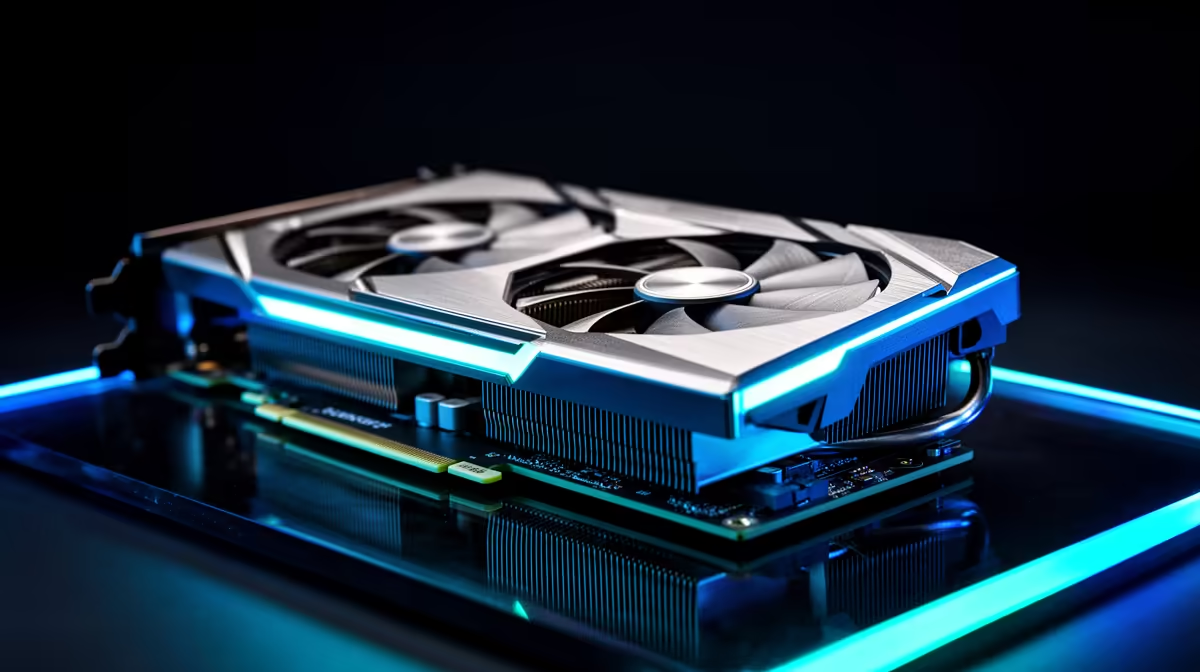
Grand Theft Auto 6 is finally on the horizon... and South African gamers are already stressing about hardware. Load shedding might interrupt your sessions, but poor frame rates should not. If you recently picked up an AMD Radeon RX 7600, you are sitting in a sweet spot for 1080p performance. But Vice City will demand serious pixel-pushing power. Let us look at how to optimise the RX 7600 for GTA 6 without spending thousands of ZAR on unexpected upgrades.
Maximising Frame Rates with FSR 3 🚀
The RX 7600 is a stellar 1080p performer. To truly optimise the RX 7600 for GTA 6, FidelityFX Super Resolution (FSR) is your best friend. This upscaling tech renders the game at a lower resolution and uses clever algorithms to sharpen the image. Frame generation inserts artificial frames to make gameplay feel buttery smooth. You get a massive frame rate boost while maintaining crisp visuals. If you are shopping around for graphics cards, AMD’s software features make their current lineup incredibly appealing. Make sure your Adrenalin drivers are fully updated before launch day... Rockstar titles always get day-one driver support.
Unlock Smart Access Memory (SAM) 🔧
You need every drop of performance for the neon streets of Leonida. If you pair your RX 7600 with a Ryzen processor, you must enable Smart Access Memory in your BIOS. SAM allows your CPU to access the full 8GB of VRAM on your GPU all at once. Most South African gamers still use 1080p monitors... making this the perfect resolution for this specific card. This simple tweak can boost performance by up to 15 percent in open-world titles. Building a balanced system from scratch can be pricey. Luckily, browsing the best gaming PC deals can save you thousands of Rands. Alternatively, looking at pre-built PC deals ensures you get a rig where SAM is often enabled out of the box.
Adrenalin Pro Tip ⚡
Open your AMD Adrenalin software and enable Radeon Anti-Lag. GTA 6 will likely feature heavy physics and crowded streets. Anti-Lag reduces input delay... ensuring your shooting and driving feel incredibly responsive even when frame rates dip.
Balancing Visuals and Performance ✨
When you finally boot up the game, do not just crank everything to Ultra. To properly optimise your RX 7600 for GTA 6, start by lowering volumetric clouds and shadow quality to Medium or High. These settings drain VRAM quickly. Water physics in Vice City will also be demanding... so keep water quality at normal. The RX 7600 has 8GB of memory... which is plenty for 1080p if you manage your textures wisely. Turn off motion blur to keep fast-paced chases looking sharp. If you prefer taking your gaming on the go, modern notebooks for sale in South Africa feature mobile variants of these GPUs that require the exact same tweaks.
Gear Up for the Next Generation
Preparing your rig for the biggest entertainment launch in history takes a bit of planning. You do not need a flagship GPU to enjoy the ride... you just need smart settings. Keep an eye on the latest specials to grab extra storage or faster RAM to complement your setup. With the right tweaks, your RX 7600 will deliver a brilliant experience.
Ready for Vice City? GTA 6 will push your hardware to the absolute limit. Whether you need a fresh GPU upgrade or a completely new rig, Evetech has you covered. Explore our massive range of PC specials and find the perfect machine to conquer the streets of Leonida.











