

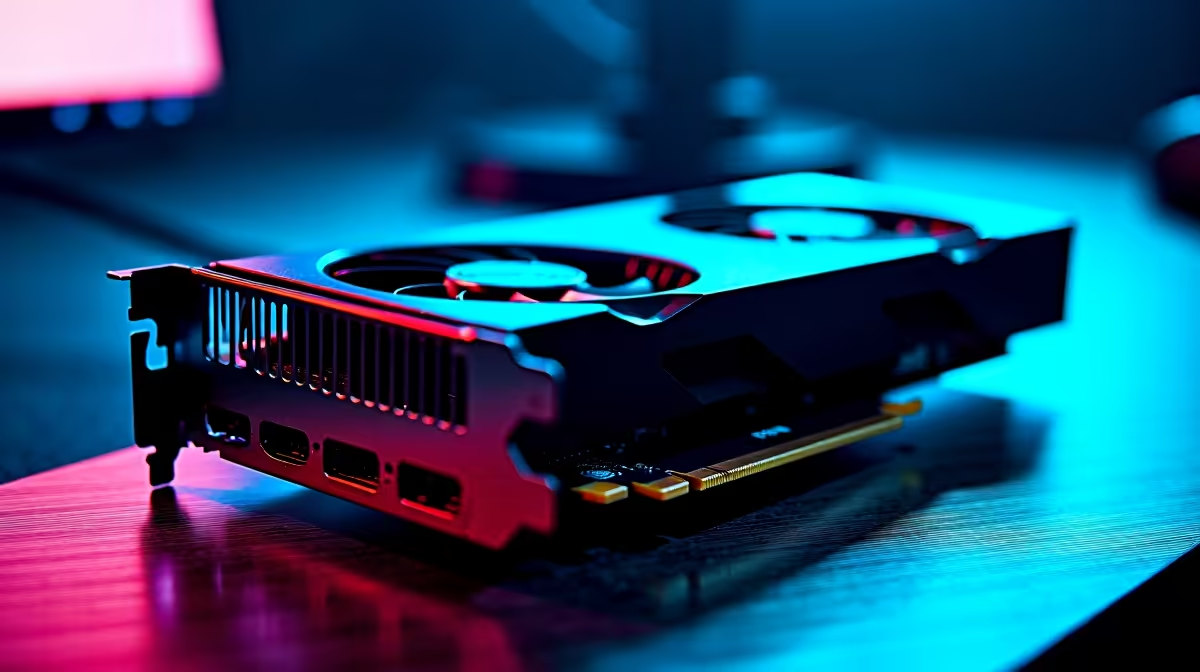
Counter-Strike 2 demands absolute precision. If you drop frames while holding an angle on Mirage, you are already dead. The new AMD Radeon RX 9060 XT is a powerhouse for competitive shooters... but only if you tweak it correctly. Let us explore how to optimise the RX 9060 XT for CS2 so you can dominate local South African servers without breaking a sweat.
Core In-Game Settings for Maximum FPS
CS2 looks incredible with its updated Source 2 lighting. However... competitive players always prefer frames over visual flair. Start by setting your display mode to Fullscreen. This is absolutely crucial for minimising input lag.
Drop your shadow quality to medium and particle detail to low. You want to see the enemy clearly, not admire the volumetric smoke effects. Tweaking your software unlocks free performance. This applies whether you built your rig from scratch or snagged one of our best gaming PC deals.
Need a portable setup for local LANs? These exact competitive settings work beautifully on high-end notebooks for sale in South Africa equipped with the latest mobile GPUs.
AMD Adrenalin Driver Tweaks 🔧
Your graphics drivers hold the key to unlocking pure speed. Open your AMD Adrenalin software and navigate to the gaming tab. Disable Radeon Chill and Radeon Boost immediately. These features are great for casual single-player titles. They introduce variable frame pacing in CS2... which ruins muscle memory.
To properly optimise the RX 9060 XT for CS2, you need a stable clock speed. Set your minimum frequency just 100MHz below your maximum frequency in the tuning tab. This prevents the card from downclocking during quiet moments in the round.
Latency Pro Tip ⚡
Always enable AMD Radeon Anti-Lag 2 in your Adrenalin settings for CS2. This directly syncs your CPU pacing with the RX 9060 XT to shave precious milliseconds off your click-to-fire response time.
Pushing Your Hardware Further 🚀
Pairing your RX 9060 XT with a fast CPU ensures you never dip below your monitor's refresh rate. Getting elite performance does not always require spending 40,000 ZAR on a flagship system. If your current processor is struggling to keep up, keep an eye on our latest tech specials to find a high-frequency CPU on a budget.
Sometimes your older components just cannot keep up with modern rendering demands. If you are still rocking an outdated system, it might be time to browse some pre-built PC deals to avoid bottlenecking your new hardware. Building a custom rig from the ground up? You can easily upgrade your graphics card to match your competitive ambitions.
Ready to Dominate the Server? Getting the highest frame rates in CS2 requires the right hardware foundation. Explore our massive range of gaming PCs and find the perfect machine to conquer your world.











