

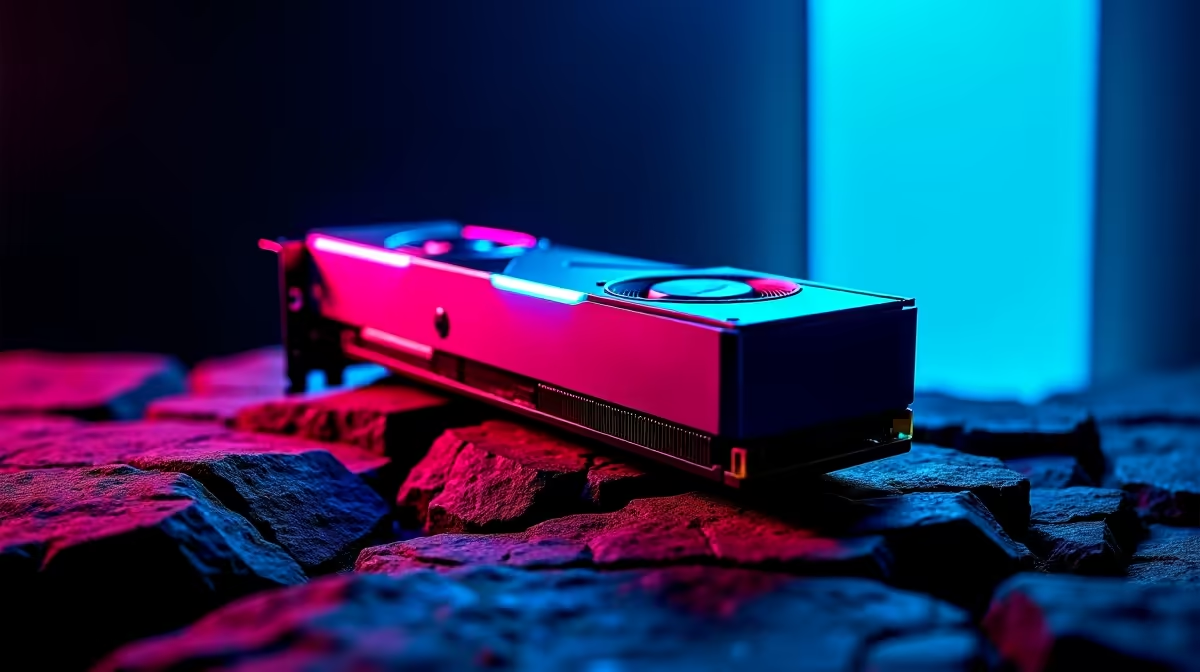
Dropping into a sweaty Fortnite lobby with frame drops is a uniquely painful experience. If you recently snagged AMD's latest mid-range powerhouse... the RX 9060 XT... you expect buttery-smooth performance. But raw power means nothing without the right tweaks. Let us show you exactly how to optimise the RX 9060 XT for Fortnite so you can dominate the island without breaking a sweat or your ZAR budget. 🚀
Why the RX 9060 XT Shines in Competitive Play
Before diving into the settings menu, let us look at the hardware. The RX 9060 XT is built for high-refresh-rate gaming. When paired with a capable processor, it pushes massive frames at both 1080p and 1440p resolutions.
However... if your current rig has an older CPU, it might bottleneck this beast. In that case, you might want to browse some of the best gaming PC deals available right now. Upgrading your whole system often makes more sense than swapping out a single part and hoping for the best.
Essential In-Game Settings for Maximum FPS
To truly optimise the RX 9060 XT for Fortnite, you need to balance visual clarity with raw frame rates. Competitive players do not care about photorealistic shadows. They care about spotting enemies hiding in the distance.
- Rendering Mode: Switch to DirectX 12. Modern AMD cards handle DX12 exceptionally well... giving you a noticeable bump in 1% low frame rates for smoother gameplay.
- View Distance: Set this to Epic. You need to see player builds from afar to plan your rotations.
- Shadows and Effects: Turn these down to Low or Off. They just distract you and eat up valuable GPU resources.
If you are struggling to hit those 240Hz targets and prefer a ready-to-go solution, checking out pre-built PC deals can save you hours of frustrating troubleshooting.
Adrenaline Software Pro Tip ⚡
Open your AMD Adrenaline software and enable Radeon Anti-Lag. This reduces input delay significantly in fast-paced shooters like Fortnite. Keep Radeon Boost off for competitive play, as dynamic resolution scaling can mess with your aim muscle memory.
Don't Forget Your Drivers and Background Apps
Your hardware is only as good as the software running it. Always ensure your AMD drivers are up to date before launching the game. Background applications like Discord, Chrome, or heavy RGB software can silently drain your system resources and cause micro-stutters.
If you are a gamer on the move who prefers not to deal with bulky desktop setups and cable management, modern notebooks for sale in South Africa pack more than enough punch to run Fortnite flawlessly at competitive settings.
Pushing Your Hardware Further
Sometimes, tweaking settings is just not enough to get the performance you crave. If your system is ageing, dropping a few thousand Rand on a standalone GPU upgrade could be the ultimate answer. You can easily buy graphics cards that fit perfectly into your existing setup... giving you that instant FPS boost you need for end-game skirmishes.
Always keep an eye out for our latest specials to stretch your hard-earned ZAR even further when upgrading your battle station. ✨
Ready to Secure those Victory Royales? Optimising your settings is just the first step. For maximum performance and the best value in South Africa, you need the right hardware backing you up. Explore our massive range of gaming PC specials and find the perfect rig to conquer your lobbies.











