

Quick Answer
Reducing ping on 5G for gaming in South Africa requires positioning your device for maximum signal strength, minimising network congestion by gaming during off-peak hours, and configuring your router or 5G gateway to prioritise gaming traffic. Latency on 5G gaming can be competitive with entry-level fibre when signal conditions are optimised.
South Africa''s 5G rollout is broadening the options for gamers who cannot access fibre or who rely on mobile data as a primary connection. While fibre remains the gold standard for consistently low ping, properly optimised 5G gaming is a genuinely viable alternative - particularly in cities like Johannesburg, Cape Town, Durban, and Pretoria where 5G coverage is dense. Here is a practical guide to getting the best possible ping from a 5G connection.
Signal Strength is the Foundation
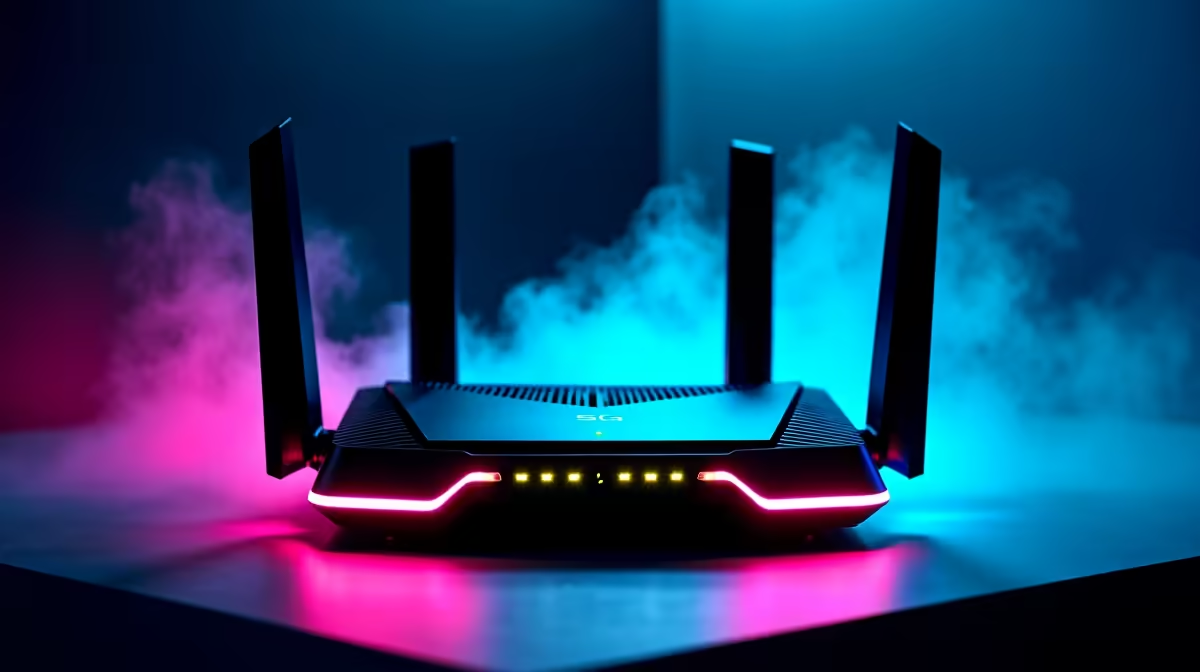
Every 5G optimisation strategy starts with signal quality. A weak or inconsistent 5G signal will produce high and unpredictable ping regardless of any software-level tweaks. Position your 5G router or gateway device near an exterior wall or window facing the direction of your nearest tower. If you are using a mobile device as a hotspot, a 5G signal booster cradle or an external directional antenna adapter can meaningfully improve received signal quality. Reducing obstructions between your device and the tower - avoiding thick concrete walls and metal structures - lowers latency and increases consistency.
Timing and Network Congestion Management
5G latency in South Africa is directly affected by tower congestion. Evenings between 18:00 and 22:00 represent peak usage windows when ping can spike as neighbouring users saturate shared tower capacity. If your gaming schedule is flexible, the hours between 10:00 and 15:00 on weekdays typically offer the most consistent 5G latency. Game updates, large downloads, and cloud backups should be scheduled for off-peak periods so they do not compete with gaming traffic during active sessions.
Router and QoS Settings for 5G Gaming
If you are using a 5G home gateway rather than a mobile hotspot, your router admin panel likely includes QoS settings. Prioritise your gaming device''s IP or MAC address and configure gaming-mode QoS if available. Also check whether your 5G router is using band steering between sub-6GHz and mmWave 5G - while mmWave delivers extreme speeds, sub-6GHz provides the coverage and penetration more relevant to home gaming setups. DNS configuration also helps: switching to a low-latency DNS resolver closer to South African data centres can shave a few milliseconds off each request.
Frequently Asked Questions
Q: Can 5G replace fibre for gaming in South Africa? A: For many users in strong-coverage areas, optimised 5G delivers gaming ping competitive with entry-level fibre. It is a practical alternative, not just a backup.
Q: What ping can I expect from 5G gaming in SA metros? A: In good signal conditions during off-peak hours, ping to South African servers on 5G can reach 15–35ms. During peak congestion, this can rise to 60–100ms.
Q: Does using a wired connection to a 5G router help? A: Yes. Connecting your gaming PC via Ethernet to a 5G home gateway eliminates Wi-Fi latency from your local network hop, improving consistency even if the 5G link itself stays wireless.
Ready to Find Your Perfect Match? Shop networking gear and gaming peripherals at Evetech.











