

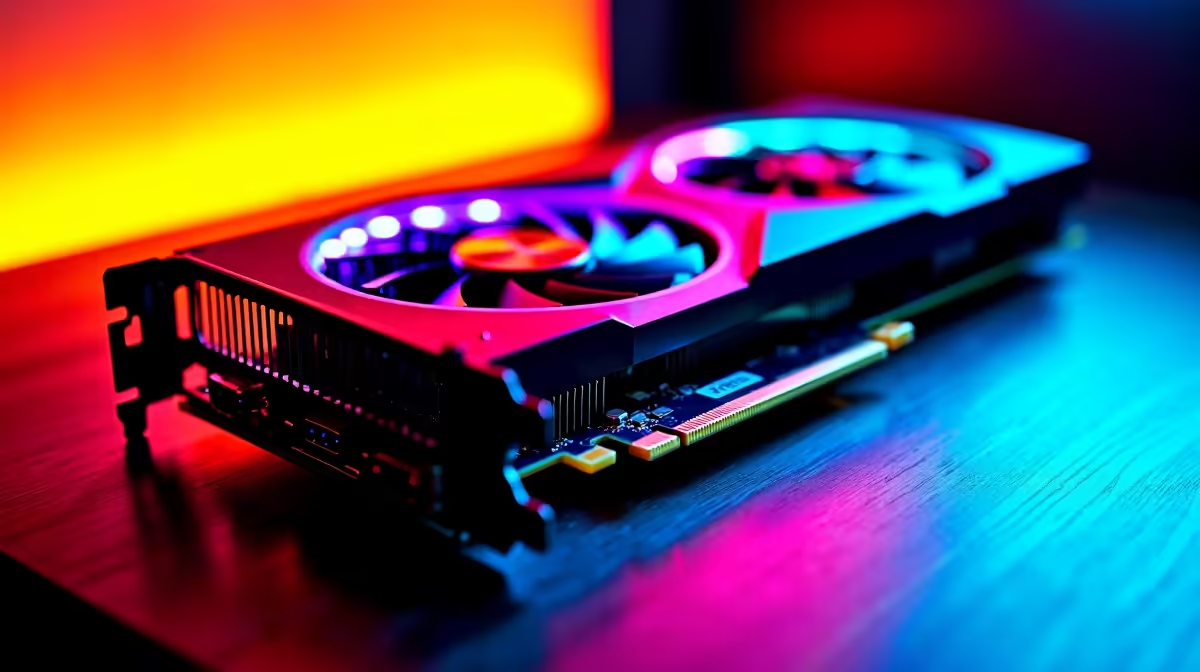
Want to squeeze every last frame out of your new rig without spending an extra Rand? Knowing how to safely overclock RTX 5060 Ti GPUs is the ultimate trick for South African gamers. PC hardware is a massive investment right now. Pushing your card's clock speeds gives you a free performance boost... provided you do it right. Let's explore how to safely push your hardware without risking a meltdown.
Getting Ready for the Boost 🔧
Before we optimise any settings, ensure your system has adequate cooling. South African summers are unforgiving on PC components. If your chassis airflow is poor, your GPU will thermal throttle. This defeats the whole purpose of overclocking.
If you are still shopping around to upgrade your graphics card, look for aftermarket models with robust triple-fan coolers. Better cooling means higher stable clock speeds. You should also keep an eye on our daily specials to find premium cooling solutions and power supplies at great ZAR prices.
How to Safely Overclock RTX 5060 Ti
The secret to a safe overclock is patience. You will need software like MSI Afterburner and a reliable benchmarking tool.
Overclocking Pro Tip ⚡
Always increase your core clock in small increments of 15MHz to 20MHz. Rushing the process by adding 100MHz right away is the fastest way to crash your system and ruin your gaming session.
Start by maxing out your power and temperature limits in Afterburner. This tells the card it has permission to draw more power. Next, slowly bump up the core clock. Run your benchmark tool after every single adjustment. If you see visual glitches or the benchmark crashes... you have gone too far. Simply dial it back by 15MHz.
Not keen on tweaking hardware yourself? You can always skip the hassle. We have some of the best gaming PC deals available that come perfectly balanced right out of the box.
Memory Tweaking and Stability Testing 🚀
Once your core clock is stable, repeat the exact same process with your memory clock. Memory can usually handle larger jumps. Try 50MHz increments until you spot instability.
Remember to save your stable profile. You now know how to safely overclock RTX 5060 Ti setups. It takes a bit of time... but that free performance is incredibly rewarding ✨.
If you prefer a system that requires zero tweaking, grabbing one of our pre-built PC deals is a smart move. Or, if you need portability over raw desktop power, browse our massive range of notebooks for sale to game on the go.
Ready to Upgrade Your Gaming Experience? Pushing your hardware to the limit is thrilling, but sometimes you just need raw, out-of-the-box power. Whether you want to build a custom rig or grab a pre-built powerhouse in South Africa, Evetech has you covered. Explore our massive range of PC components and find the perfect machine to conquer your world.











