

Quick Answer
You can set up a solid home gaming room in South Africa for between R5,000 and R15,000 depending on whether you already own a PC. Prioritising a comfortable chair, proper desk setup, and a gaming monitor makes the biggest functional difference, with aesthetics like lighting coming after the core gear is sorted.
Building a dedicated gaming space at home in South Africa does not require a massive budget - it requires smart prioritisation. Whether you are converting a spare bedroom, carving out a corner of your lounge, or reclaiming a study nook, the fundamentals are the same: a functional, comfortable setup that keeps you focused and reduces fatigue during long sessions. With loadshedding still a reality for many South Africans, planning around power reliability is also worth factoring in from the start.
Start With the Furniture and Ergonomics
A gaming chair and desk are the foundation of any room setup, and fortunately both are available across a wide price range locally. You do not need a branded gaming chair to get good support - an ergonomic office chair with lumbar support in the R2,000 to R4,000 range works just as well and often better for all-day sessions. For a desk, L-shaped desks give you the most real estate for a monitor, speakers, and peripherals without requiring a large footprint. Budget around R1,500 to R3,500 for a solid desk in SA. Cable management matters more than most beginners expect - a velcro cable sleeve bundle from any local hardware store costs under R150 and transforms the look of a messy setup immediately.
Display and Audio Setup on a Budget
Your monitor is the most impactful single purchase in a gaming room. A 24-inch 144Hz 1080p monitor delivers a genuinely competitive gaming experience and is available for R2,500 to R4,000 in South Africa. If your budget allows, stepping up to a 27-inch 1440p 165Hz panel for R4,500 to R7,000 is worth it for the sharpness improvement. For audio, a budget gaming headset in the R500 to R1,500 range handles both game sound and comms without needing separate speakers, which keeps things simple and avoids disturbing others in the house. A basic USB microphone in the R500 to R800 range is adequate for streaming or party chat if the headset mic quality bothers you.
Lighting and Loadshedding Preparedness
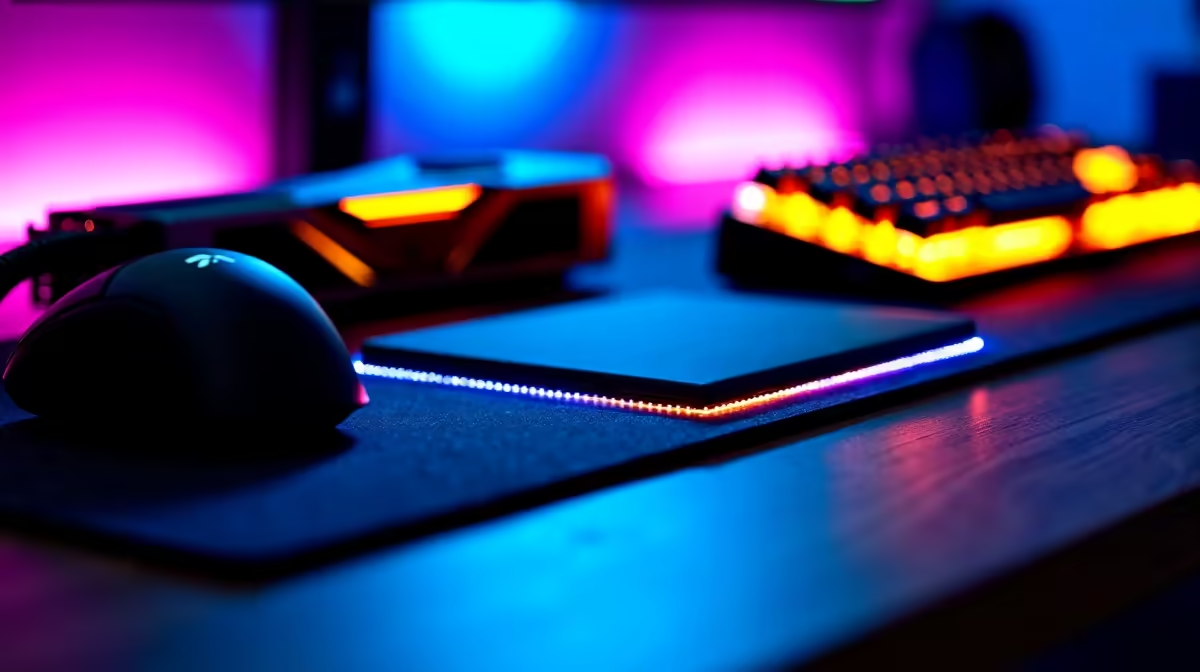
RGB strip lighting behind a desk or monitor adds atmosphere for around R300 to R800 and can run off USB power from your PC. Bias lighting behind the monitor also reduces eye strain during night sessions. The more practical SA consideration is loadshedding: a small UPS unit rated at 650VA to 1000VA keeps your router, monitor, and PC running through two-hour outages and costs between R1,200 and R2,500. If your PC draws too much for a home UPS, at minimum keep the router and a phone charger on UPS so you stay connected and can switch to mobile gaming during cuts. A surge protector with multiple outlets is non-negotiable given SA grid instability.
Frequently Asked Questions
Q: What is the minimum budget for a functional home gaming room setup in South Africa? A: If you already have a gaming PC or console, you can put together a functional gaming room - chair, desk, monitor, and basic peripherals - for around R5,000 to R7,000. A full setup including a budget gaming PC starts from around R15,000 to R20,000.
Q: How do I deal with loadshedding in a home gaming room? A: A UPS unit is the most practical solution for keeping your setup running through scheduled outages. A 650VA to 1000VA UPS covers monitors, routers, and light peripheral loads. For gaming PCs that draw more power, check your PC's wattage under load and size your UPS accordingly.
Q: Is a dedicated gaming chair necessary for a home gaming room? A: No. A good ergonomic office chair with lumbar support is just as effective and often more comfortable for extended sessions than branded gaming chairs at similar prices. Focus on adjustable armrests, lumbar support, and seat depth rather than RGB aesthetics.
Ready to Find Your Perfect Match? Check out Evetech's gaming PC deals to complete your South African home gaming room setup.











