

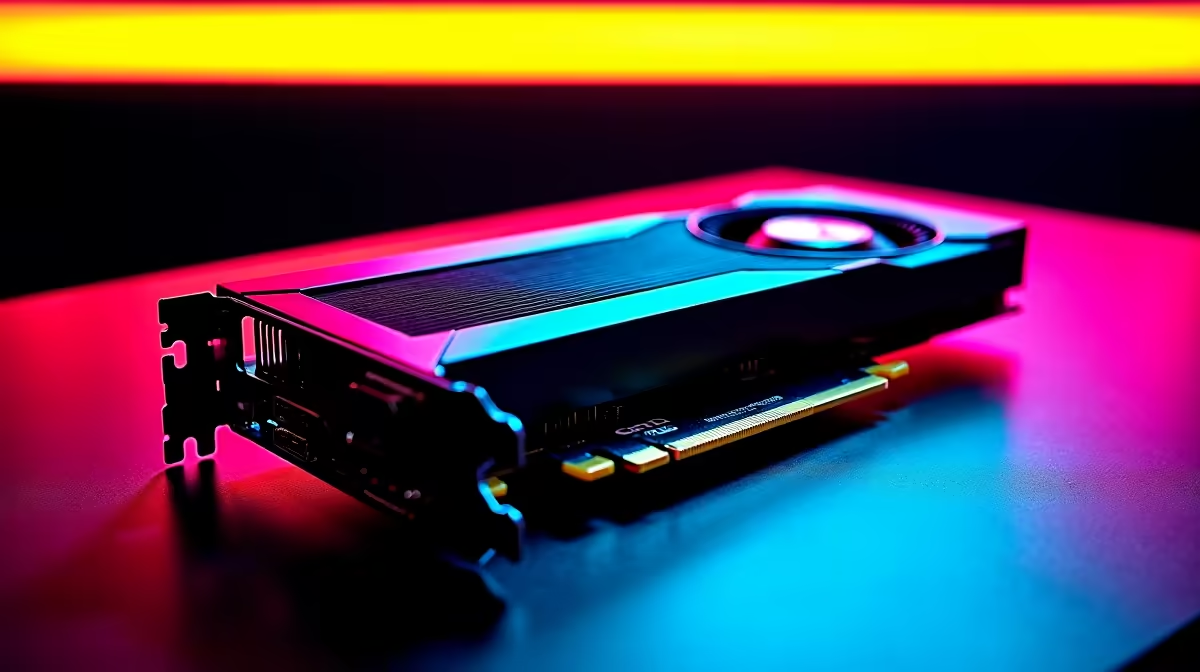
Dropping frames in a sweaty ranked match is a uniquely painful South African gaming experience. When loadshedding spares you, your hardware should never be the bottleneck. If you just grabbed AMD's flagship GPU, you are probably wondering how to set up RX 7900 XTX for competitive gaming. Let us squeeze every last drop of performance from this incredible beast so you can dominate the lobby 🚀.
Optimise AMD Adrenalin Software for Maximum FPS
The first step is getting your software right. AMD's Adrenalin software is packed with robust features. For esports titles like CS2 or Valorant, raw frames matter far more than pretty textures. Turn on Radeon Anti-Lag to reduce input delay. This ensures your mouse clicks register instantly. Disable Radeon Chill and V-Sync to uncap your frame rates completely.
Enable Smart Access Memory if you have a compatible Ryzen CPU. This gives your processor full access to the GPU memory. It provides a massive free performance boost in titles like Apex Legends. If you are still shopping around for graphics cards, remember that the 7900 XTX is a 24GB powerhouse. It needs the correct software tweaks to truly shine 🔧.
Pair Your GPU with the Right Hardware
A flagship GPU needs a solid supporting cast. You cannot pair this monster with an outdated processor and expect a flawless 500 FPS. A high-end Ryzen 7 or Intel Core i7 is absolutely mandatory. If you are building from scratch, checking out our pre-built PC deals is a smart move to avoid frustrating bottlenecks.
Perhaps you travel often for local LAN tournaments? While a custom desktop is always king, modern notebooks for sale in South Africa pack serious punch for on-the-go competitive play. Do not neglect your RAM either. Fast memory with low latency helps feed data to your graphics card faster.
Monitor Refresh Rate Tip ⚡
Always ensure your monitor is actually running at its max refresh rate. Right-click your Windows desktop, go to Display Settings, then Advanced Display. Select 144Hz, 240Hz, or 360Hz. Buying an RX 7900 XTX is entirely pointless if your screen is stuck at 60Hz.
In-Game Settings for Maximum Visibility
Now let us talk about the games themselves. When figuring out how to set up RX 7900 XTX for competitive gaming, you must drop your visual settings. Yes... it physically hurts to lower graphics on such a premium card. But competitive play is strictly about visibility and speed.
Set your shadows to low so enemies cannot hide in dark corners. Turn off motion blur immediately to keep your crosshair sharp during rapid flicks. Maximise your field of view to see more of the battlefield. If you want to upgrade your cooling or power supply to handle these intense graphical loads, keep a close eye on our weekly specials to save some hard-earned ZAR.
Keep Temperatures Low for Stable Clocks
Thermal throttling is the ultimate enemy of high frame rates. Ensure your PC case has excellent airflow from front to back. The RX 7900 XTX naturally runs hot when pushed to its limits during a long gaming session. Adjust your fan curve in the Adrenalin software to kick in aggressively at 70 degrees Celsius ❄️.
Proper cooling prevents your core clocks from dropping mid-fight. If your current rig sounds like a jet engine and still overheats, browse the best gaming PC deals for a modern chassis with superior cooling capabilities.
Ready to Dominate the Leaderboards? Having the right hardware is the first step to unlocking your true gaming potential. Whether you need a massive GPU upgrade or a whole new rig, Evetech has you covered with the best prices in ZAR. Explore our massive range of gaming PCs and find the perfect machine to conquer your world.











