

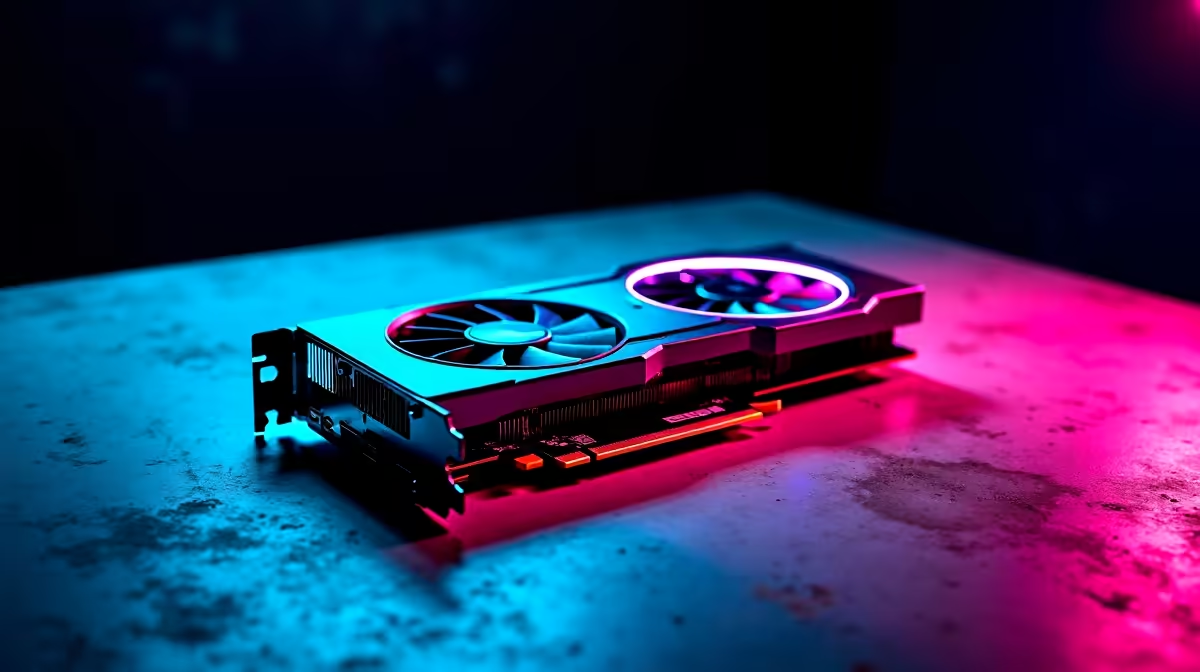
Snagging AMD's latest flagship GPU is a brilliant feeling. But plugging it in is only half the battle. If you want to dominate local lobbies in CS2 or Apex Legends, you need to know how to set up RX 9070 for competitive gaming properly. Every frame matters when ping is high. Let us walk you through tweaking your new beast for maximum performance and zero stuttering.
Optimise Your Drivers and Software 🔧
First things first... get rid of old display drivers. Use DDU (Display Driver Uninstaller) before slotting in your new card. Once installed, download the latest AMD Adrenalin software.
For competitive play, you want to strip away the fluff. Disable Radeon Chill and turn on Radeon Anti-Lag. This reduces input delay significantly. If you are still hunting for the GPU itself, check out our massive range to buy graphics cards locally.
Tweak In-Game Settings for Maximum FPS 🚀
The RX 9070 is an absolute powerhouse. However, pushing 4K ultra settings will not help your K/D ratio. Drop your shadows to low and disable motion blur. You want clarity and pure speed.
If you are pairing this GPU with an older CPU, you might bottleneck. Upgrading to one of the best gaming PC deals ensures your processor can actually keep up with the frame rates your new Radeon card pushes.
Monitor Refresh Rate Tip ⚡
Don't forget to actually enable your monitor's high refresh rate in Windows. Right-click your desktop, go to Display Settings, Advanced Display, and select 144Hz or 240Hz from the drop-down menu. Your RX 9070 frames are wasted on 60Hz.
Power Tuning and Temperature Control
South African summers get extremely hot. Keeping your PC cool is vital for stable clock speeds. In the Adrenalin software, adjust your fan curve to ramp up aggressively past 65 degrees Celsius.
You can also apply a slight undervolt to keep temperatures down without losing performance. Not keen on building and tuning yourself? Grabbing one of our expertly assembled pre-built PC deals takes the hassle out of cable management and airflow optimisation.
Upgrading Your Whole Setup?
Sometimes a single component upgrade is not enough. If you travel often or face frequent load-shedding, a desktop might not fit your lifestyle right now. We have a massive selection of notebooks for sale in South Africa that pack incredible dedicated graphics.
Alternatively, if you are strictly upgrading your tower, always keep an eye on our specials page. It is the best place to save those hard-earned ZAR on power supplies and premium cooling solutions.
Ready to Dominate the Leaderboards? Setting up your hardware correctly is the secret to competitive success. Whether you need a new GPU or a complete system overhaul, Evetech has you covered with the best prices in ZAR. Explore our massive range of gaming rigs and start building your ultimate competitive setup today.











